25
PREPARATIONS
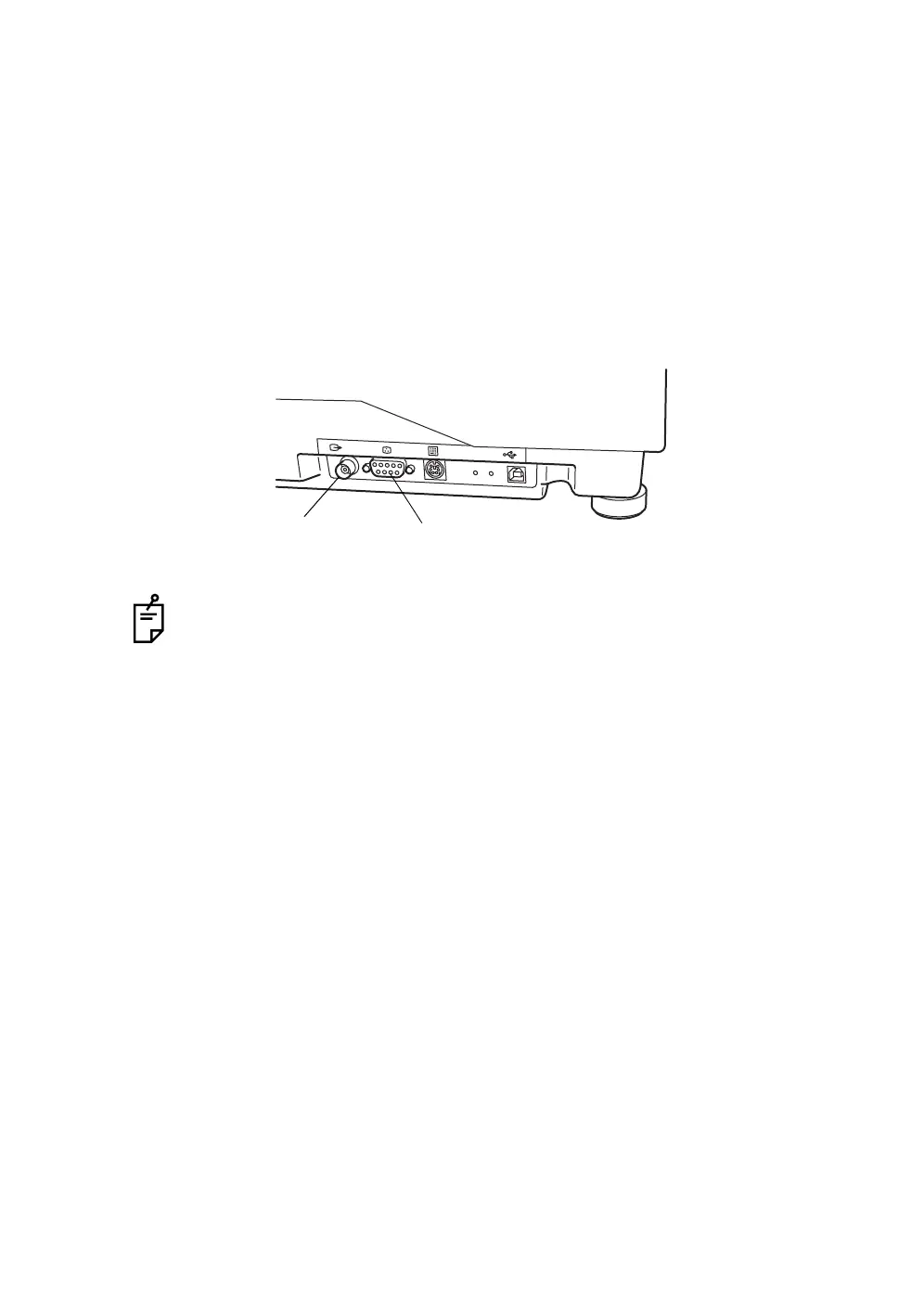
Image output to an external monitor and others
Through the image output port on the external connection terminal, the image
displayed on the color video monitor can be displayed on an external monitor.
1 Connect the BNC cable (optional) to the image output terminal 1 of this
instrument.
2 Connect the other end of the BNC cable to the input terminal of an external
monitor.
3 The image output terminal 2 is used to output the data to a specialized
printer.
Contact your dealer for any questions regarding these connections.
Image output terminal 1
Image output terminal 2














 To Next Page