96
Chapter 111
• Enable Authentication: Tick to enable authentication for this folder sharing, and
you will be required to log in to the Sharing Account to access the USB disk.
Refer to To Set Up Authentication for Data Security to learn more.
• Enable Write Access: If you tick this checkbox, network clients can modify this
folder.
• Enable Media Sharing: Tick to enable media sharing for this folder, and you can
view photos, play music and watch movies stored on the USB disk directly from
DLNA-supported devices.
4. Click OK.
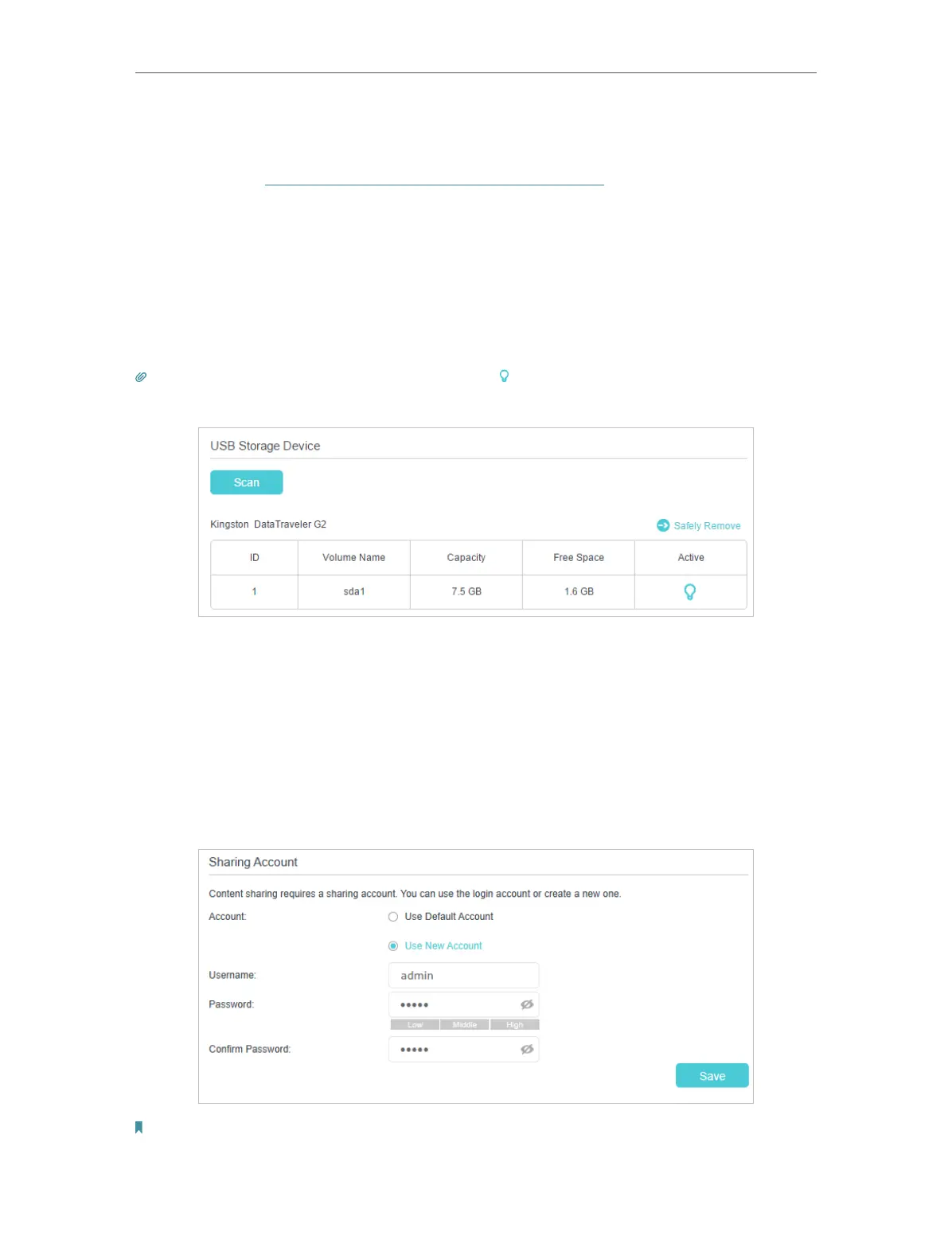
Tips: The router can share 32 volumes at most. You can click on the page to detach the corresponding volume you
do not need to share.
¾ To Set Up Authentication for Data Security
You can set up authentication for your USB storage device so that network clients will
be required to enter username and password when accessing the USB storage device.
1. On the Sharing Accout part, choose Use Default Account or Use New Account. If
you choose Use Default Account, the username and password are same as login
account. If your choose Use New Account, the username and password are both
admin for default account, and you can customize the username and a password.
Note:














 To Next Page