29
Chapter 5
Setup Your Network via TP-Link Aginet App
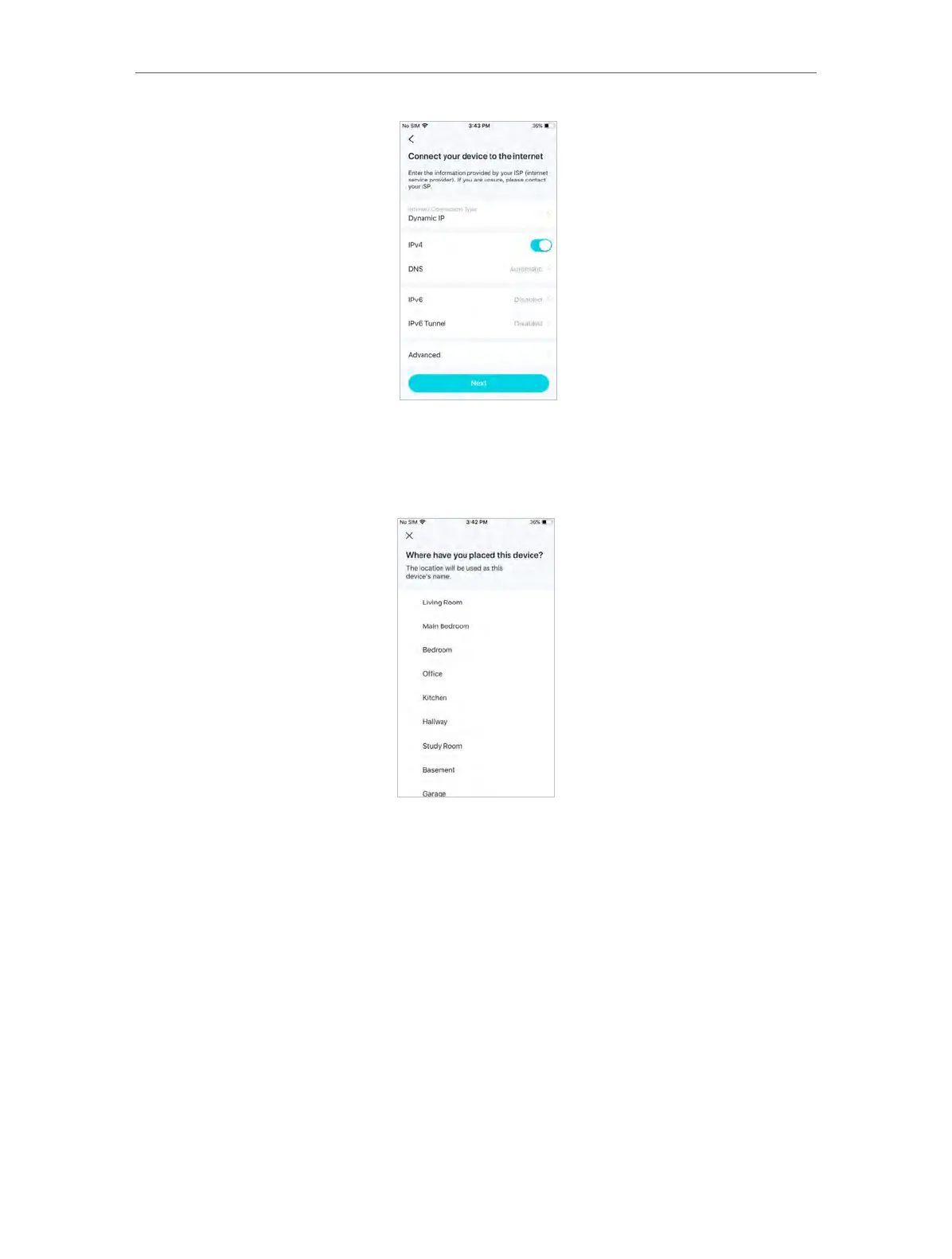
6. Select a location.
Select a location for this mesh device. If its location is not listed, you can create a new
one by choosing Custom. This will be the name of your mesh device.
7. Create your Wi-Fi network.
Set a network name and a password. These will be the name and password you use to
connect your devices to Wi-Fi.














 To Next Page