74
Chapter 6
Customize Your Network Settings
6. When the LED is on, the client device has successfully connected to the mesh
device.
Note: The WPS function cannot be configured if the wireless function of the mesh device is disabled. Please make sure
the wireless function is enabled before configuring WPS.
Method 4: Enter the client device’s PIN on the mesh device
1. Visit http://tplinkwifi.net and log in with the password you set for the mesh device.
2. Go to Setting > Wireless > WPS (AP Mode) or Advanced > Wireless > WPS (Router
Mode), and enable WPS function.
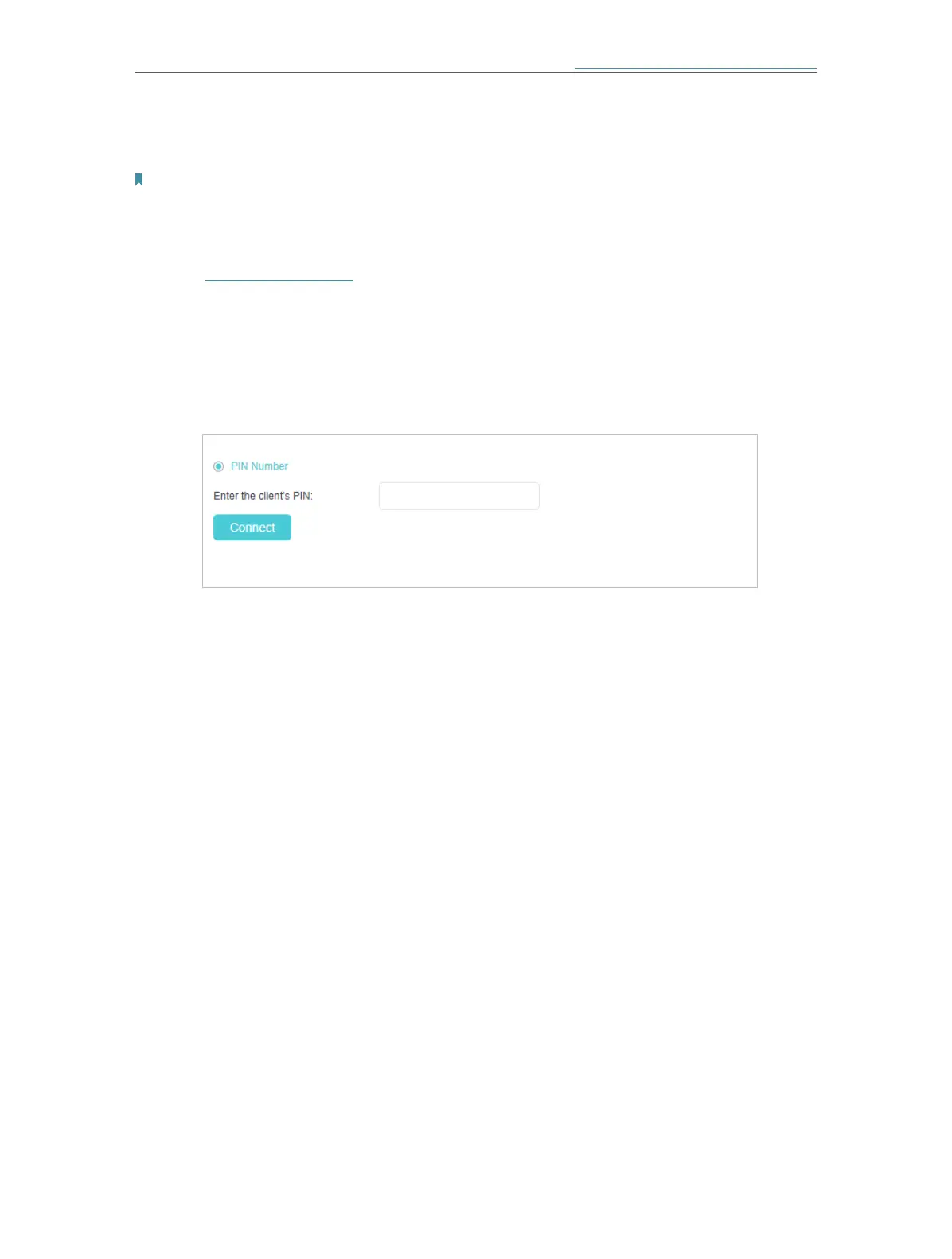
3. Click PIN Number.
4. Enter the Client’s PIN.
5. Then click the Connect button.
6. Device has been added successfully! or the similar information will appear on the
web page, which means the client device has successfully connected to the mesh
device.














 To Next Page