Status / Job Cancel
5-4 ADVANCED OPERATION GUIDE
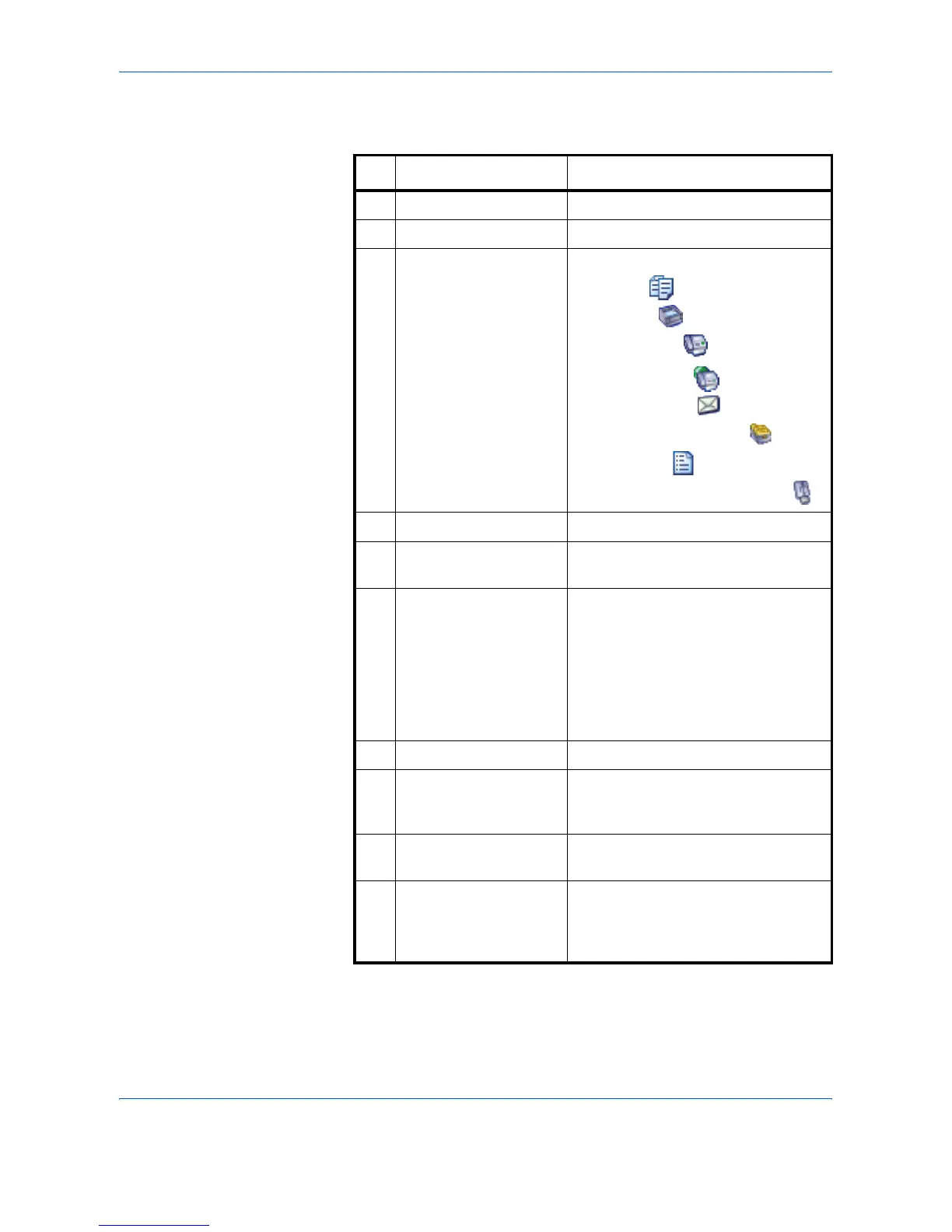
The table below lists the items displayed in the Printing Jobs Status
screen.
No. Item / Key Detail
1 Job No. Acceptance No. of job
2 Accepted Time Accepted Time of job
3 Type Icons that indicate the job type
Copy job
Printer job
FAX reception
i-FAX reception
E-mail reception
Job from Document Box
Report / List
Data from Removable Memory
4 Job Name Job Name or file name
5 User Name User Name for the executed job or
Login User Name
6 Status Status of job
InProcess: The status before
starting to print such as
when scanning originals.
Printing: Printing
Waiting: Print Waiting
Pause: Pausing print job or error
Canceling: Canceling the job
7[T] of Job Type Sorts by specific type of job
8 [Pause All Print Jobs] Pauses all the printing jobs. By
pressing this key again, the printing
jobs will be resumed.
9 [Cancel] Select the job to be canceled from the
list, and press this key.
10 [Priority Override] Select the job to be overridden, and
press this key.
(Refer to Priority Override for Waiting
Jobs on page 5-14)



 To Next Page