Sending Functions
ADVANCED OPERATION GUIDE 2-9
2
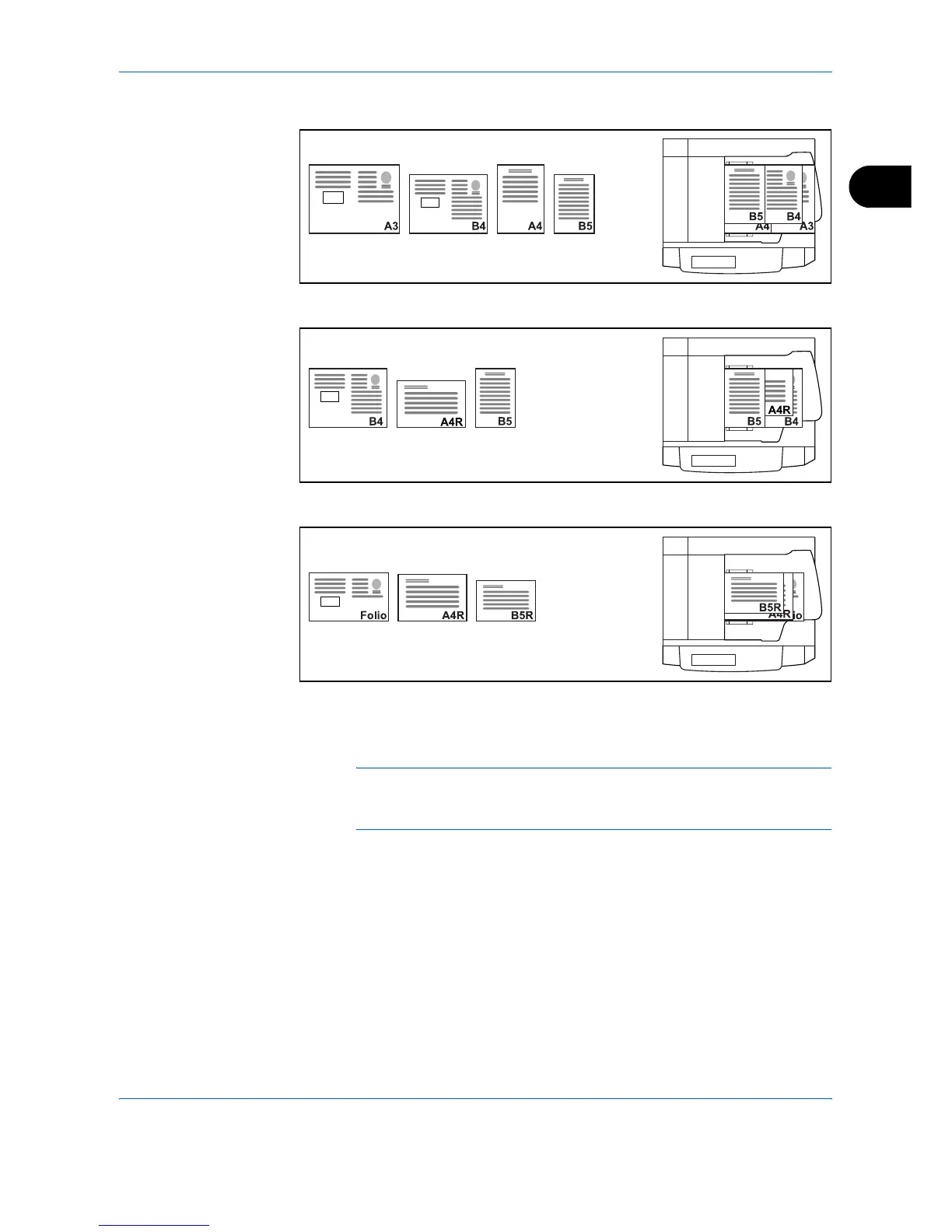
• A3, B4, A4, B5
• B4, A4-R, B5
• Folio, A4-R, B5-R
Use the procedure below to send mixed sized originals as a batch.
1
Place the original into the document processor.
IMPORTANT: When you place originals of different width, place the top
edge of originals to align with the width guide at the backside. If the
originals are placed unevenly, they may not be scanned correctly.
2
Press the Send key.
3
Press [Type of Original/Transmission] and then [Mixed Sized Originals].



 To Next Page