PROGRAMMING VIA PC-DATABASE ADMINISTRATION (PC-DBA) DX-120 Programming Manual
- 10 -
Programming Using PC-DBA
CAUTION!
The changes you make using PC-DBA are stored in a temporary working
directory. They are not uploaded to the DX-120 system memory until you
perform a SEND function. Do not forget this crucial step, or you may lose the
programming changes you just made.
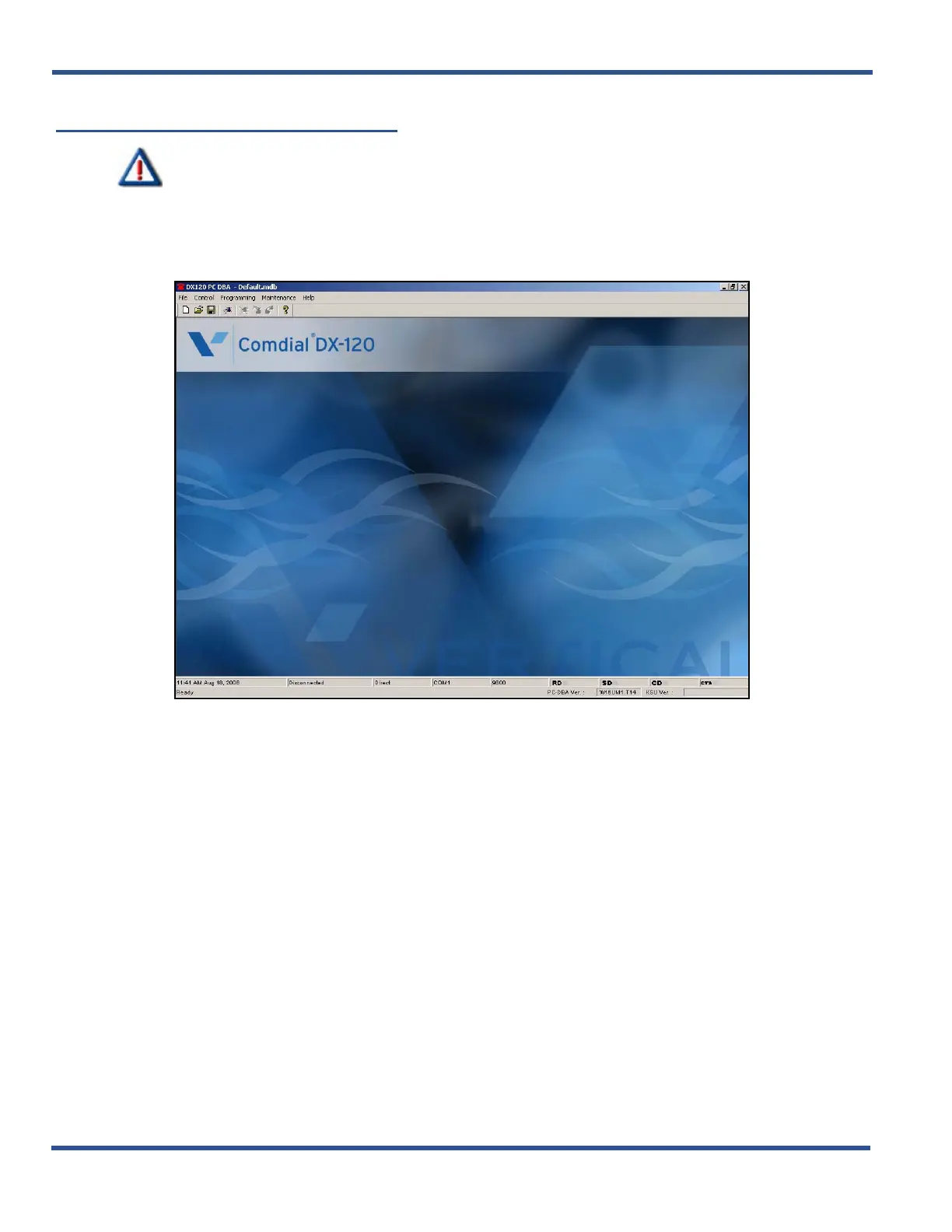
1) Double click on the icon (see previous page) to display the main screen of PC-DBA.
2) Use the items in each of the menus to program the database (and switch) as needed.
Programming Using PC-DBA (continued on next page)



 To Next Page