- 363 -
DX-120 Programming Manual PROGRAMMING THIRD PARTY VOICE MAIL
Basic Programming for Third Party Voice Mail
To properly set up the system for Third Party Voice Mail, you need to perform the following tasks:
A) Assign the VM port type to the appropriate extensions - see 363
B) Program the UCD group members - see 365
C) Set the call handling digits - see 367
D) Set the voice mail dialing ratio - see 377
E) Activate Automated Attendant - see 298
A - Assigning the Voice Mail Port Type to
the Appropriate Extensions for Third Party VM
This is the first task you need to complete in order to set up third party voice mail (analog ports).
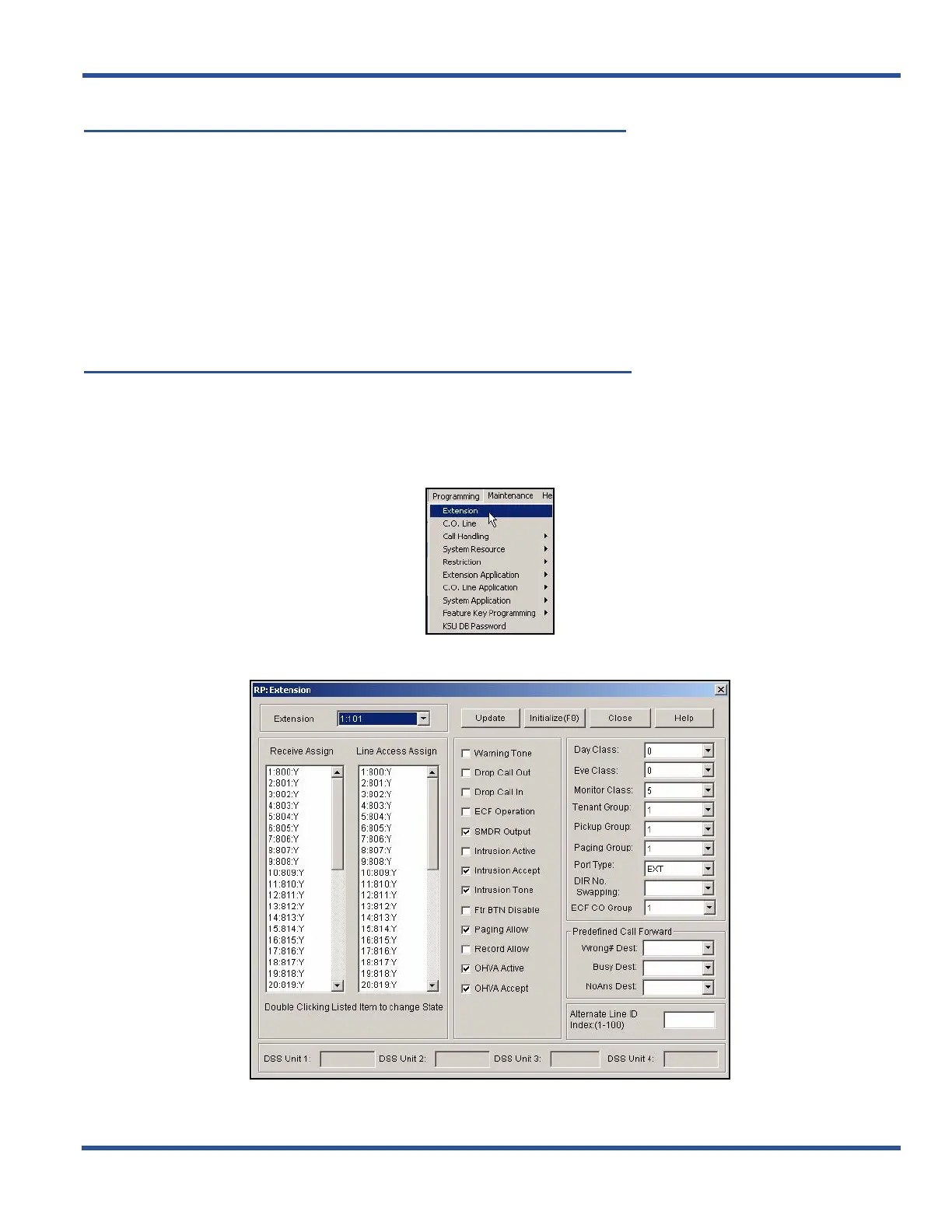
ASSIGNING THE VM PORT TYPE TO EXTENSIONS VIA PC-DBA
From the PC-DBA main screen:
1) Go to ProgrammingXExtension to display the Extension screen.
Assigning the VM Port Type to Extensions via PC-DBA (continued on next page)



 To Next Page