- 27 -
DX-120 Programming Manual USING ANY DIGITAL EXTENSION TELEPHONE (DET)
Database Item Select Screen
After you enter the correct password and press show, the system opens DX-80 Database Administration and displays
the Database Item Select screen. This screen allows you to skip to the necessary database item for immediate
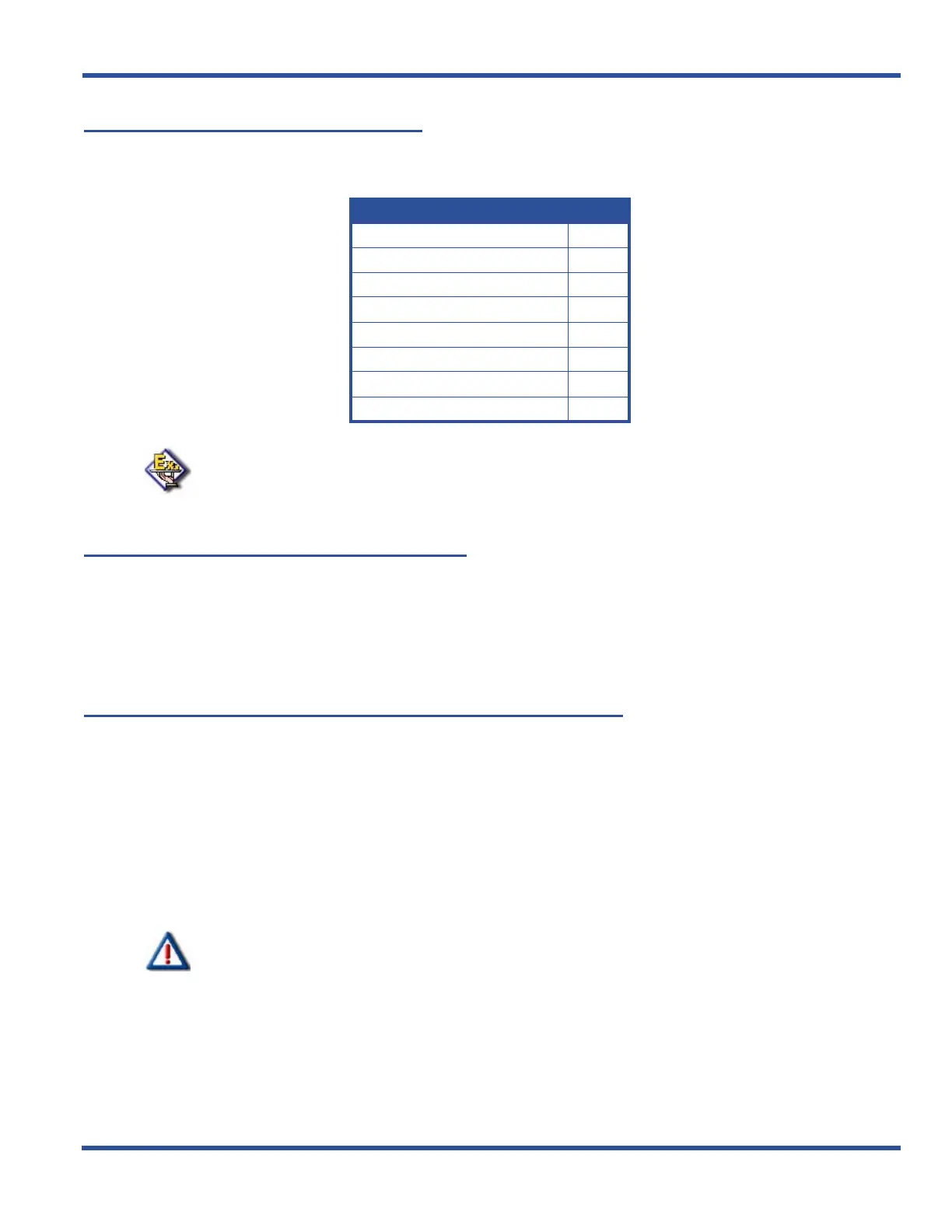
programming of that item. The coding instructions you enter for each database item correspond to the following list:
EXAMPLE
To skip to the extension application section of database administration, enter 06 at
the DB Item Select screen and press save. If you want instead to go to system
resources, enter 04 at the DB Item Select screen and press save.
Exiting Database Administration
To exit the Database Administration when you are finished programming or need to perform another task (e.g., make a
phone call):
Press the SPK button twice.
OR
Lift and replace the handset in the hook-switch cradle.
Changing Database Administration Password
1) Press Feature, then # * to enter Database Administration.
• The system then prompts for the system Database Administration password.
• The default set at the factory is ########.
2) Press show to display the DB Item Select screen.
3) Enter 04-01.
4) Press save to display to the System Resources – DB PSWD screen with the current password.
5) Press chg to change the password.
6) Enter a new eight-character, alphanumeric password.
IMPORTANT!
Press # after entering each character that makes up the password.
7) Press save.
8) Exit the programming mode.
To Program Enter
EXTENSION 01-
CO LINE 02-
CALL HANDLING 03-
SYSTEM RESOURCE 04-
RESTRICTION 05-
EXTENSION APPLICATION 06-
CO LINE APPLICATION 07-
SYSTEM APPLICATION 08-



 To Next Page