BASIC SYSTEM PROGRAMMING TASKS DX-120 Programming Manual
- 80 -
Establishing Loud Bell Settings
If the system is installed in high noise environments (e.g., where machinery is being used, shipping/receiving areas,
etc.), there is often a requirement to equip a loud (high-gain) ringing device.
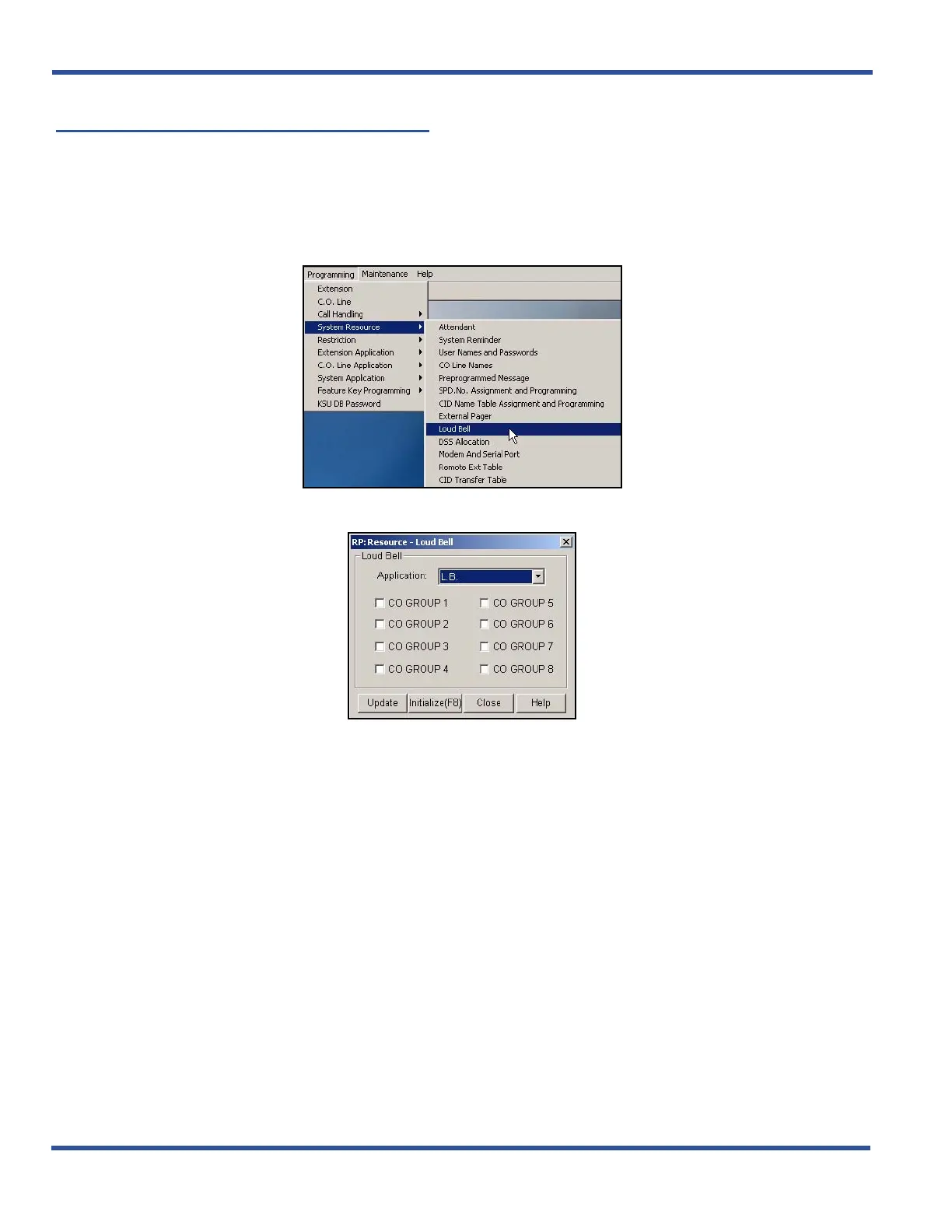
ESTABLISHING LOUD BELL SETTINGS VIA PC-DBA
From the PC-DBA main screen:
1) Go to ProgrammingXSystem ResourceXLoud Bell to display the Loud Bell screen.
Establishing Loud Bell Settings via PC-DBA (continued on next page)



 To Next Page