BASIC CALL HANDLING PROGRAMMING TASKS DX-120 Programming Manual
- 196 -
Specifying PBX Flash Time
The PBX flash time tells the DX-120 what flash timing to present to the host telephone system, when the DX-120 is
installed as a subordinate system to the PBX.
This feature is critical to perform accurate host-system functions like
PBX call transfer.
When used “behind” a PBX, program the flash feature code as a Flexible Feature Button for easy
access.
• The following conditions apply to the PBX flash time.
- The flash time is programmable from 100ms to 1500ms in increments of 100ms (1/10th of a second).
- At a Digital Speakerphone, the phone temporarily displays PBX Flash when the flash code is dialed.
- You can store the flash code in any speed dial location.
- You can store the flash code in the last number redial buffer. When you activate redial, a digital speakerphone
display shows a / to indicate the flash code.
- Single line extension users must generate a hook-flash, then dial # 3 to generate a hook-flash on a PBX line.
• Other features that may be affected by the PBX flash time include the following.
- Speed Dial (system and individual)
- Memo Pad
- Last Number Redial
- Automatic Redial
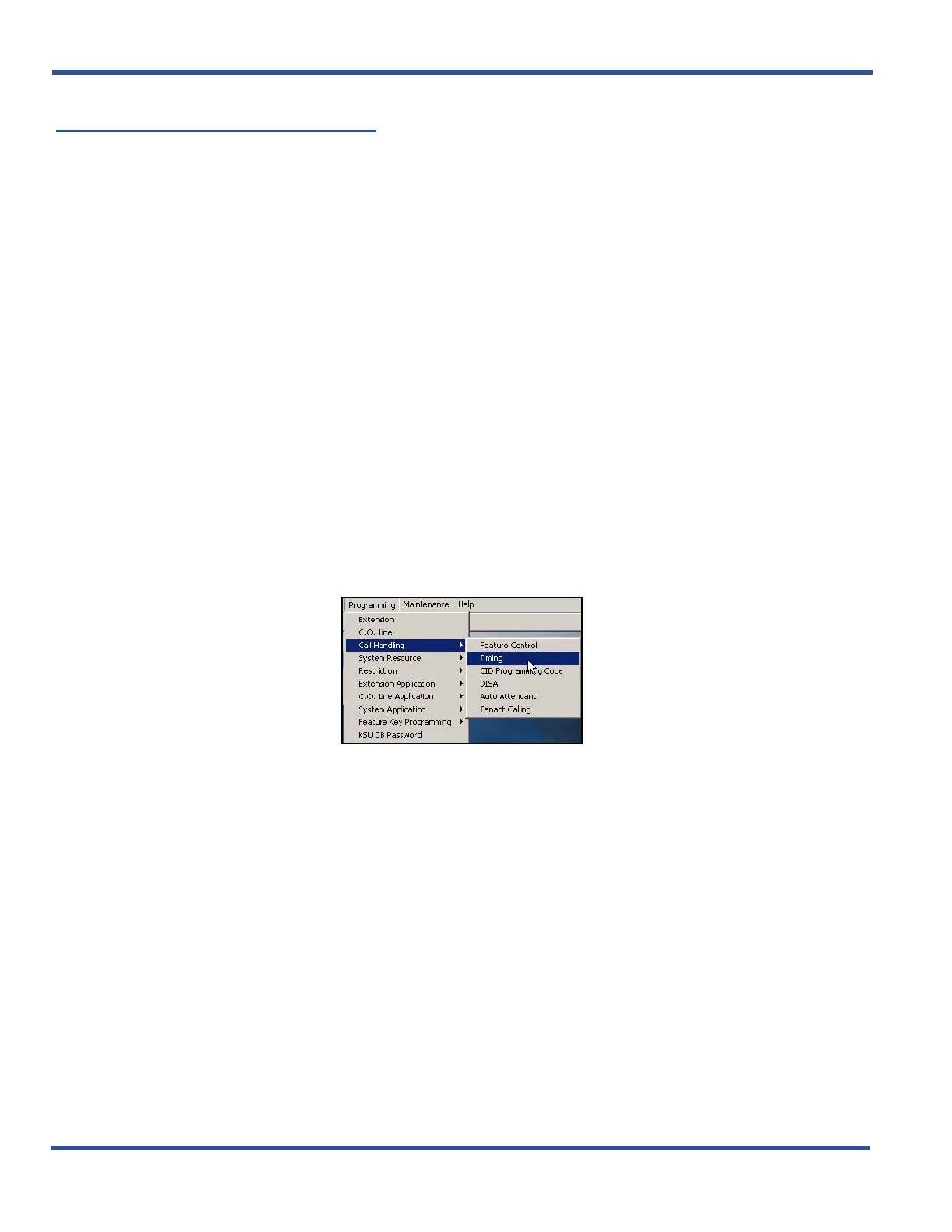
SPECIFYING PBX FLASH TIME VIA PC-DBA
From the PC-DBA main screen:
Specifying PBX Flash Time via PC-DBA (continued on next page)



 To Next Page