- 291 -
DX-120 Programming Manual BASIC CALL HANDLING PROGRAMMING TASKS
Setting Hold Abandon Time Interval
Hold abandon occurs when the system experiences a drop of loop current for longer than a specified length of time
while the call is on hold; the system abandons the held call and drops the CO line.
The DX-120 allows you to control
how long the system waits before abandoning the call.
Each CO line has a programming option that directs the system to monitor distant party disconnect. This is a useful
network feature in busy office environments where the inside party accidentally presses the Hold, ICM, or DSS button
while expecting the outside line conversation to be concluded.
• Any time the system detects a disconnect signal from the Central Office, it releases an existing hold condition,
freeing that line for future inbound/outbound traffic.
• All types of hold (e.g., system hold, exclusive hold, and conference hold) are subject to the Hold Abandon feature.
• Certain Central Offices do not provide loop supervision; these line should be programmed Call Abandon = “N.”
• At default call abandon is enabled for all CO lines.
• If the outside (held party) disconnects, the system automatically releases the held CO line.
• The CO line must have the loop supervision interrupt signal from the local carrier for Hold Abandon to function.
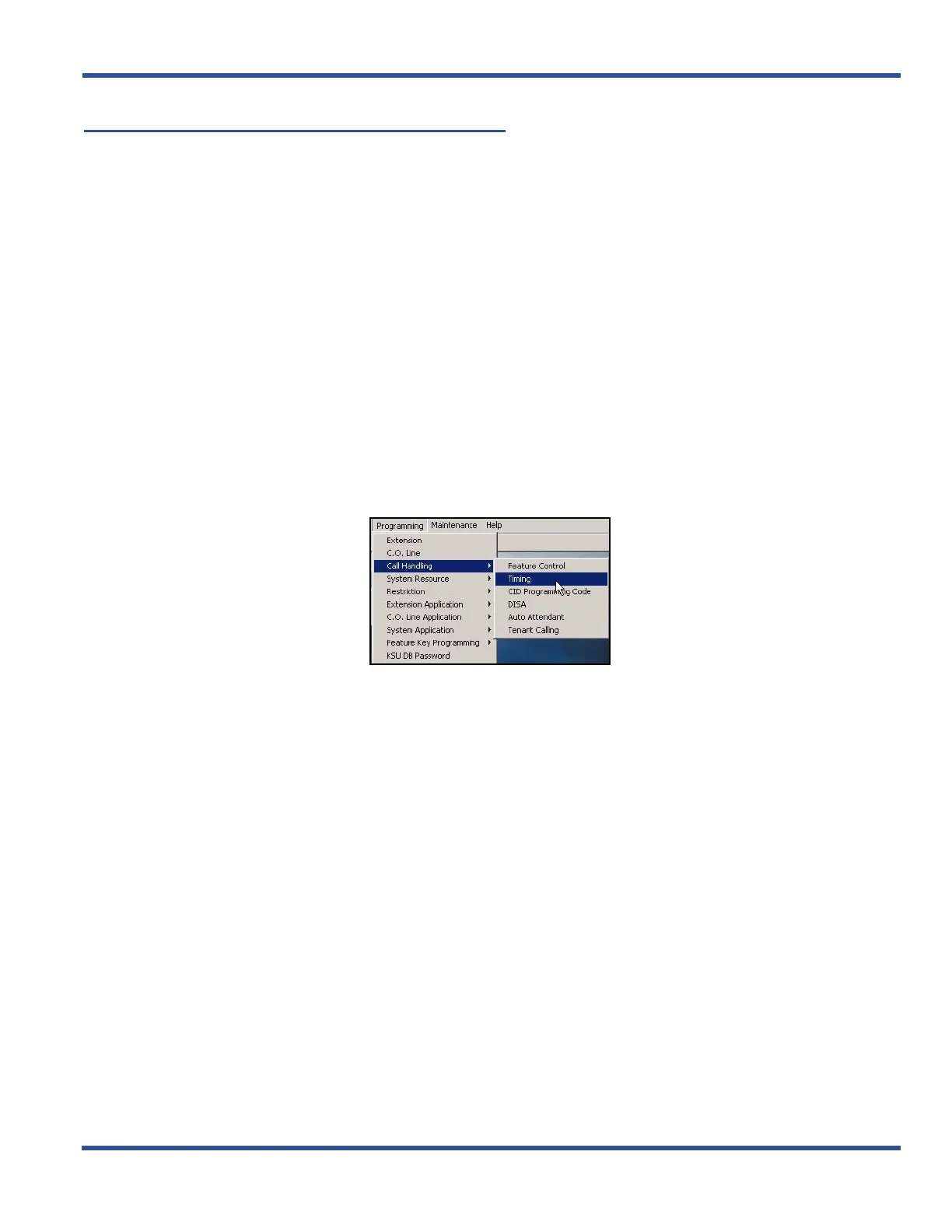
SETTING HOLD ABANDON TIME INTERVAL VIA PC-DBA
From the PC-DBA main screen:
Setting Hold Abandon Time Interval via PC-DBA (continued on next page)



 To Next Page