BASIC SYSTEM PROGRAMMING TASKS DX-120 Programming Manual
- 60 -
Setting Up Pre-Programmed Messages
The DX-120 can notify a busy or unattended DET of a call attempt via one of the DX-120 system messaging features.
At the DET display, the system shows messages waiting and provides prompts to assist the extension user in
responding to the messages.
• A message may be sent and received in several forms:
- A call me message
- A customized text message
- A pre-programmed text message (six total available)
- A voice mail message.
• The following conditions apply to messaging.
- Custom text messages can contain 16 letters/symbols maximum.
- When you enter a custom message, the system saves it for future use.
- The system allows a total of forty-eight message wait indications in the system at any one time.
- At DETs, the system does not remove the message waiting indication until extension user presses reply or
delete.
- When the system leaves a message wait indication at an extension, it flashes a slow green lamp.
- Each extension may receive more than one message waiting from various extensions.
- Multiple messages are retrieved in the order that they were left.
- Each extension can leave only one message waiting at any one extension.
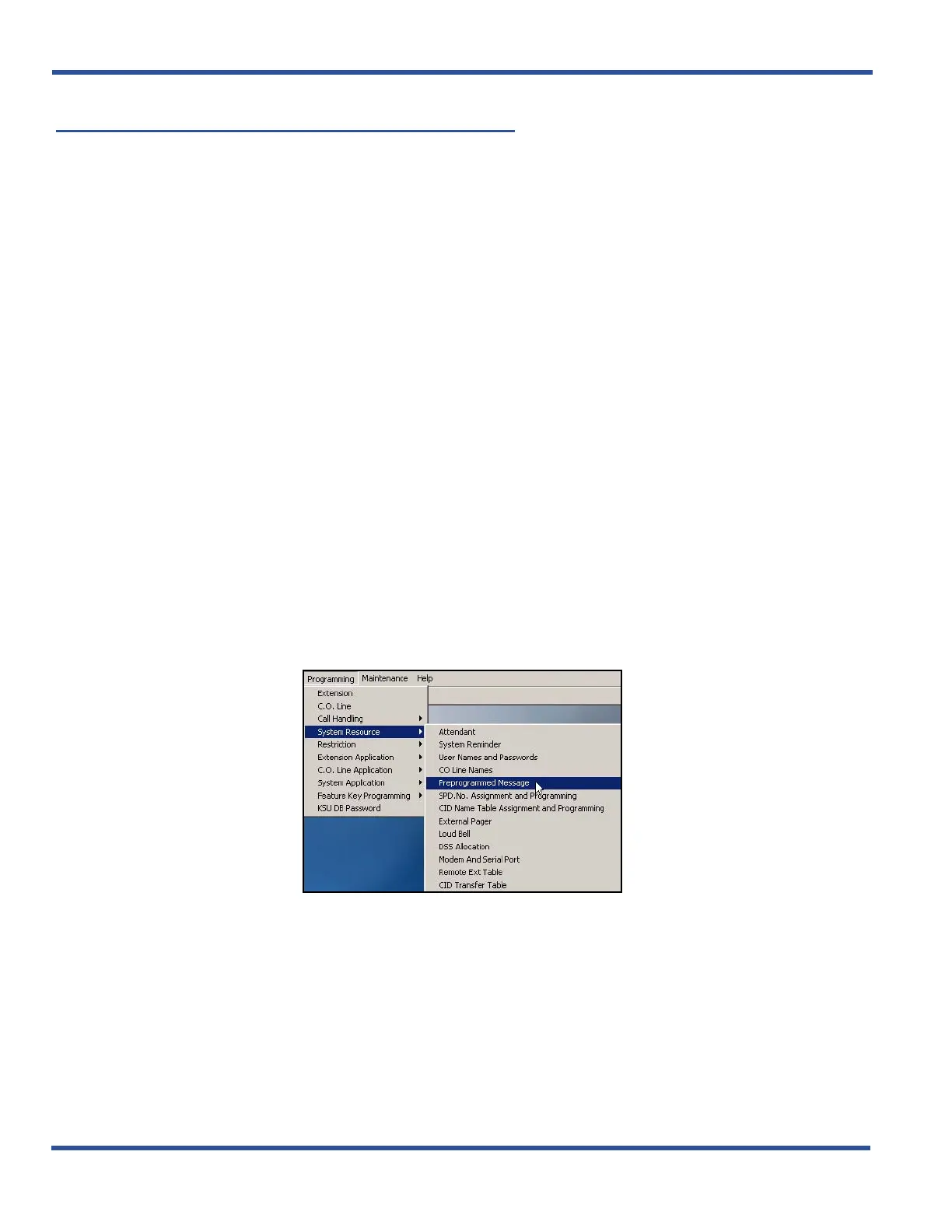
SETTING UP PRE-PROGRAMMED MESSAGES VIA PC-DBA
From the PC-DBA main screen:
Setting Up Pre-Programmed Messages via PC-DBA (continued on next page)



 To Next Page