PROGRAMMING VIA PC-DATABASE ADMINISTRATION (PC-DBA) DX-120 Programming Manual
- 12 -
Database Save and Restore
The working directory is the location allocated in the PC for all changes while the PC-DBA programming session is in
progress.
You may want to save the data in this directory for later retrieval since you may be working on many various
databases.
CAUTION!
Always perform a database SAVE prior to database RESTORE if you intend to
preserve the current contents of the working directory.
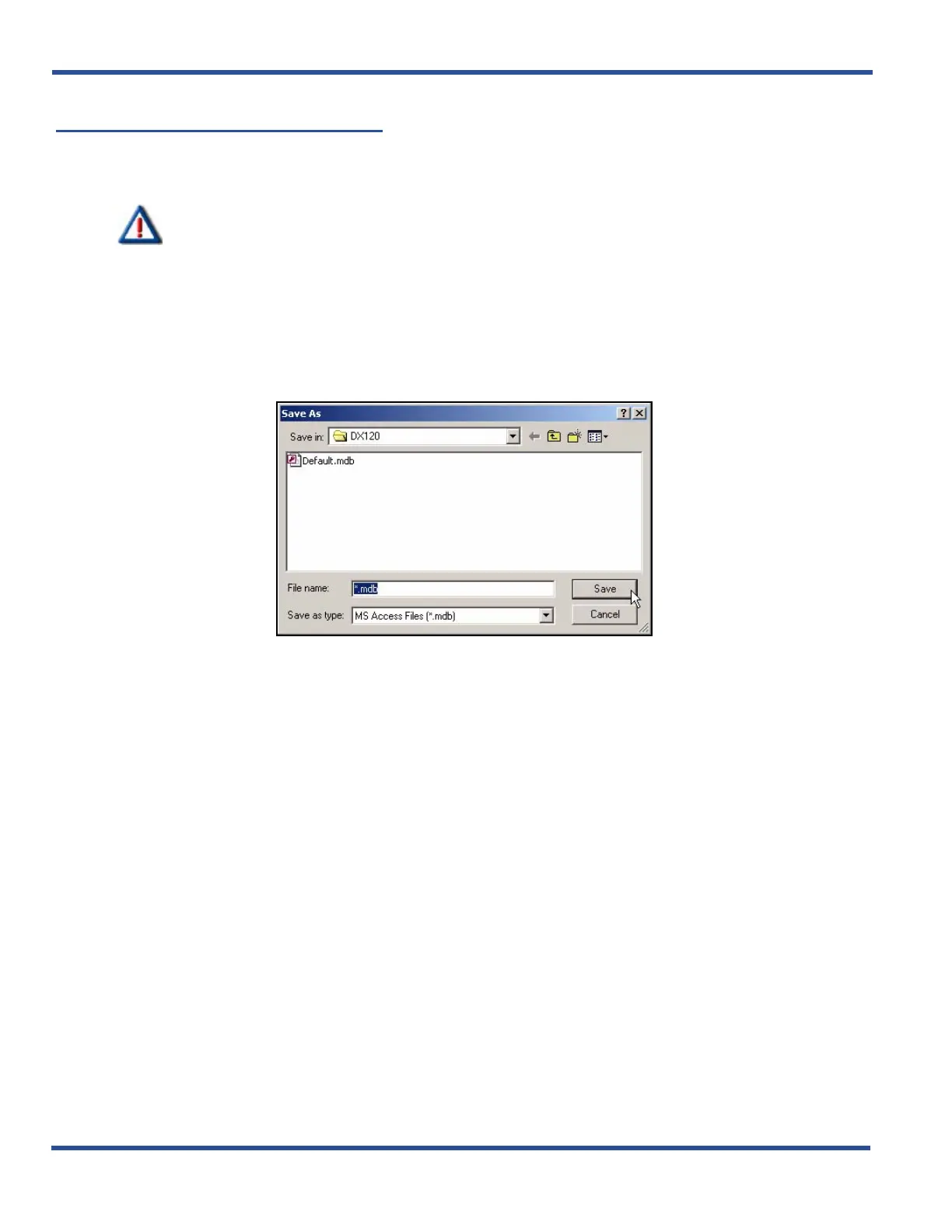
SAVING THE DATABASE
From the PC-DBA main screen:
1) Go to FileXSave As... to display the Save As dialog box.
• This dialog box allows you to enter a name for the database.
2) Enter the desired database name.
• You can also change the directory if necessary.
3) Click Save to store the database with that name.
• This dialog box allows you to select the desired database file.
4) Select (or enter the name of) the database you wish to restore.
5) Click Open to open the specified database.
• The system will use this database file until you specify a different name or close the application.
Database Save and Restore (continued on next page)



 To Next Page