PROGRAMMING UCDS DX-120 Programming Manual
- 348 -
Programming UCDs via PC-DBA (continued)
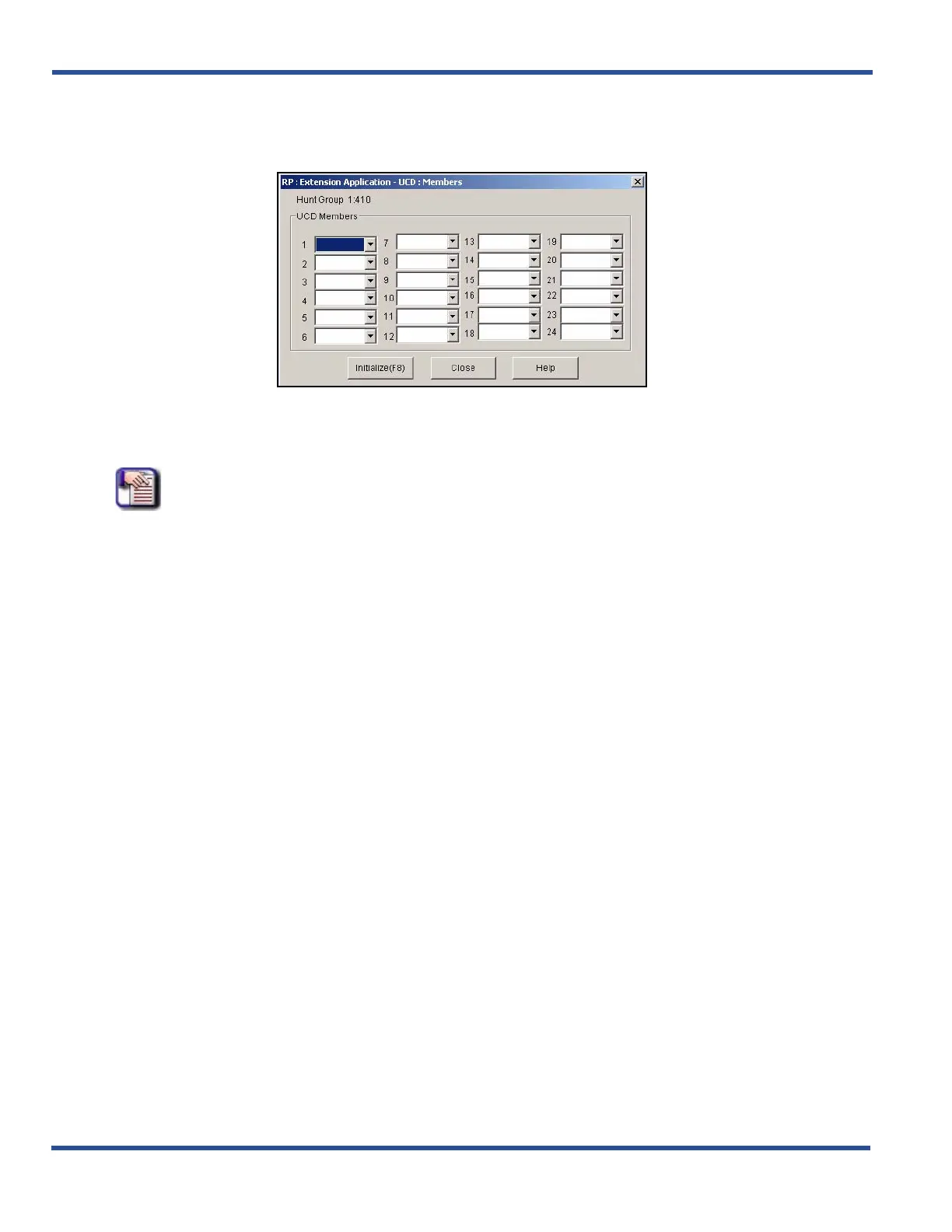
4) Select the digital channel directory number as a member in the first field (i.e., field 1).
• The VM hunt group is the new UCD group you selected and programmed with the digital channel
members.
• Repeat this process to identify up to 23 other extensions you want to use in this hunt group.
NOTE
Use the process as described above to program as many UCD groups as needed.
When you are finished:
5) Click the Update button to store the settings into the database on the local disk.
6) Click the Close button to exit the current screen and return to the PC-DBA main screen.
When you have finished all programming changes:
7) Perform a SEND to copy the database changes to the DX-120 switch system memory.
Programming UCDs via the DET (continued on next page)



 To Next Page