1. Enter the level of OPERATE.
2. Click the icon .
3. Click the menu icon on the upper left corner.
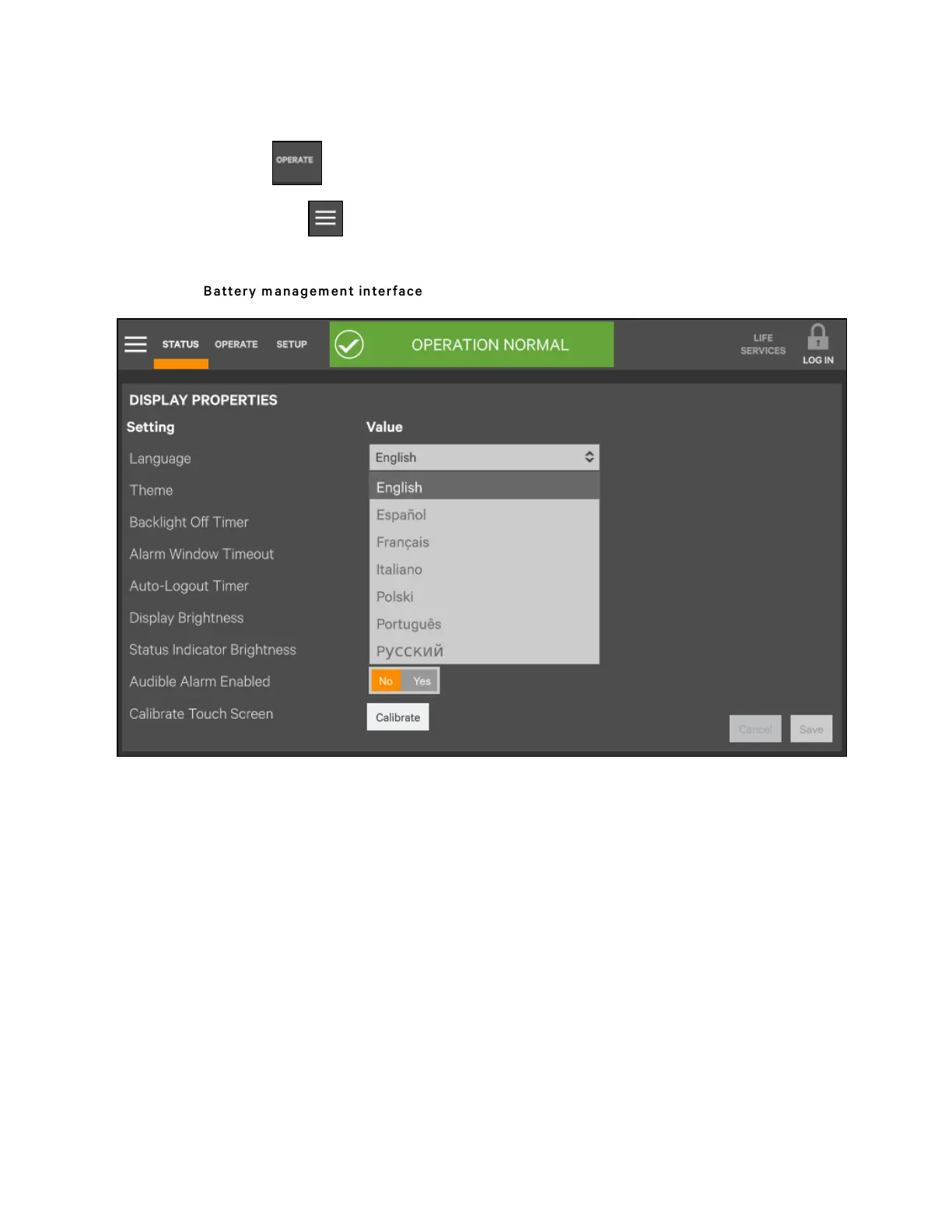
4. Click the 'Battery Operations' to display the interface shown in Figure 6.10 below.
Figure 6.10 Battery m anag em ent interface
5. Respectively click 'Automatic Battery Test', 'Manual Battery Test', 'Calibrated Battery Test' and 'Battery Equalize',
then you can execute corresponding settings and operation. .
6 Single UPS Operation Introduction
106
Vertiv™ Liebert® APM Plus User Manual













 To Next Page