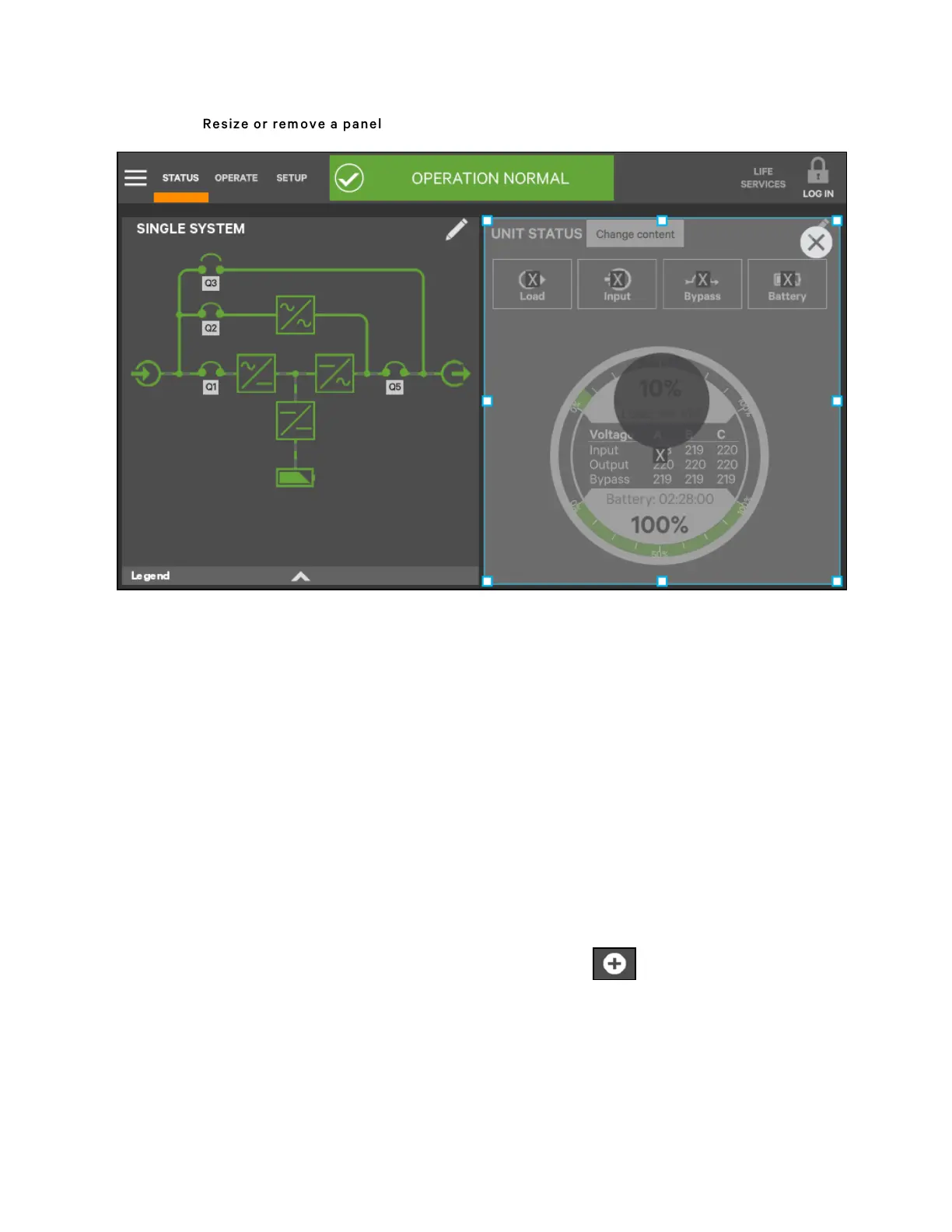
Figure 5.14 R esize or rem ove a panel
Edit UNIT STATUS Panel with the Edit Icon
The UNIT STATUS panel can be changed to add or remove data. The panel has four default parameters. Any or all can be
deleted or replaced with the Editing icon.
Possible parameters for the UNIT STATUS panel are:
• Input
• Bypass
• Battery
• Environmental
• Load
N O T E: Changes made to the UN IT ST A T U S panel will be ap plied to all view s using the panel.
To edit the UNIT STATUS panel:
1. Activate the editing mode by touching and holding the Edit icon on the UNIT STATUS panel.
2. Touch the large X by a parameter icon to delete it or touch the + icon at the bottom right of the panel to
add a parameter icon.
3. Touch the header area to deactivate the edit mode.
5 Operator Control and Display Panel
62
Vertiv™ Liebert® APM Plus User Manual













 To Next Page