Rearrange Panels
8. With the resize/remove handles visible, touch the circle in the center of the panel and drag the panel to its new
position.
Exit Edit Mode
9. Edit Mode will deactivate after some changes. If all changes have been made and Edit Mode is active, touch the
panel’s header area.
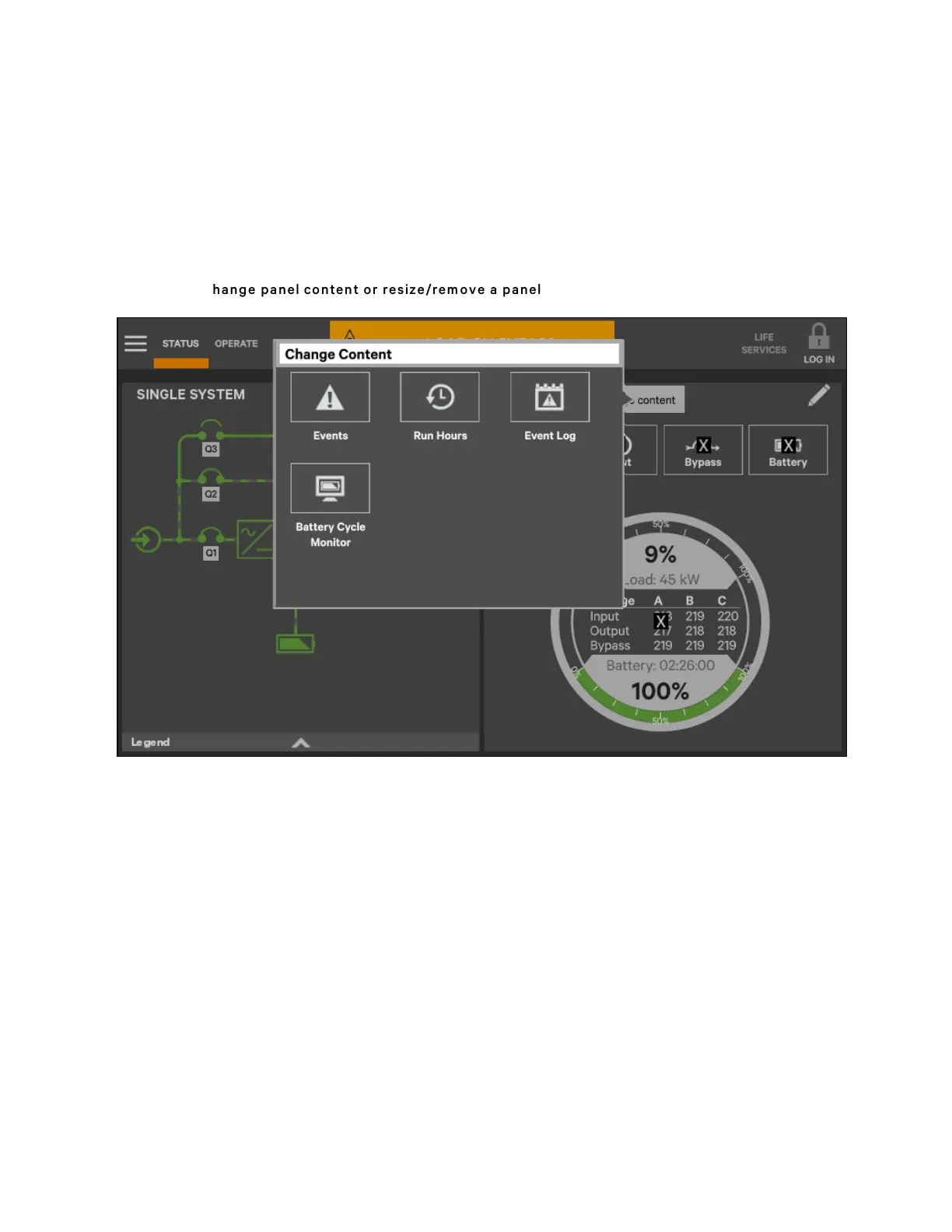
Figure 5.13 C hange panel content or resize/rem ove a panel
5 Operator Control and Display Panel
61
Vertiv™ Liebert® APM Plus User Manual













 To Next Page