EasyManua.ls Logo

Vertiv NetSure M830B - DC Menu

Vertiv NetSure M830B
274 pages
Print Icon
To Next Page IconTo Next Page
To Previous Page IconTo Previous Page
Loading...
Vertiv™ NetSure™ Control Unit (NCU) User Manual
99
3.10 DC Menu
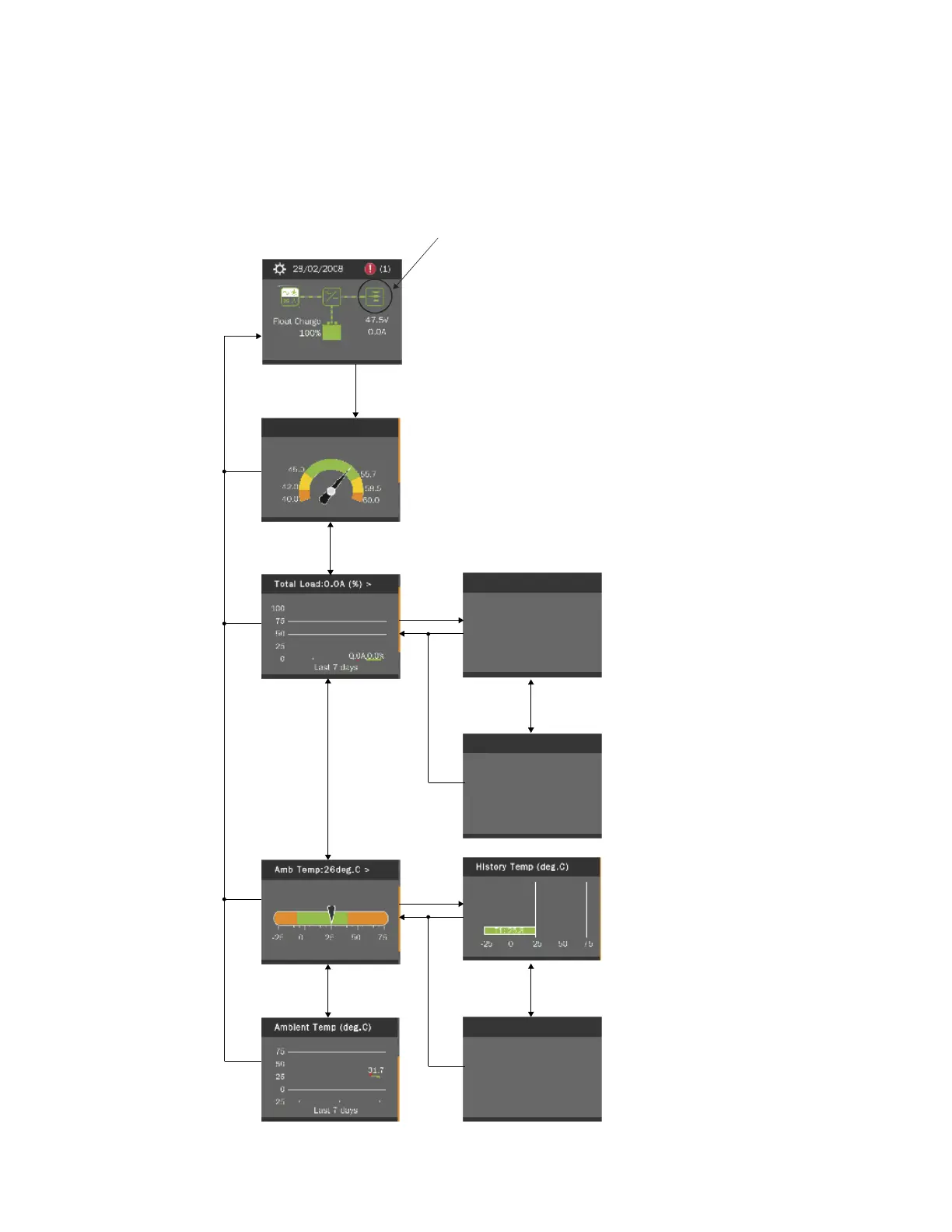
The DC Menu can be accessed from the Main Menu as shown in Figure 3.9.
Figure 3.9 DC Menu
Rect Cap Used: 22.3 %
Load (A)
No Data
DC Menu
Main Menu
Press the UP and DOWN keys to highlight
the desired Menu graphic in the Main Menu.
Press the ENT key to enter the selected menu.
Sys Volts: 53.5V
DC Menu
ENT
UP / DOWN
UP / DOWN
UP / DOWN
UP / DOWN
ENT
ESC
ESC
ESC
UP / Down for
more screens.
ENT
ESC
Note: Items marked with an>” indicates there is a submenu.
Press ENT to view the submenu.
ESC
ESC
ESC
ESC
UP / DOWN
UP / Down for
more screens.

Table of Contents

Related product manuals