Vertiv™ NetSure™ Control Unit (NCU) User Manual
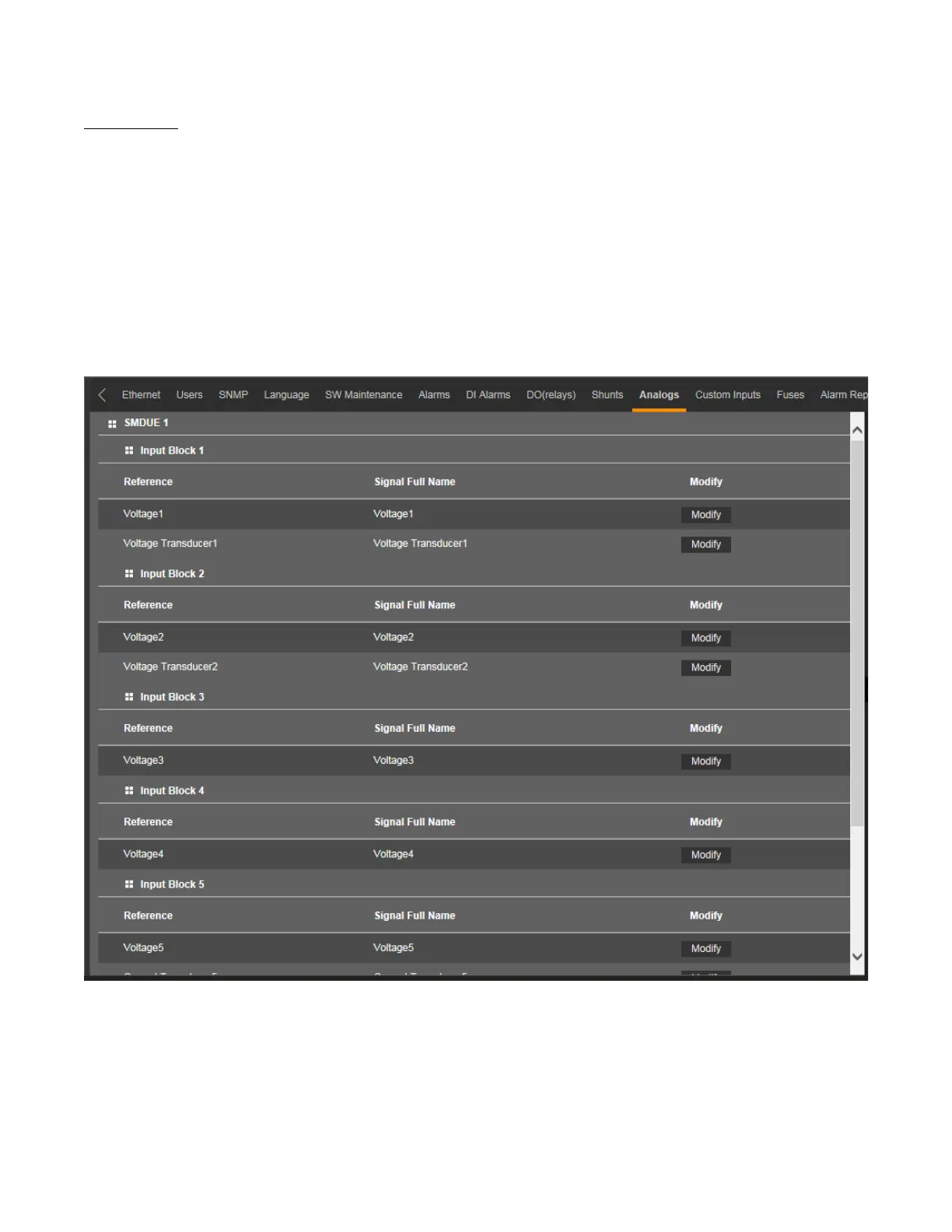
Analogs Tab
• Allows you to change the signal full name (name displayed in the Web Interface menus) of any enabled voltage input and
analog input set for transducers of any installed SMDUE module.
• Allows you to change the abbreviation name (name displayed in the local display menus) of any enabled voltage input and
analog input set for transducers of any installed SMDUE module.
• Allows you to set parameters for any enabled voltage input and analog input set for transducers of any installed SMDUE
module.
Figure 5.77 Analogs Tab



 To Next Page