Vertiv™ NetSure™ Control Unit (NCU) User Manual
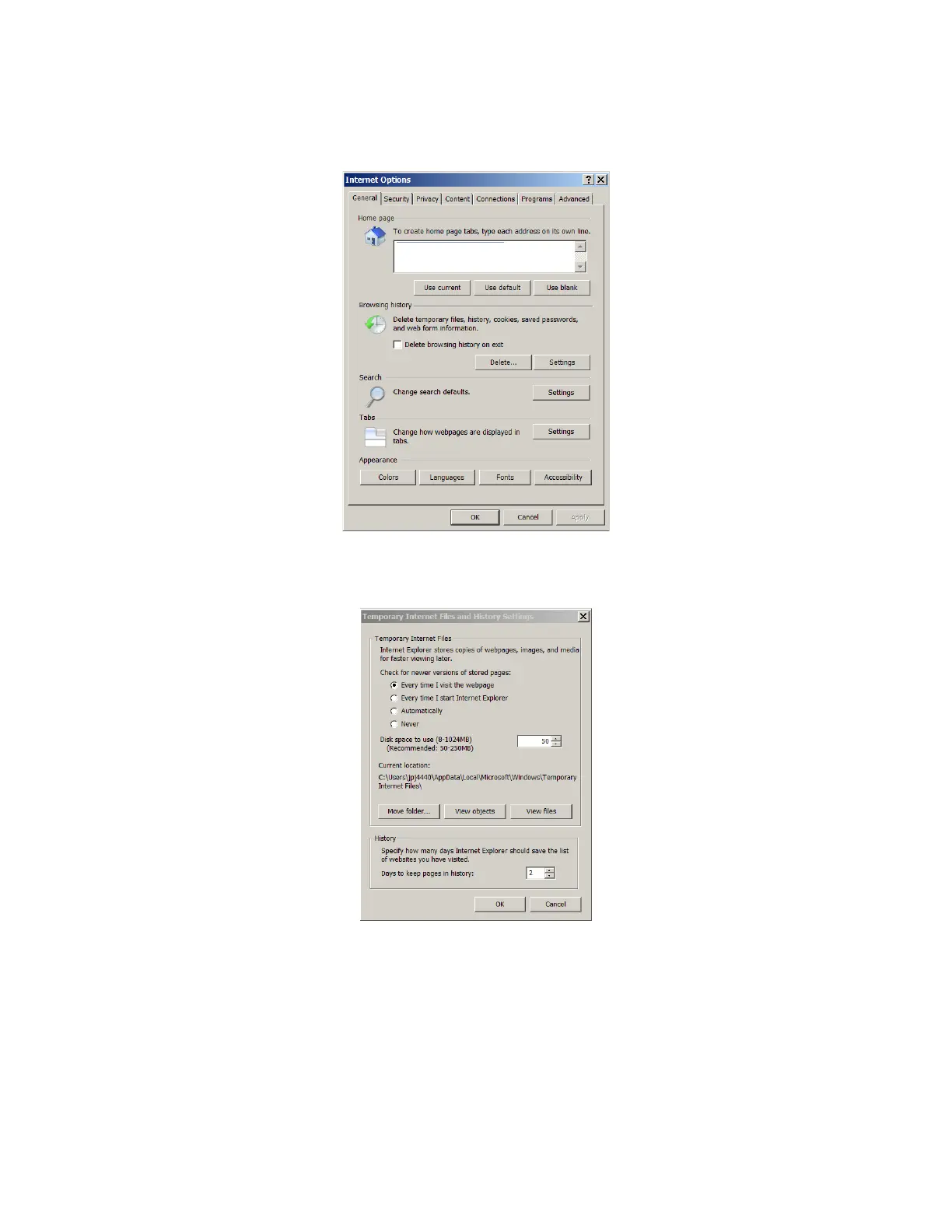
2. Select Internet Options from the Tools menu. The “Internet Options” window opens. In the “Internet Options” window,
select the General tab.
3. Under “Browsing History”, click on the Settings button. The following window opens. In the Settings window, choose “Every
time I visit the webpage” and click OK.



 To Next Page