Videojet DataFlex 6530 Operator Manual - Rev AA 5-23
CLARiTY Operating System
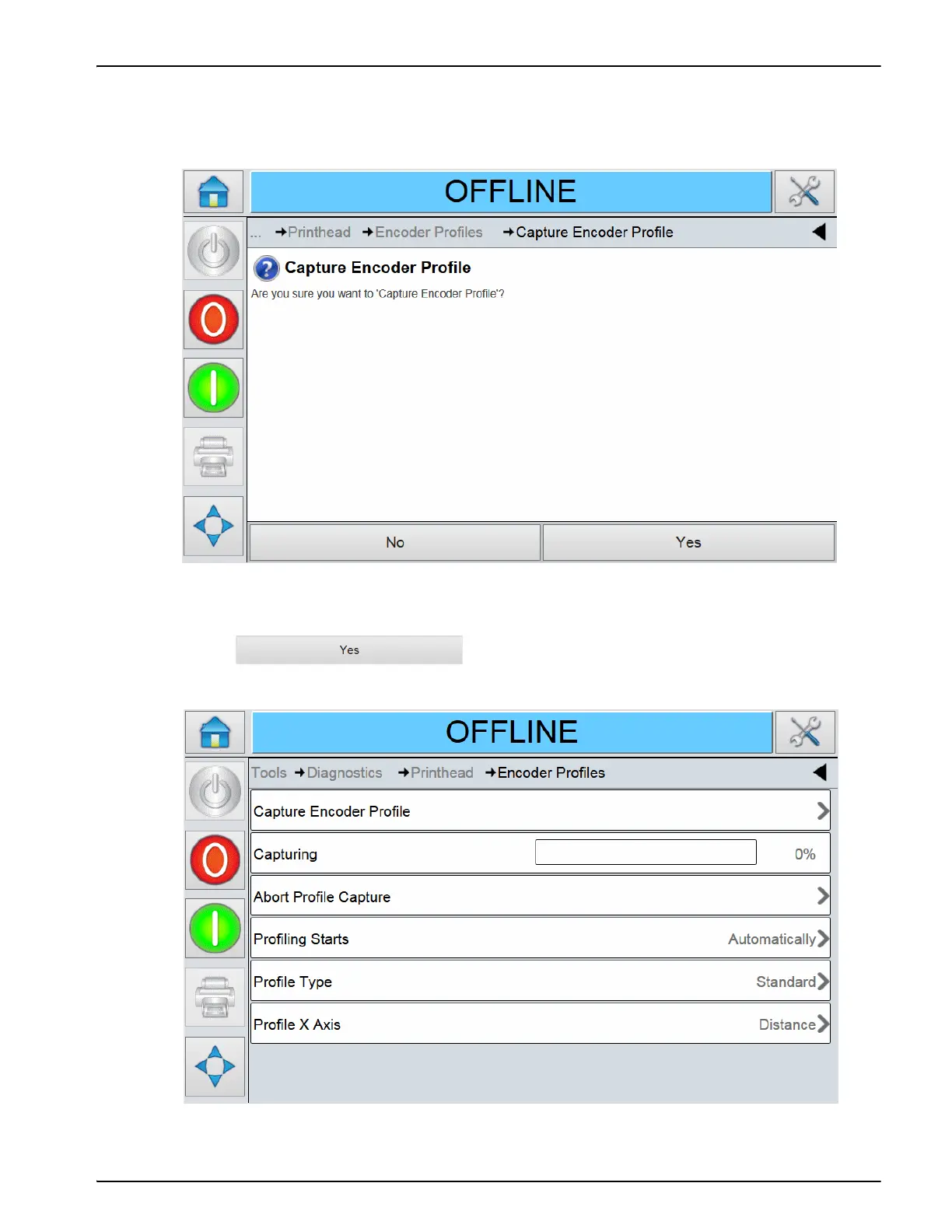
3. Once the options have been configured, start the capture process by touching the Capture
Encoder Profile button. The Capture Encoder Profile screen appears (Figure 5-17).
Note: Encoder profiles are not captured during the ribbon calibration sequence.
4. Touch and Capturing Encoder Profile screen appears
(Figure 5-18).
Figure 5-17: Capture Encoder Profiles Screen
Figure 5-18: Capturing Encoder Profiles Screen



 To Next Page