36
Monitor
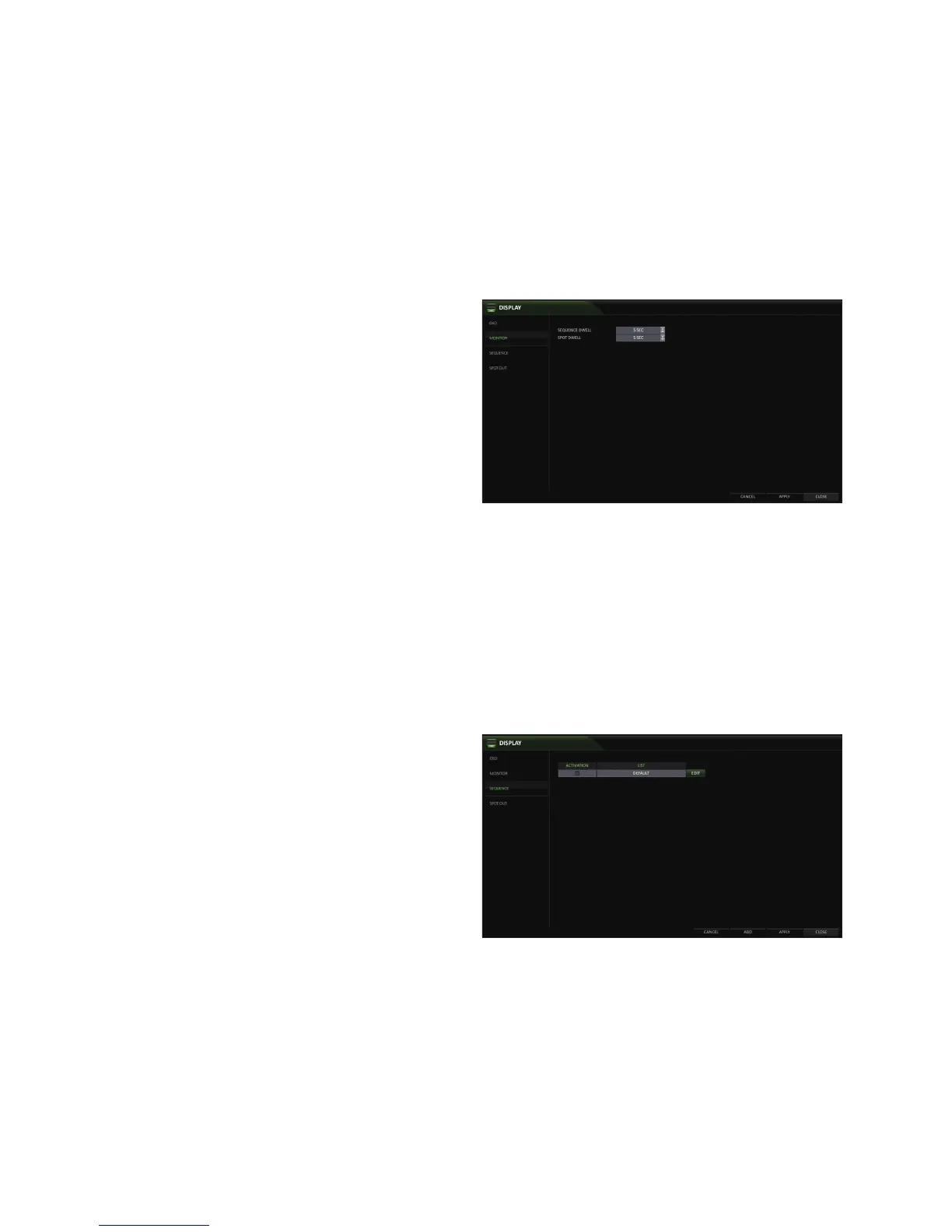
Adjust the dwell times for Sequence and Spot.
1.
From <SYSTEM SETUP> - <DISPLAY>, select
<MONITOR>.
2.
Use the [▲▼◀ ▶/ENTER] buttons of the remote control
or mouse to set the dwell times for Sequence mode
and SPOT Out.
SEQUENCE DWELL : Sets the time interval to the
next screen (Can set to 1 sec ~ 60 sec)
SPOT DWELL : Sets the time interval to the next
view type. (Can set to 1 sec ~ 60 sec)
3.
To apply the change, click <APPLY> in the bottom of
the screen.
4.
When done, press the [EXIT] button on the remote control or click <CLOSE> in the lower screen.
The confirmation message appears and you will return to the previous menu.
Sequence
Configure the sequence feature.
1.
From <SYSTEM SETUP> - <DISPLAY>, select <SEQUENCE>.
2.
Use the [▲▼◀ ▶/ENTER] buttons on the remote control or use the mouse to add a sequence or change the settings of
the existing sequence.
ACTIVATION : Activates the selected sequence.
ADD : Add a sequence.
3.
To apply the change, click <APPLY> in the bottom of
the screen.
4.
When done, press the [EXIT] button on the remote
control or click <CLOSE> in the lower screen. The
confirmation message appears and you will return to
the previous menu.



 To Next Page