38
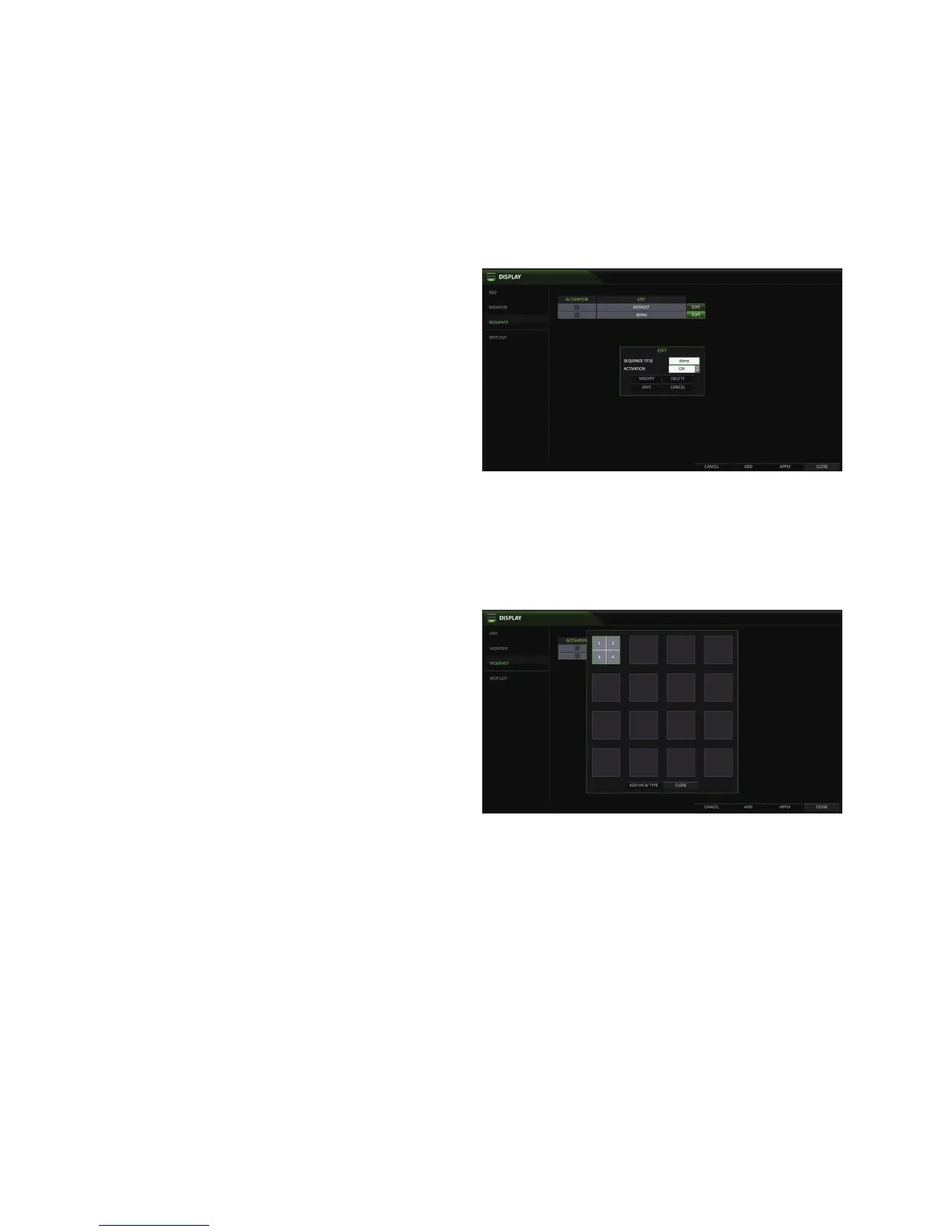
To edit a sequence
1.
Select a sequence that you want to edit in the list by
clicking the <EDIT> button, or double-clicking the
sequence title
2.
The "EDIT" dialog appears.
3.
Use the [▲▼◀ ▶/ENTER] buttons on the remote control
or use the mouse to edit the selected sequence.
SEQUENCE TITLE : enter a new sequence name.
ACTIVATION : Activates/Deactivates the sequence.
MODIFY : change the sequence settings.
DELETE : delete the selected sequence.
CANCEL : cancel the changes.
4.
Pressing the <MODIFY> button will display the Modify Sequence window.
5.
To change the existing settings, select a screen mode that you want to edit and right-click to display the context menu.
Then, select <MODIFY>.
6.
When done, click <CLOSE> to close the window.
7.
To apply your changes, click <APPLY>.



 To Next Page