VIVOTEK
User's Manual - 65
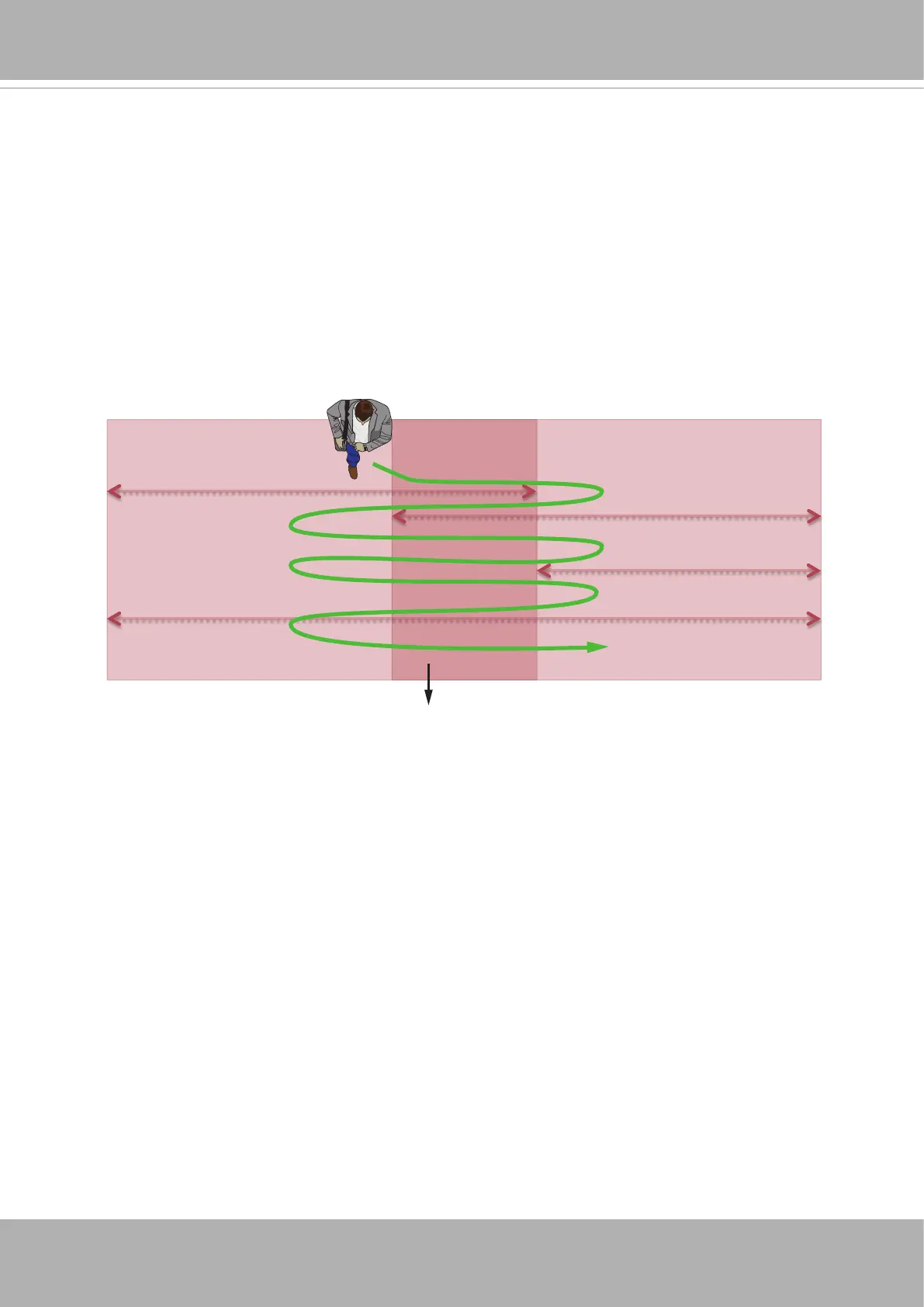
4. Before you click the Stitch button, make sure you have a co-worker to walk across the
overlapped FOV between the cameras that will be stitched together.
Note that he/she should walk across the overlapped FOVs by entering, leaving, and
repeating the process for about 2 minutes. By doing so, he/she should be able to
provide an enough number of the motion vectors for the stitched cameras to recognize
the same objects in the overlapped FOV. You can have a man walking across the
overlapped FOVs of multiple cameras during the stitching process.
Click the Stitch button and tell your co-worker to start walking across the overlapped
FOVs.
407
700
407
293
Overlapped Area













 To Next Page