Navigation - Operation
1
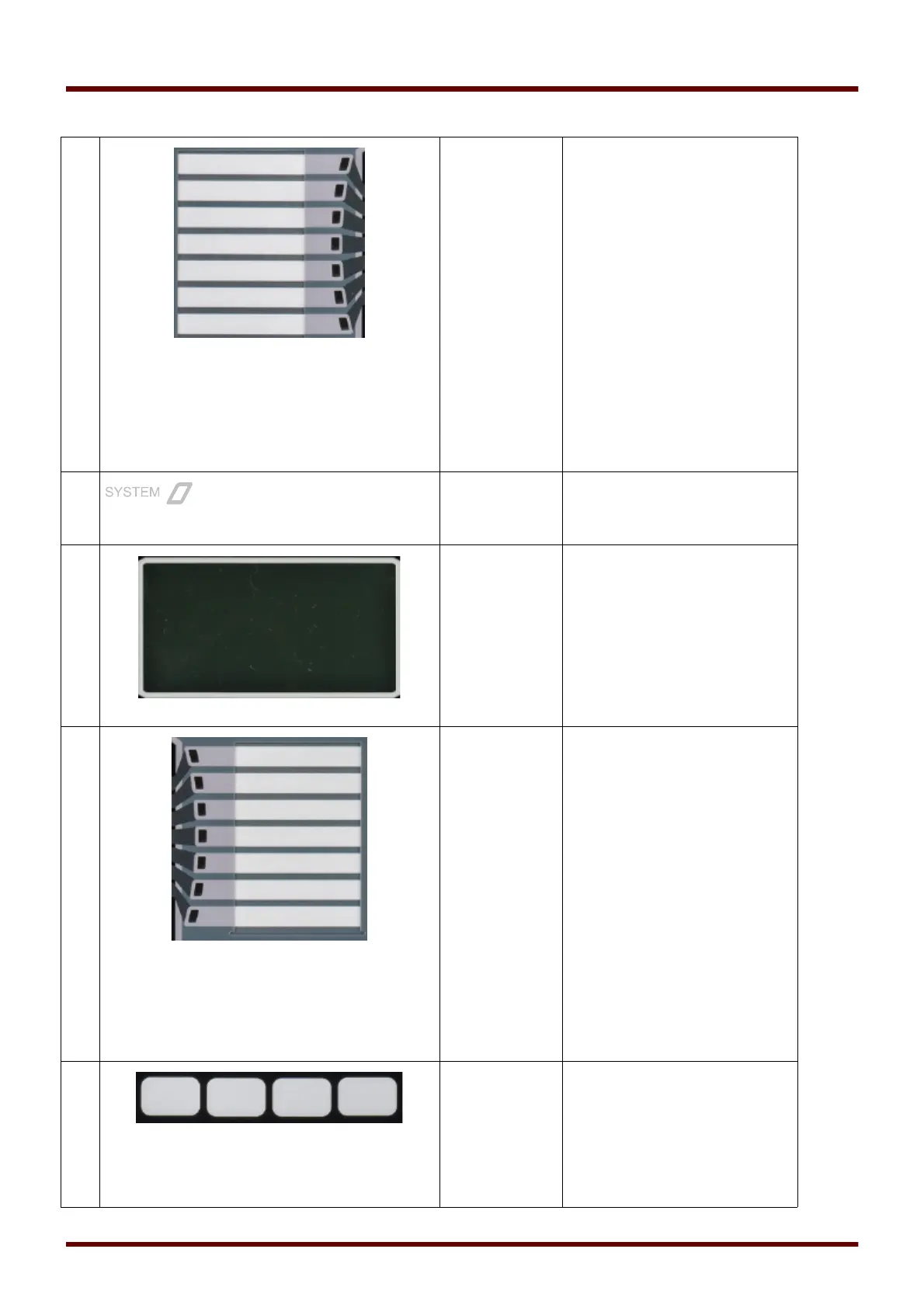
LEDs group A
(left)
Messages inform you about
operational conditions, system
data or other device particulars.
They additionally provide you
with information regarding
failures and functioning of the
device as well as other states of
the device and the equipment.
Alarm signals can be freely
allocated to LEDs out of the
»assignment list«.
An overview about all alarm
signals available in the device
can be obtained from the
»ASSIGNMENT LIST« which can be
found in the appendix.
LED »System
OK«
Should LED »System OK« flash
red during operation, contact the
Service Dept. immediately.
3
Display Via the display you can read-out
operational data and edit
parameters.
4
LEDs group B
(right)
Messages inform you about
operational conditions, system
data or other device particulars.
They additionally provide you
with information regarding
failures and functioning of the
device as well as other states of
the device and the equipment.
Alarm signals can be freely
allocated to LEDs out of the
»assignment list« .
An overview about all alarm
signals available in the device
can be obtained from the
»assignment list« which can be
found in the appendix.
5
Softkeys The function of the
»SOFTKEYS« are contextual.
On the bottom line of the display
the present function is
displayed/symbolized.
Possible functions are:
104 MCDGV4 DOK-HB-MCDGV4-2E



 To Next Page