Status Display
Status Display
In the status display within the »Operation« menu, the present state of all signals can be viewed. This means the
User is able to see if the individual signals are active or inactive at that moment. The User can see all signals
sorted by protective elements/modules.
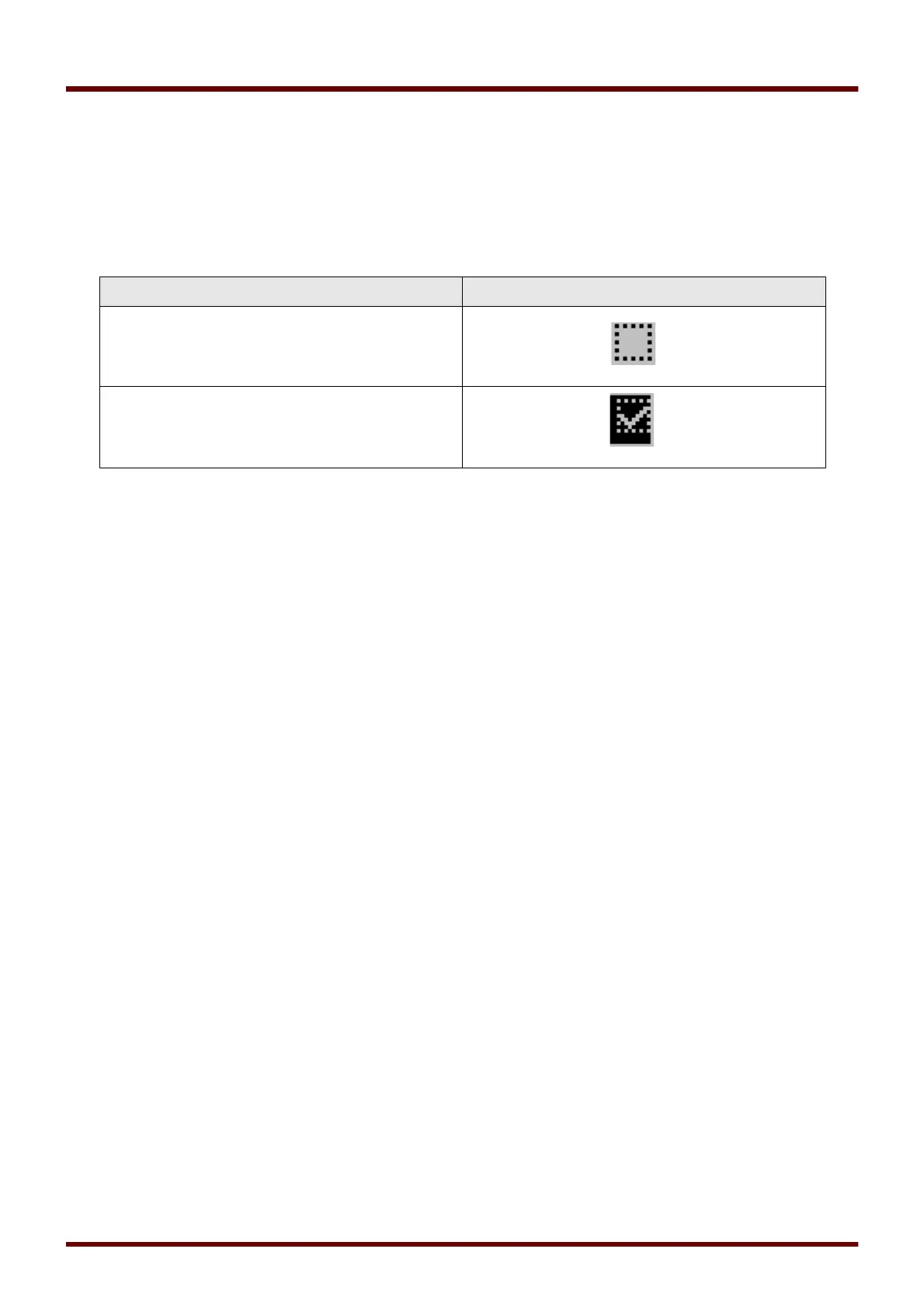
State of the module input/signal is...
Is shown at the panel as...
false / »0«
true / »1«
289 MCDGV4 DOK-HB-MCDGV4-2E



 To Next Page