inactive
active
IG.Dir n poss-
>Nondir Trip
1
2
Setting value:
<n ame>.
I
Device planning:
<name >
Signal:
IG
Measured Values:
<name>.*int Alm L1
internal message
Functional description: If the setting
value "IE Dir n poss-> Nondir Trip" is
set to "inactive" the output 1 is active
and output 2 is inactive. If the setting
value "IE Dir n poss-> Nondir Trip" is
set to "active" the output 2 is active and
the output 1 is inactive.
Prot.I dir fwd
AR.t-DP
0t-DP
"
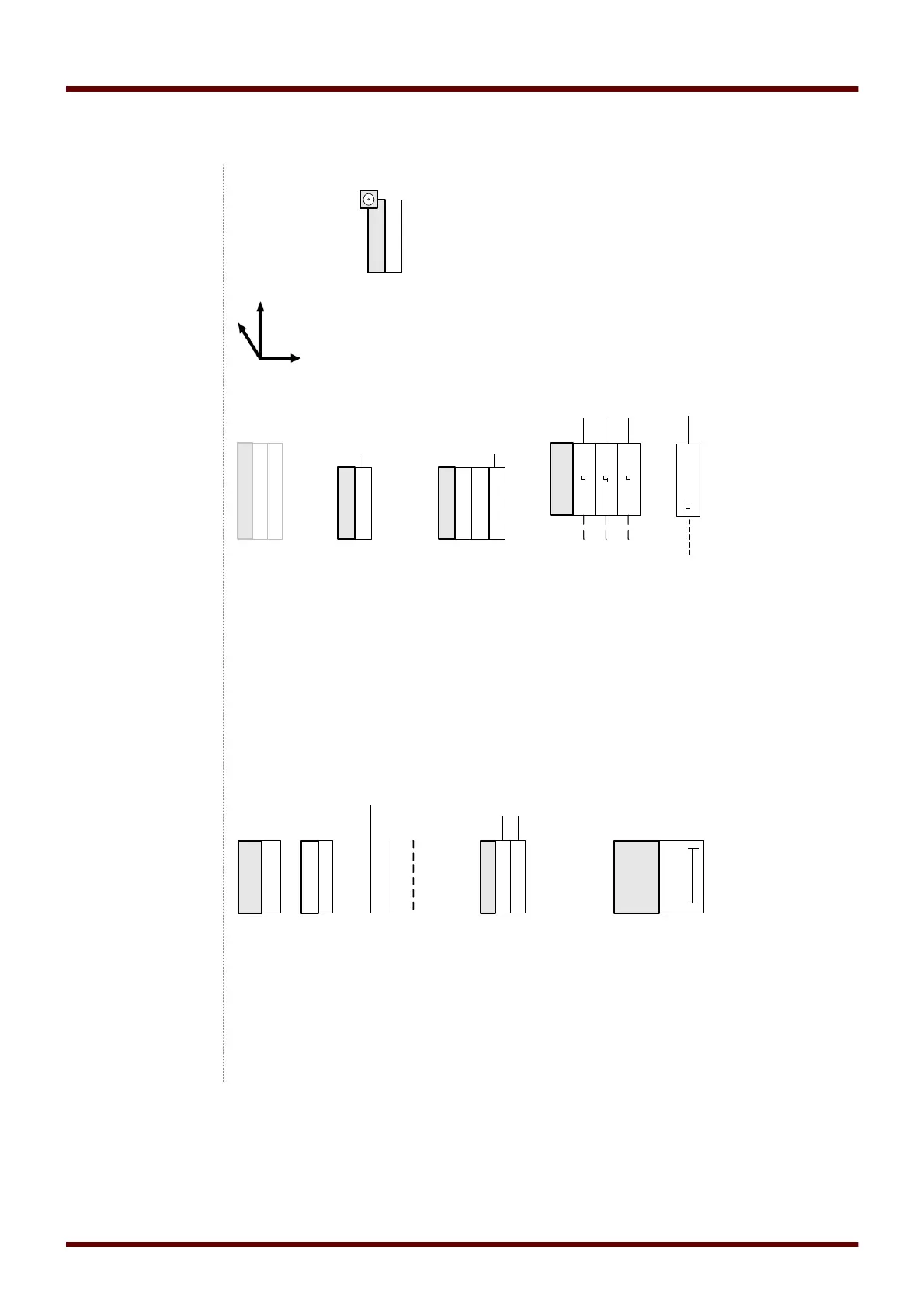
"=Elements with complex functions
"gray-box".
inactive
active
CB.Latched
Option/features to be realised in the future
Parameter of a Module-Input with a
SelectionList/DropDown. An (1..n)
signal/output from the list or a pre-
defined value can be selected.
1..n, Assignment List
<name>
1..n, VeEnable
no assignmen t,1..n
no assignment 1
<name>
1..n, Assignment List
Parameter of a Module-Input (with
special values): An (1..n) output from the
list will be assigned to the input
"<name>.identifier". If the parameter is
set to "ItemNull", an "inactive"-signal will
be given out.
Limit value monitoring with three
analogue input values. Compares 3
analogue values with the set limit;
output values are three different
binary values as a result of the
comparision. If the analogue signal
exceeds the limit I/In the
corresponding output signal becomes
"1".
I/ In
IL1
IL2
IL3
<20%Vn
V
Limit value monitoring (Compared to
a fixed value). Compares a value with
the fixed set limit; output value is
binary as a result of the comparision.
If the signal exceeds the limit the
corresponding output signal becomes
"1".
Adaptive Parameter
Selection List
<name>
Direct Command



 To Next Page