EasyManua.ls Logo

Woodward HighPROTEC - Page 191

Woodward HighPROTEC
1369 pages
Print Icon
To Next Page IconTo Next Page
To Previous Page IconTo Previous Page
Loading...
Input, Output and LED Settings
Step 1 - Setting the Measuring Elements
The User can set the type of input within the [Device Para/ Analog Inputs] menu option.
0...20 mA
4...20 mA
0...10 V
191 MCDGV4 DOK-HB-MCDGV4-2E
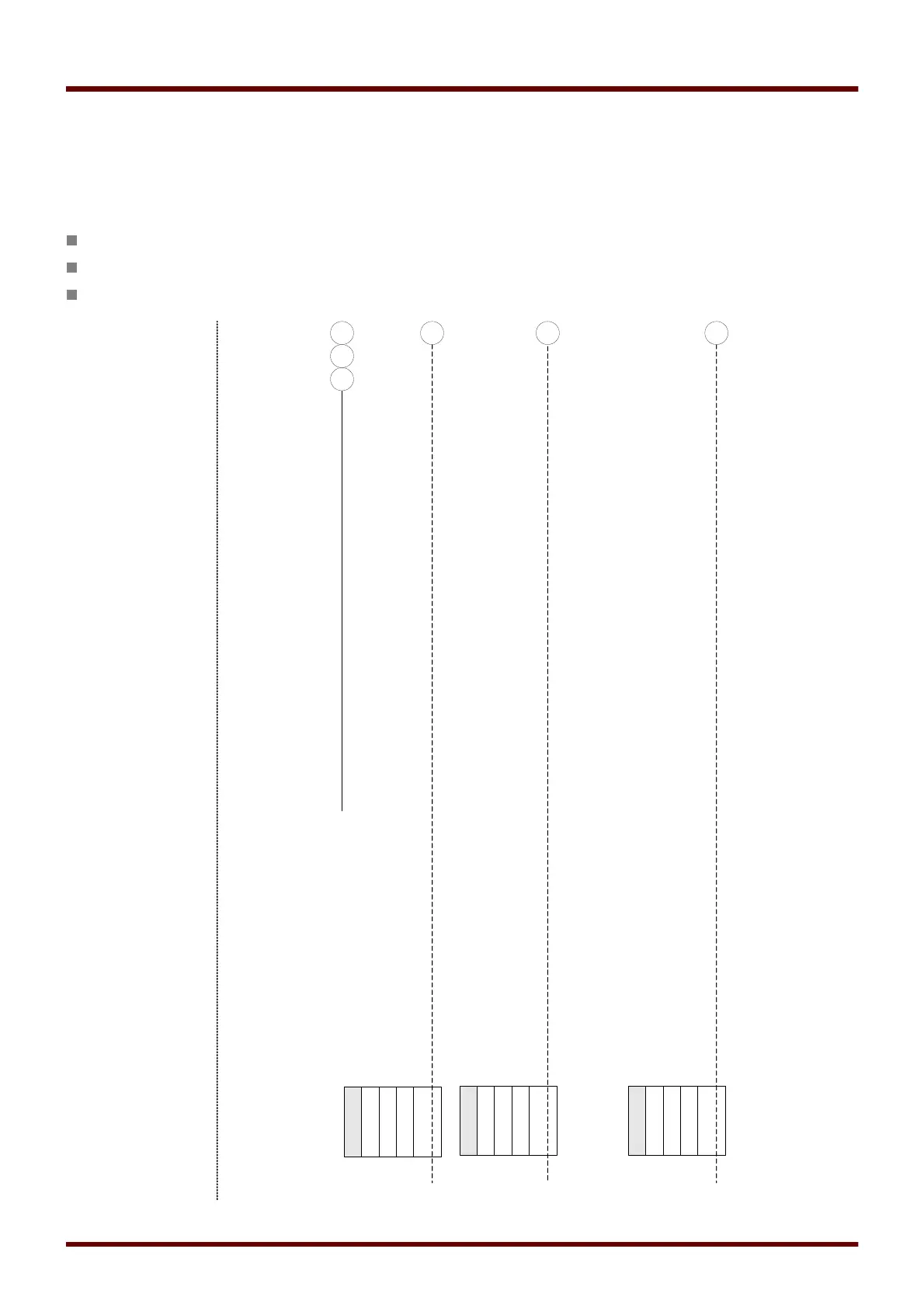
Analog Input[1]*.Value
Analog Measuring Elements[1]...[n]
name =
Analog Inputs[1]...[n]
0...20 mA
AnIn[1]*.Type of
Input
4...20 mA**
0...10 V
Analog values
Analog Input[1]*.Value
0...20 mA
AnIn[2]*.Type of
Input
4...20 mA**
0...10 V
Analog values
Analog Input[2]*.Value
0...20 mA
AnIn[n]*.Type of
Input
4...20 mA**
0...10 V
Analog values
Analog Input[n]*.Value
...
43
44
Analog Input[2]*.Value
45
Analog Input[n]*.Value
*The number of Analog Inputs that are available, depends on the ordered device (order
code).
name.Broken wire
**The 4...20 mA setting provides a Broken Wire
detection.
43 44 45

Table of Contents

Other manuals for Woodward HighPROTEC

Related product manuals