Operation Using SFC Yamatake Corporation
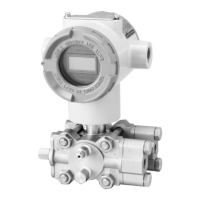
6-50 ST3000 Smart Transmitter Series 900 Electronic Differential Pressure/Pressure Transmitter
6-8 : Constant Current Source Mode
6-8-1 :Set Constant Current Source Mode
Set the transmitter to output constant current within the range of 4 mA (0%) ~ 20 mA
(100%). This setting is called constant current source mode.
This function is convenient for loop checking.
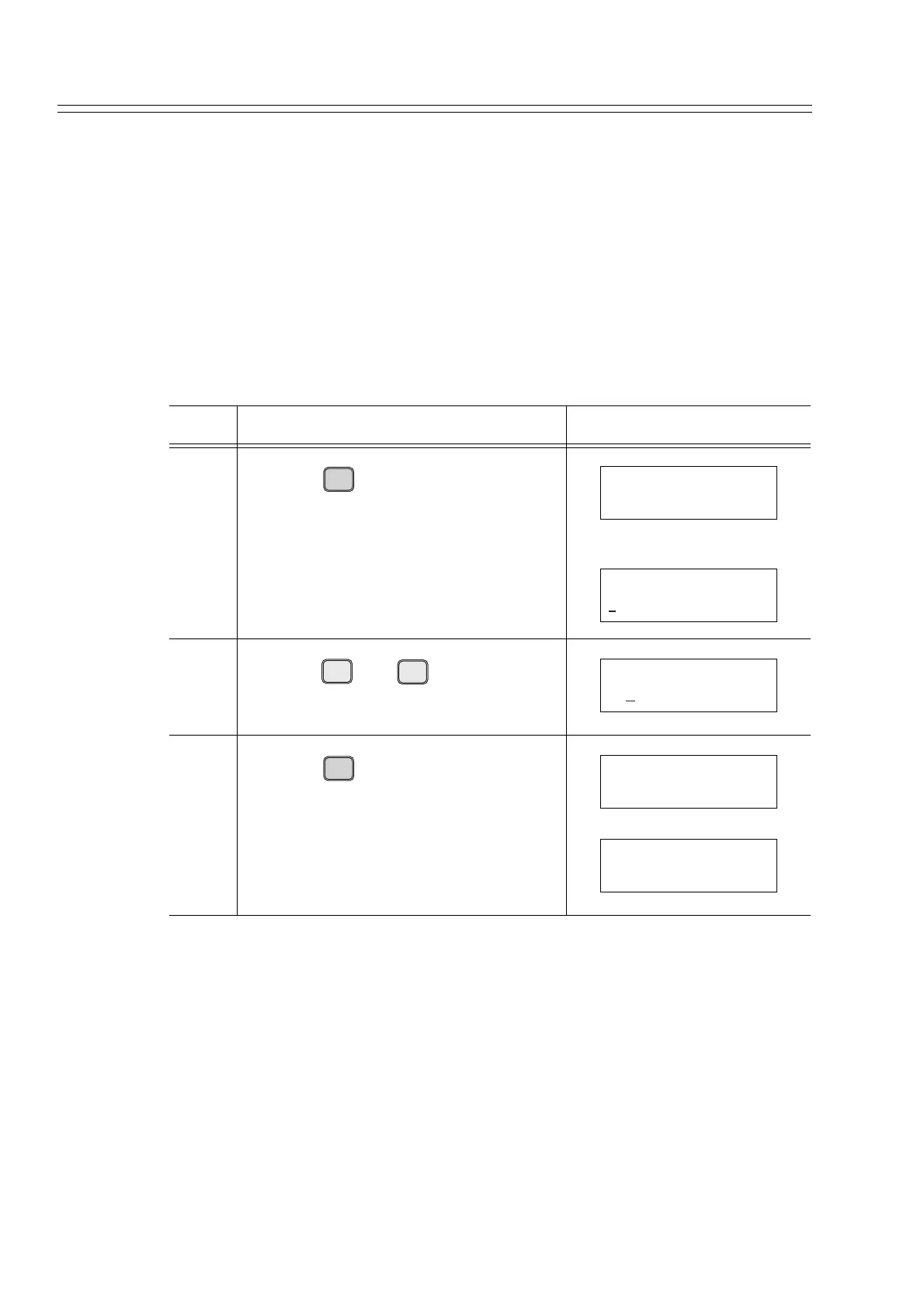
How to set the constant current source mode:
It is assumed that the output is fixed at 50% (12 mA).
Remarks
Release the constant current source mode using this procedure. It is automatically
released when no SFC is operated for more than 10 minutes.
Step Description SFC screen
1
Press the key.
Displays the current output.
2
Press the and keys (numeric),
in that order.
3
Press the key.
This transmitter outputs 12 mA (50%).
he # mark indicates that the constant cur-
rent source mode obtains.
OUT-
J
PUT
INPUT
OUTPUT FIT-1234
WORKING...
OUTPUT FIT-1234
10.00 %
S
5
Z
0
ACT PR
OUTPUT FIT-1234
50
ENTER
( Yes )
NON-VOL
OUTPUT FIT-1234
WORKING...
OUTPUT FIT-1234
50.00 % #



 To Next Page