Operation of the Transmitter Yamatake Corporation
5-6 ST3000 Smart Transmitter Series 900 Electronic Differential Pressure/Pressure Transmitter
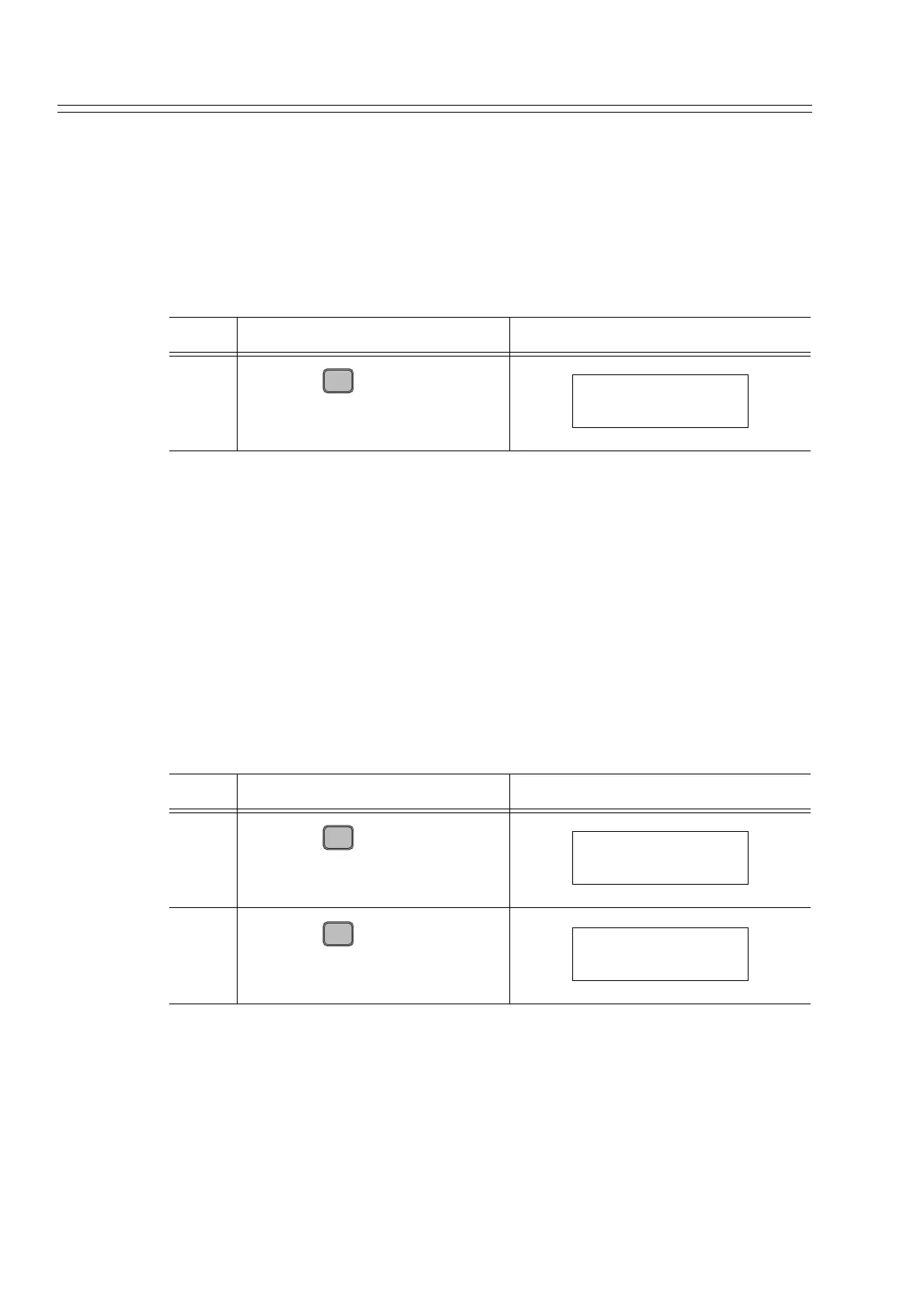
5-2-5 :Checking Engineering Unit of Measured Pressure
Procedure
Check the engineering unit of measured pressure, using this procedure.
Here, it is assumed that [kPa] is selected.
To change the engineering unit, refer to "6-7-5 : Display or Change Indicator Display
Format (Engineering Unit /%)".
5-2-6 :Checking Low and High Limits of Setting Range
Procedure
Check the low and high limits of the setting range, using this procedure.
It is assumed that the following values are set:
• Low limit (LRV): 0.0000 kPa
• High limit (URV): 50 kPa
To change the setting, refer to "6-7-8 : Display or Change Low/High Limits and Span
of Set Range".
Step Description SFC screen
1
Press the key.
Step Description SFC screen
1
Press the key.
2
Press the key.
D
UNITS
UNIT FIT-1234
kPa
LRV
E
0%
LRV FIT-1234
0.0000 kPa
URV
F
100%
URV FIT-1234
50.00 kPa



 To Next Page