Maintenance and Troubleshooting Yamatake Corporation
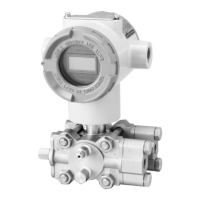
7-26 ST3000 Smart Transmitter Series 900 Electronic Differential Pressure/Pressure Transmitter
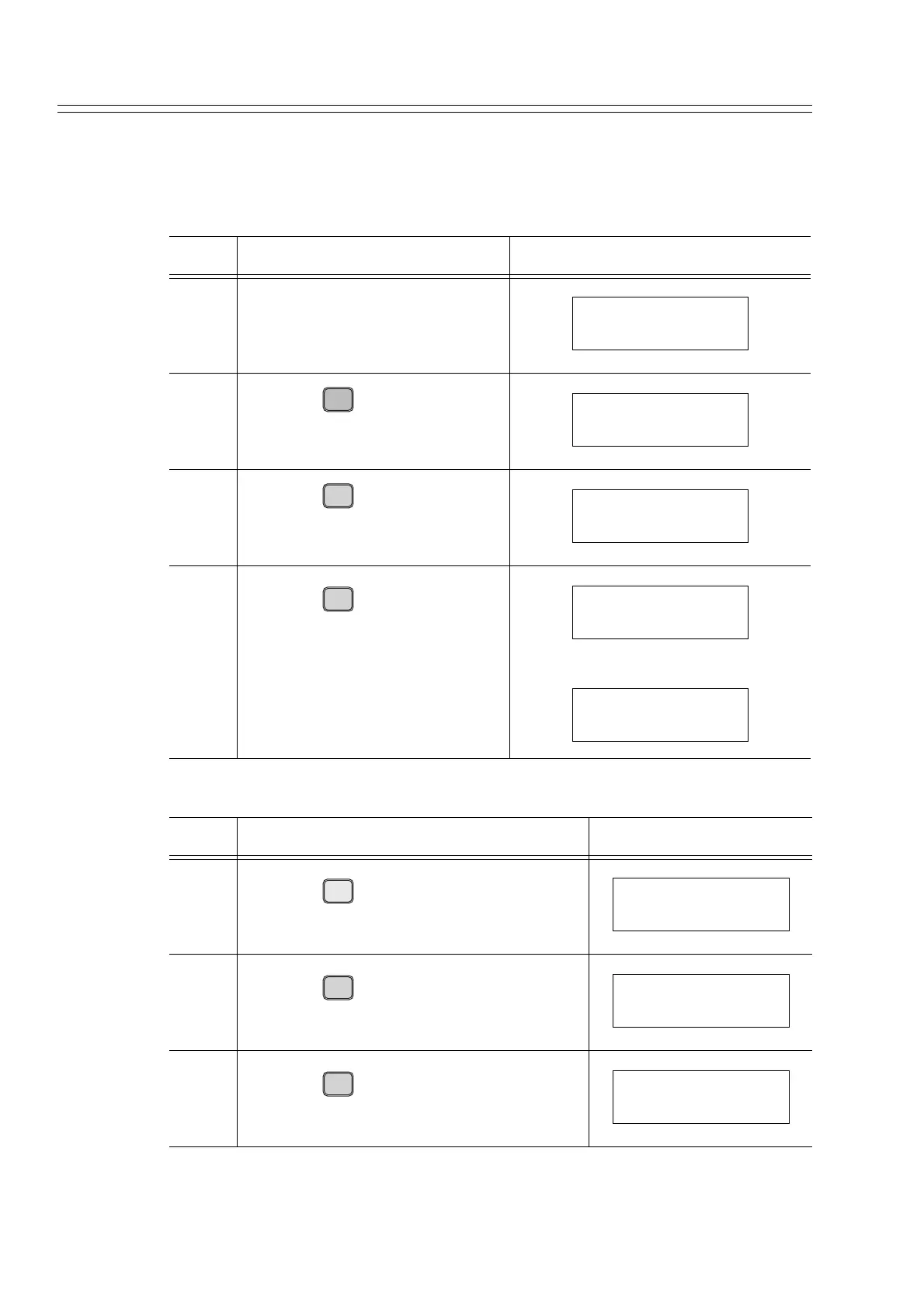
7-5-2 :Erasing # Mark
Reset the calibrated data to the initial values (factory set data):
How to calibrate the low limit value, based on actual pressure
Step Description SFC screen
1 Set the actual pressure applied to
the transmitter to 0kPa.
2
Press the key.
3
Press the key.
4
Press the keys.
• The initial value for the low
limit is displayed.
Step Description SFC screen
5
Press the key.
6
Press the key.
7
Press the key.
Ensure that no pressure is applied to H.L.
DSTJ FIT-1234
READY...
LRV
E
0%
LRV FIT-1234
0.0000 kPa #
G
SET
LRV FIT-1234
SET LRV?
ENTER
( Yes )
NON-VOL
LRV FIT-1234
WORKING...
LRV FIT-1234
0.0123 kPa #
Z
0
ACT PR
LRV FIT-1234
0 kPa #
ENTER
( Yes )
NON-VOL
LRV FIT-1234
0.0000 kPa #
COR-
K
RECT
RESET
LRV FIT-1234
CORRECT LRV?



 To Next Page