523D SYSTEMS, INC.
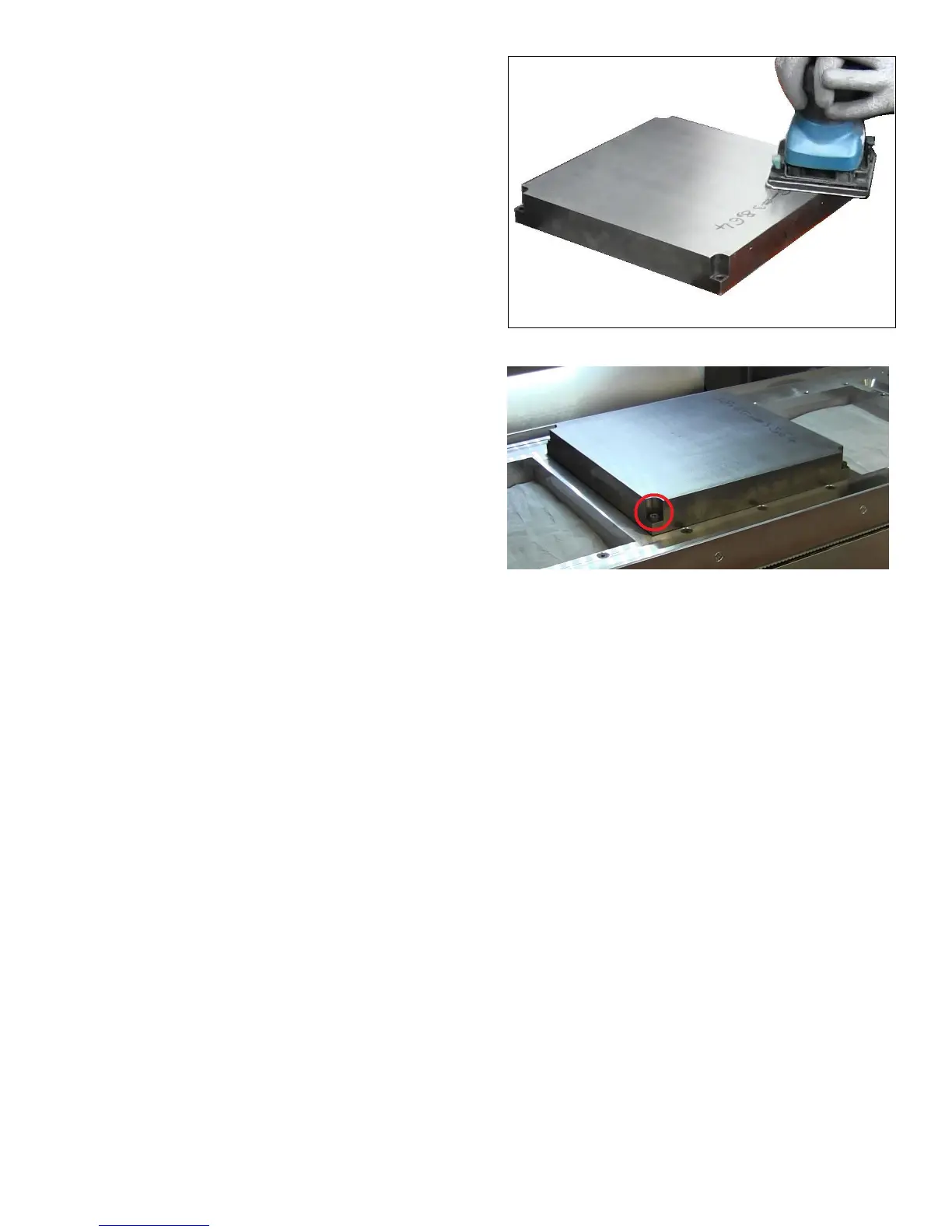
1. Use a nishing sander, grit size 100, to remove any irregularities
on the printing plate and to roughen the surface.
2. Clean the printing plate using 91% isopropyl alcohol before
installing it into the printer.
3. Place the printing plate into position and secure each corner of
the printing plate with an M6 bolt.










 To Next Page