Chapter 3: Configuration 3.6 Setting the Configuration
493-0736-11 (6-2) 157
3TrackOne.
4TrackTwo.
5Auto.
Manual Mode
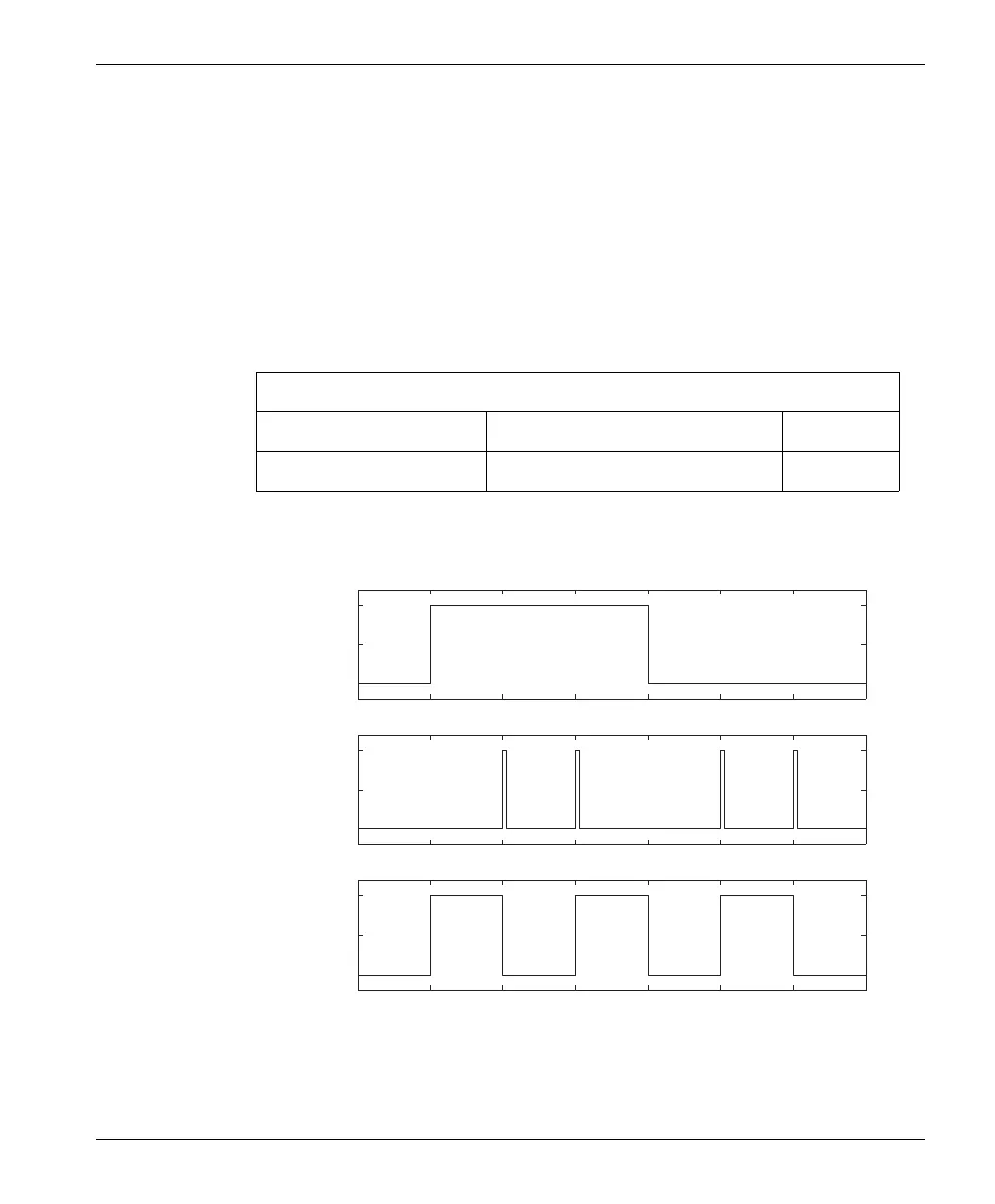
The ManualBehavior parameter, the ManualEnable input and the Hand key at the
front panel determine the status of the output ManualStatus. When
ManualBehavior is set to Normal the ManualEnable input and the Hand key
signal have equal priority.
Table 114 Manual Mode Parameters.
Figure 54 ManualBehavior = Normal.
Parameters
Name Setting Unit
ManualBehavior Normal, TrueManual None
ManualEnable Input
Hand Key
ManualStatus Output
Not
pressed
True
False
Pressed
Manual












 To Next Page