80 SensyMaster FMT430, FMT450 THERMAL MASS FLOWMETER | OI/FMT430/450-EN REV. B
… 8 Commissioning
… Parameterization via the menu function Easy Setup
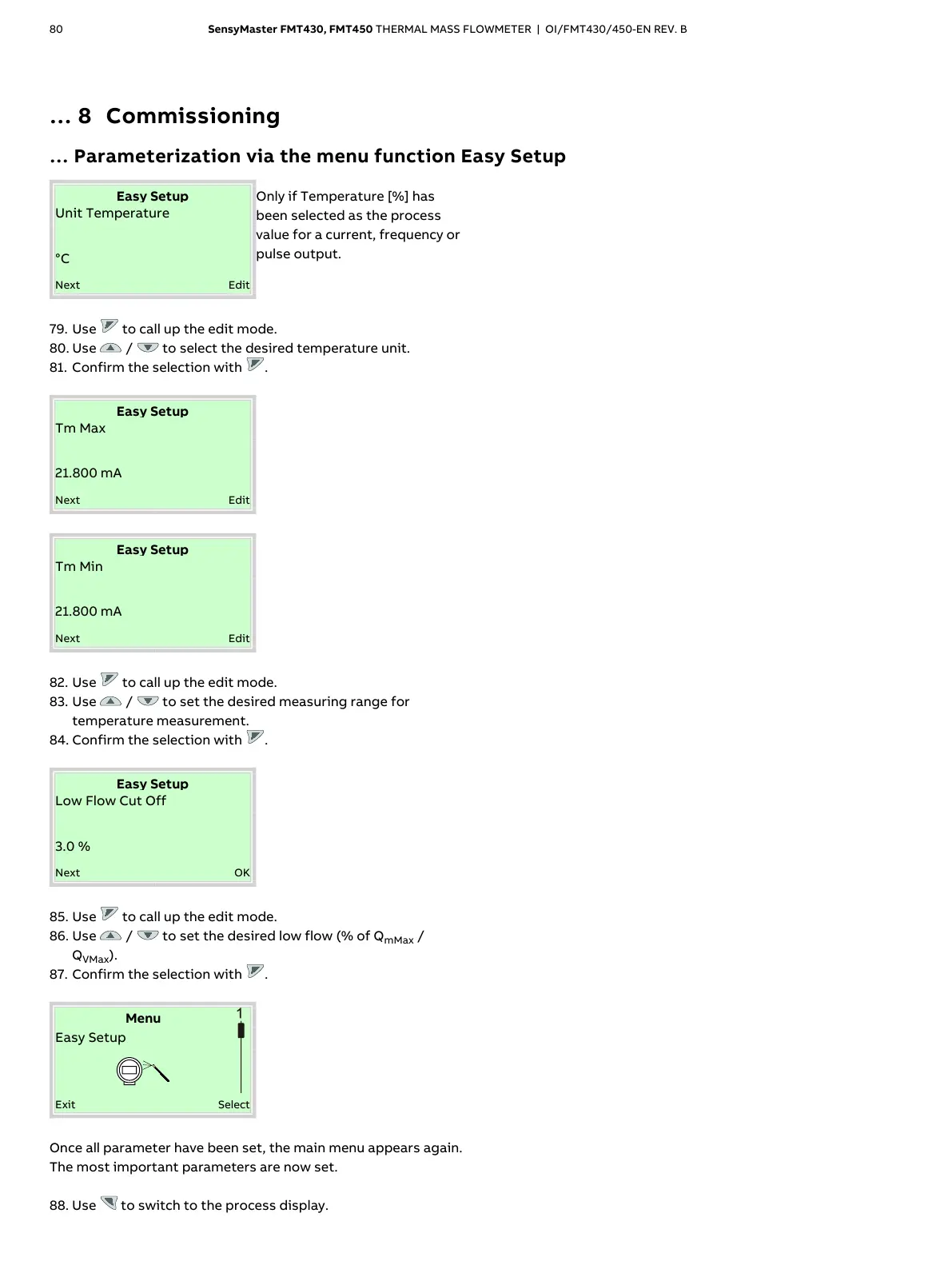
Temperature [%] has
been selected as the process
value for a current, frequency or
pulse output.
79. Use to call up the edit mode.
80. Use / to select the desired temperature unit.
81. Confirm the selection with .
82. Use to call up the edit mode.
83. Use / to set the desired measuring range for
temperature measurement.
84. Confirm the selection with .
%
85. Use to call up the edit mode.
86. Use / to set the desired low flow (% of Q
mMax
/
Q
VMax
).
87. Confirm the selection with .
Once all parameter have been set, the main menu appears again.
The most important parameters are now set.
88. Use to switch to the process display.













 To Next Page