7713395 R2 77
3. Tap the ENTER button on the keypad. The Timer field displays the new data.
4. Edit additional timers or navigate to the MAIN MENU, or BACK the SETUP screen using the buttons at the
bottom of the screen.
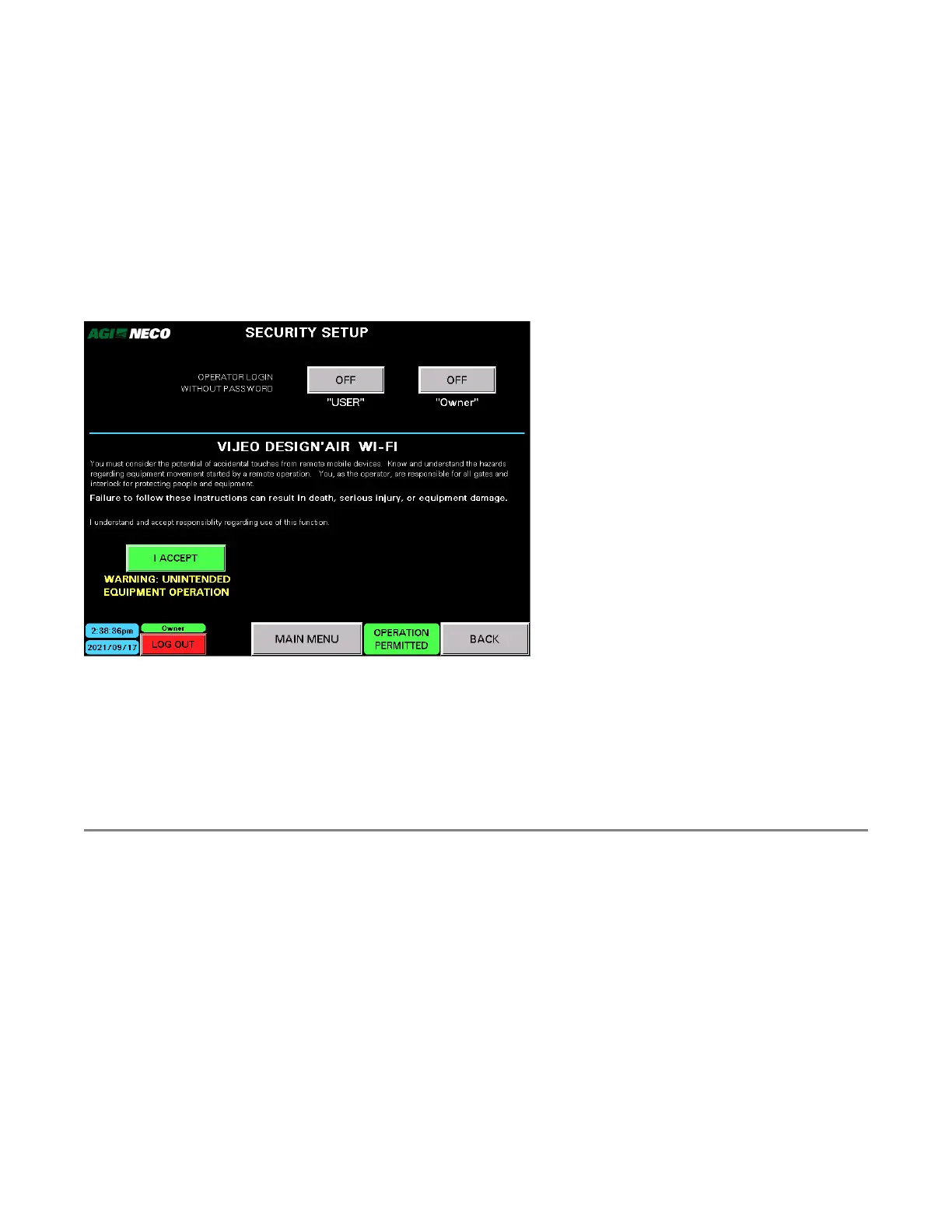
Security Setup
By default, a user name and a password are required to log in and gain access to the dryer operations. The log
in security can be disabled for the USER or Owner level access, if needed. Only one of the two is permitted to be
active. Once activated and no one is logged in, a quick "login" button will be visible in the middle of the main
screen.
Figure 96. Security Setup screen
Vijeo Design'Air Wi-fi
This is optional wi-fi access to the dryer HMI control. An application can be downloaded and installed on a
tablet or cell phone to gain access to the dryer HMI when within wi-fi range. The addition of a wi-fi router,
cabling, antenna are required for this access. Refer to the Commander Wi-Fi access section in the Appendix.
4.4. Operation Overview
The NECO continuous dryer system can be optimized using various setups and styles of operation. For instance,
the steps of operation for a setup that allows for output grain to be directed back into the wet bin can start and
operate differently than a setup where the output grain goes directly into a storage bin. Your dealer can help
with auxiliary equipment utilization.
The following examples show two of the most popular equipment configuration and operation situation:
• Example A: Output grain is directed to dry bin grain storage.
• Example B: Output grain is directed back to the wet bin to be recycled through the dryer.
Both examples start by filling the dryer with wet grain using the Fill/Empty routine. Once the dryer is filled
above the low level switch and any continuous equipment is running, the Start Auto Dryer button is available.
At this point the crop type can be verified or edited, cooling tiers can be designated, burner temperatures can
be set, and a choice can be made to begin drying using either the BATCH (all heat) mode or AUTOMATIC mode.
CONTINUOUS MIXED-FLOW GRAIN DRYER WITH COMMANDER CONTROL SYSTEM 4. OPERATION



 To Next Page