7713395 R2 73
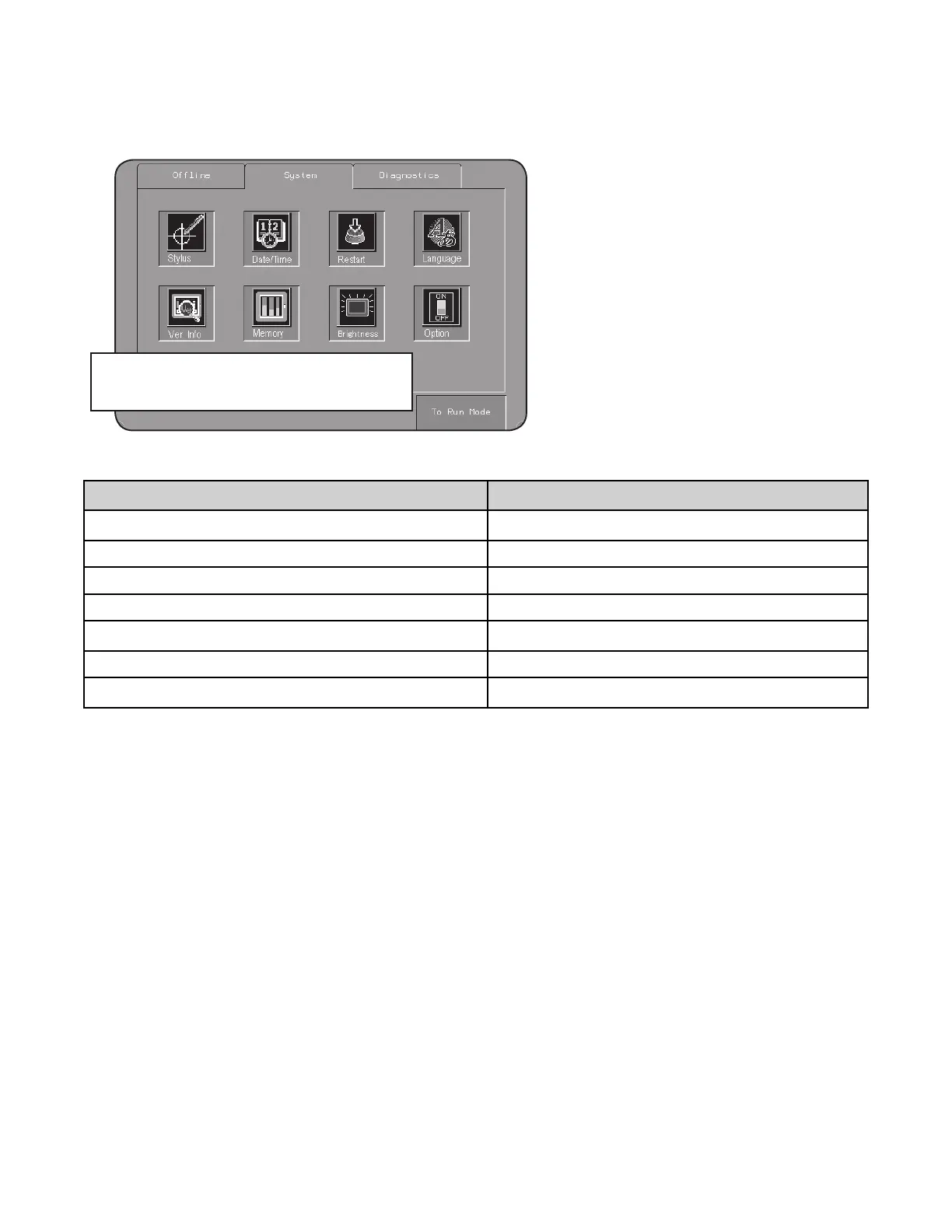
– Language (changes within the Schneider software screens only)
Figure 91. Screen Configuration screen
NOTE: Do not change any other settings.
Table 6. Schneider Language Choices
Enter #
Language
0
English
2 French
3 German
4 Italian
5
Spanish
6 Chinese
7
Portuguese
4.3.4 Dealer or Customer Entered Setup Data
E. Fill/Empty Setup
• See Section 8.2 – Optional External Transport Configurations on page 128 for example layouts and related
data.
• This information is entered by your dealer. It provides the software with “as-built” dryer and auxiliary
equipment information required for filling and emptying the dryer.
• The screen can be viewed by any login status, but only Owner login status can enter data or make changes.
CONTINUOUS MIXED-FLOW GRAIN DRYER WITH COMMANDER CONTROL SYSTEM 4. OPERATION



 To Next Page