68 7713395 R2
Note
After this SETUP data has been entered and verified these screens would generally only need to be
accessed if there are changes made to the physical dryer configuration, motors replaced, or the
status of any auxiliary equipment has changed.
If all SETUP information has been entered and verified:
• Use the New Dryer Checklist or Pre-Season Checklist as required.
• Otherwise, go to the Operation section to determine how best to fill, start, and run the dryer.
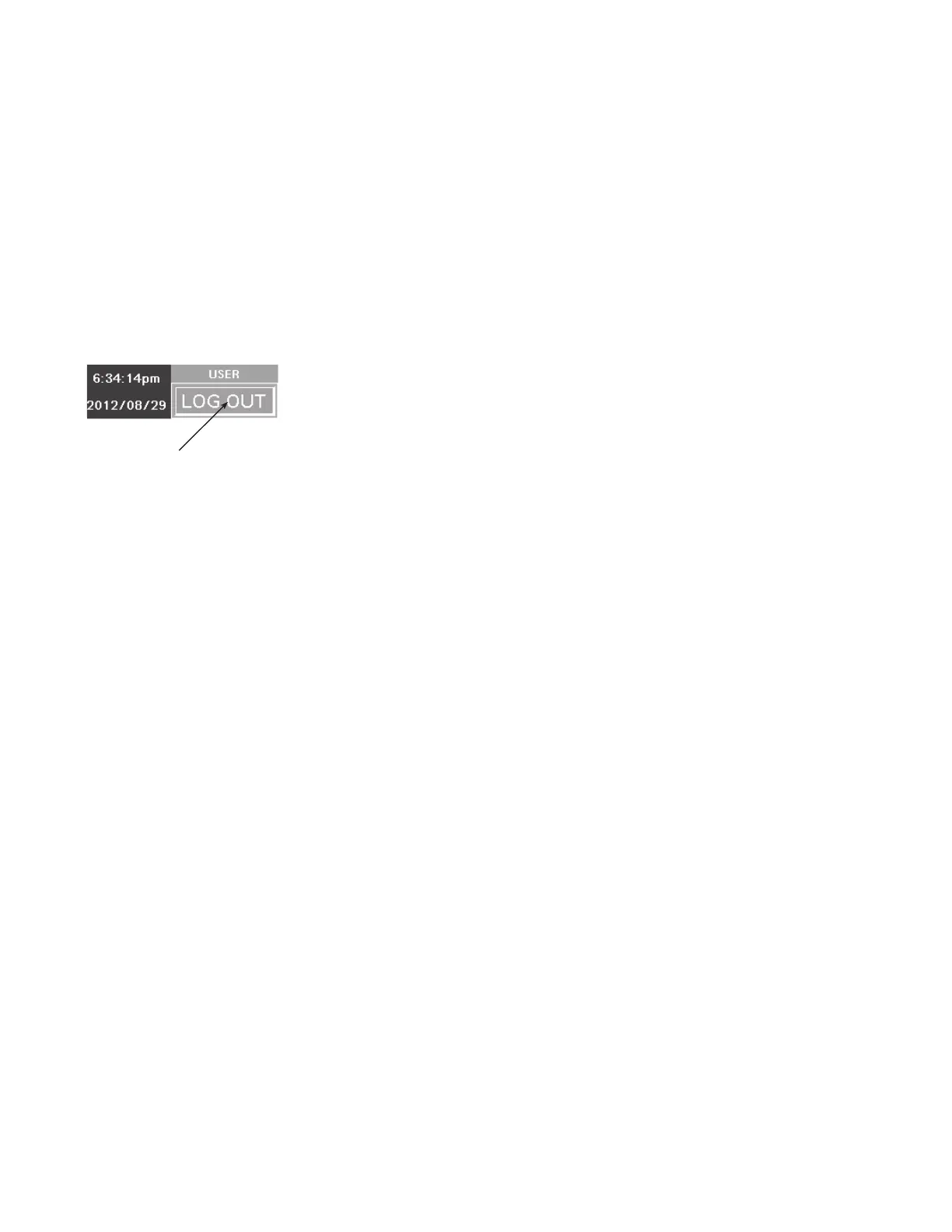
LOG OUT
• The LOG OUT button can be activated at any time during the drying process.
Figure 83. LOG OUT button
TAP THIS ICON
TO LOG OUT
AT ANY TIME
• Upon LOG OUT the existing process will continue. NECO recommends not leaving the dryer system
completely unattended for an extended period of time, even with the DryerMaster in AUTO mode. The
moisture content should be regularly checked and calibrated.
4.3.2 SETUP Main Screen
• The current version of PLC and HMI software is shown at the top-right corner of this main SETUP screen. The
two version numbers MUST ALWAYS MATCH. If they match the Versions Compatible indicator appears. If
they do not match, contact your dealer.
• Some information has been entered and verified at the NECO factory and can NOT be edited or changed
unless the user is logged in as an Owner.
Note
The SECURITY SETUP button (H) will not be available if you are logged in as User. To have the button
available, and be able to setup the quick login procedure, log in as Owner or Necotech.
4. OPERATION CONTINUOUS MIXED-FLOW GRAIN DRYER WITH COMMANDER CONTROL SYSTEM



 To Next Page