104
Cover
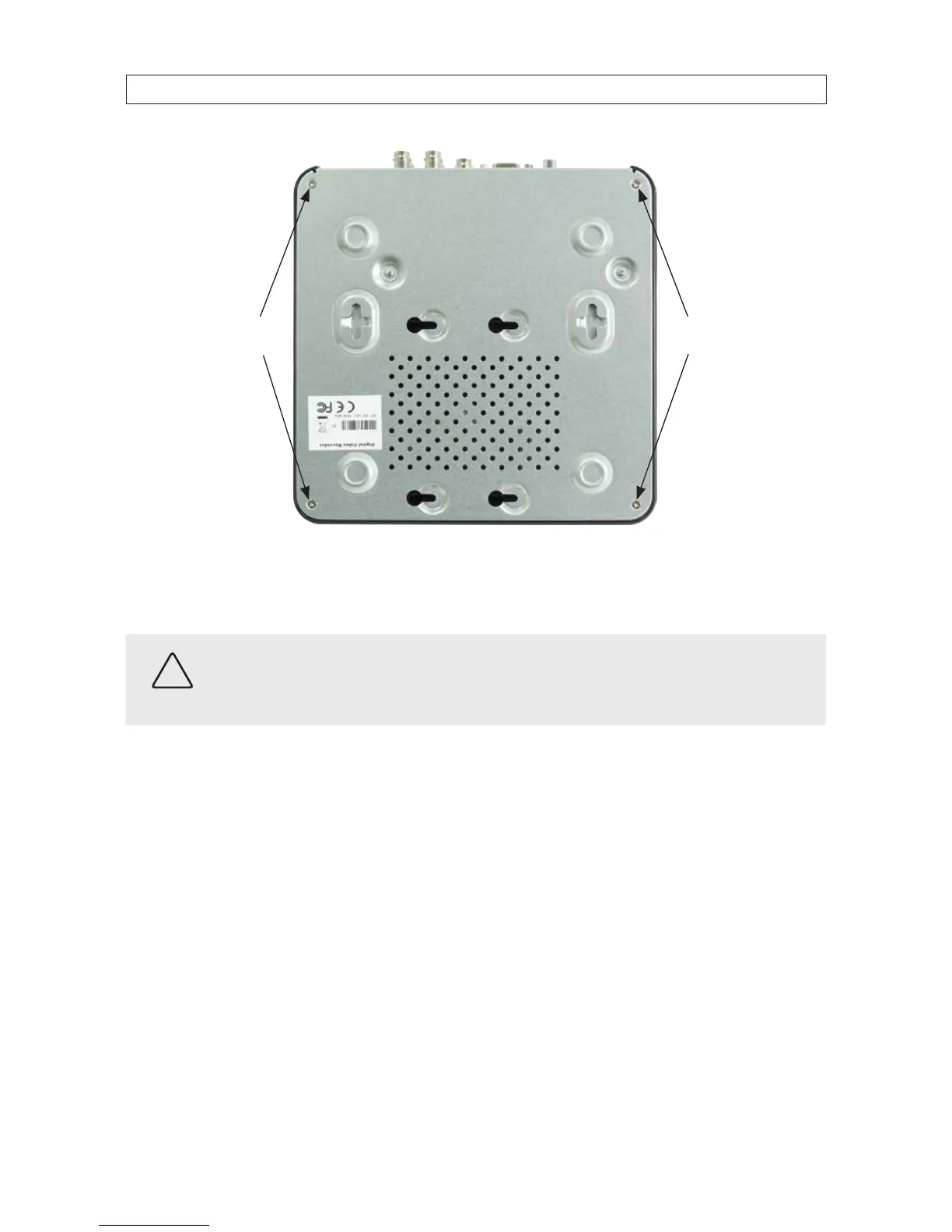
screws
Cover
screws
b. Remove the four cover screws, one in each corner of the chassis (see the picture above). Save the screws for use later.
c. Holding the cover and the chassis together, turn the DVR right side up.
CAUTION
Follow recommended electrostatic discharge (ESD) guidelines while performing this procedure. Install the HDD in a static-free
environment, wearing a certied ESD wrist strap. If a static free environment and ESD wrist strap is not available, touch the bare
metal of the DVR chassis frequently when installing the drive to dissipate the static charge naturally generated on your skin and
clothing. Avoid touching electronic components.
d. Lift o the plastic cover.
APPENDIX C: HDD INSTALLATION











 To Next Page