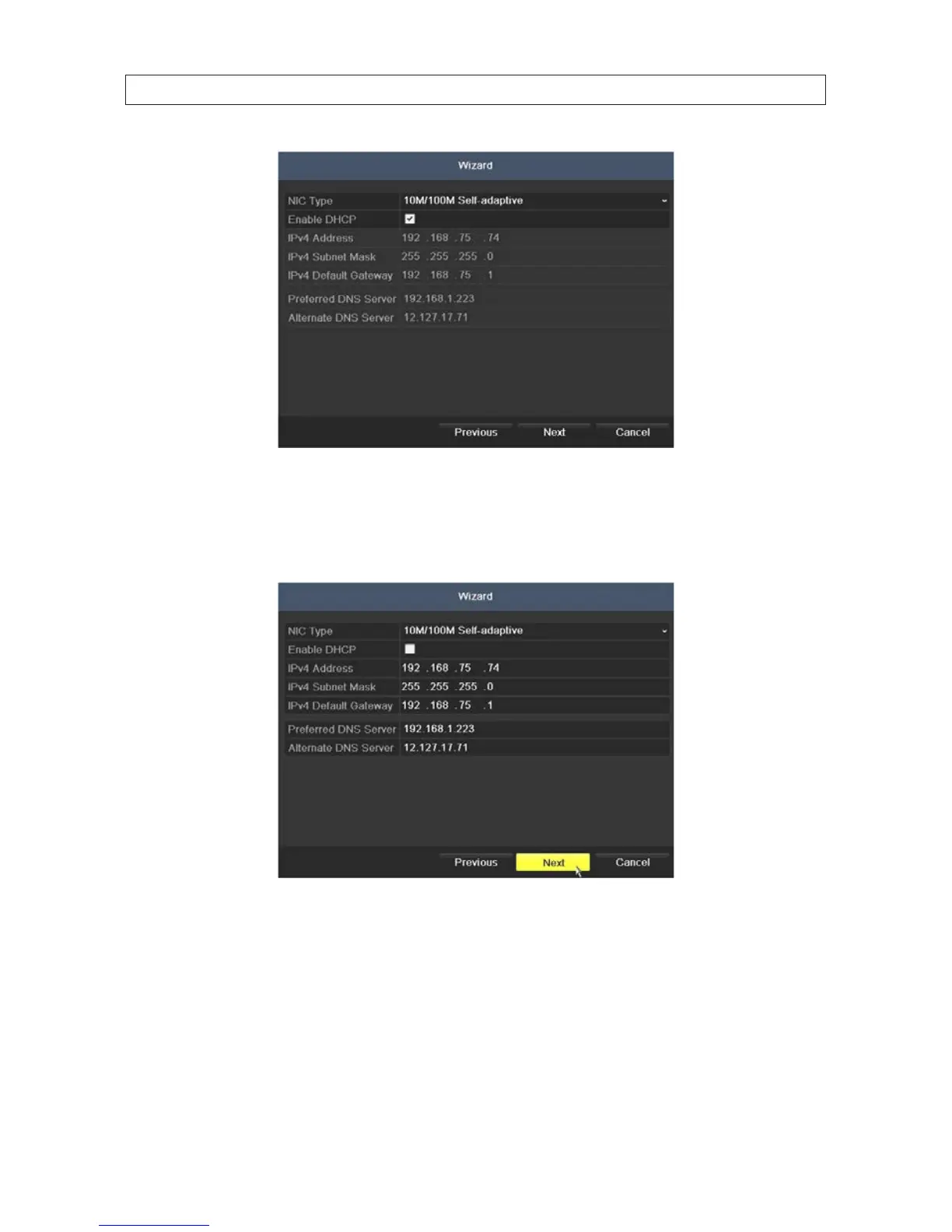
Generally, it is preferable to setup the DVR with a xed network settings, if possible, to assure the DVR has an unchanging IP
address for remote logins. To enable xed network settings, uncheck the Enable DHCP box, then edit the appropriate elds
to change the settings. Consult with your network administrator to determine the best network settings for your DVR. When
nished, click Next.
7. Click Next after you congured the network parameters. The HDD management Wizard window will open. If a new DVR is
shipped with a pre-congured HDD, nothing needs to be done in this window. If you installed an HDD or replaced the HDD,
select (check the box for) the HDD, then click Init to setup the disk for the DVR. NOTE: Init will erase all data from the disk.
When the initialization is complete, click Next to continue.
SECTION 2: INSTALLING THE SYSTEM











 To Next Page