14
SECTION 2: INSTALLING THE SYSTEM
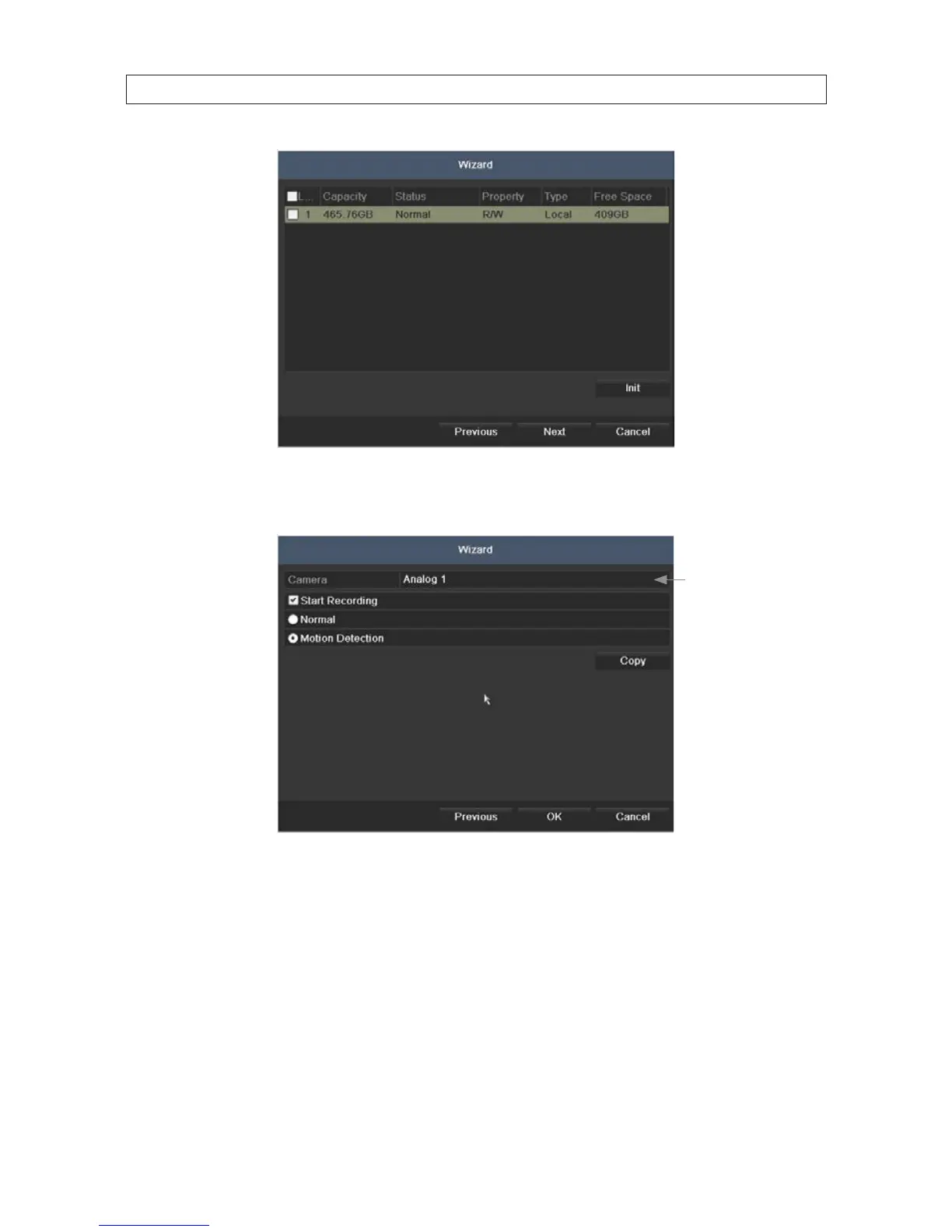
8. In the camera setup wizard, you can initially select the recording mode for each camera attached to the camera input BNC
connectors. To use this menu:
Click here to open
the camera
graphical menu
a. In the menu shown above, open Camera line drop down list to select the camera to congure. “1” (Analog 1) identies
the camera plugged into the camera input BNC connector 1, “2” (Analog 2) identies the camera on BNC connector 2, etc.
b. To congure the camera for recording, click the Start Recording box to check it, then click the bullet for either Normal
(continuous) mode recording or Motion Detection mode recording.
c. Do one of the following:
* To copy these recording settings to other cameras connected to the DVR, click Copy, then select the other cameras
to you want to apply the settings to.











 To Next Page