SECTION 2: INSTALLING THE SYSTEM
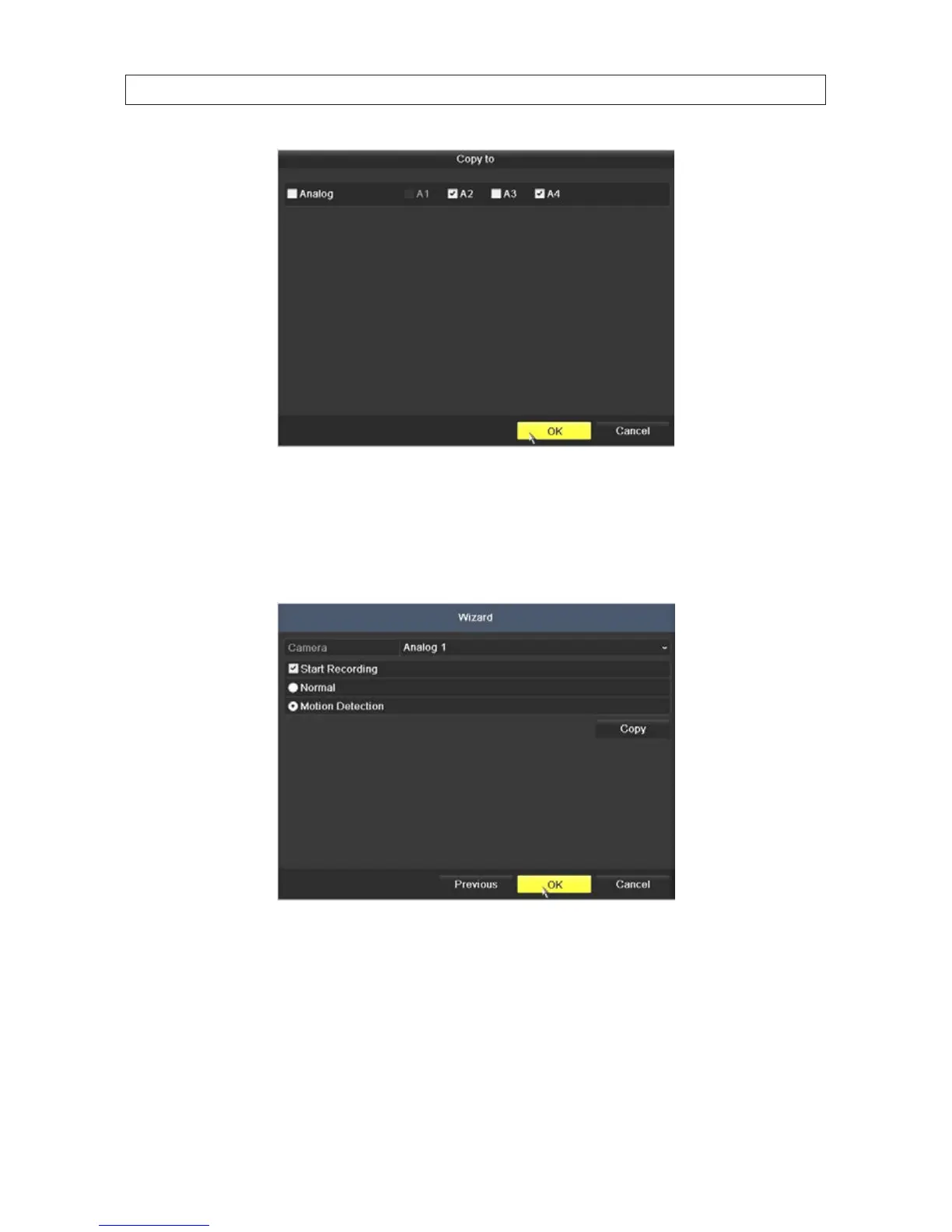
* To congure another camera dierently, open the Camera graphical menu and select the next camera to congure.
Then repeat the steps above to congure the recording mode for that camera. You can also Copy these settings to
other cameras.
d. After conguring the recording mode for each camera, click OK to conrm your settings and close the Wizard.
9. Click OK when the recording mode for each camera is selected. The Wizard will close and the DVR will present the Live View
display. For more information about the Live View display, see “SECTION 4 Live View Interface” on page 26.











 To Next Page