Rockwell Automation Publication 1441-UM001B-EN-P - September 2012 35
Configuring the Dynamic 2500 Data Collector Chapter 2
Before performing the 1.020 firmware upgrade, take note of the modules
installed on the Dynamix 2500 data collector.
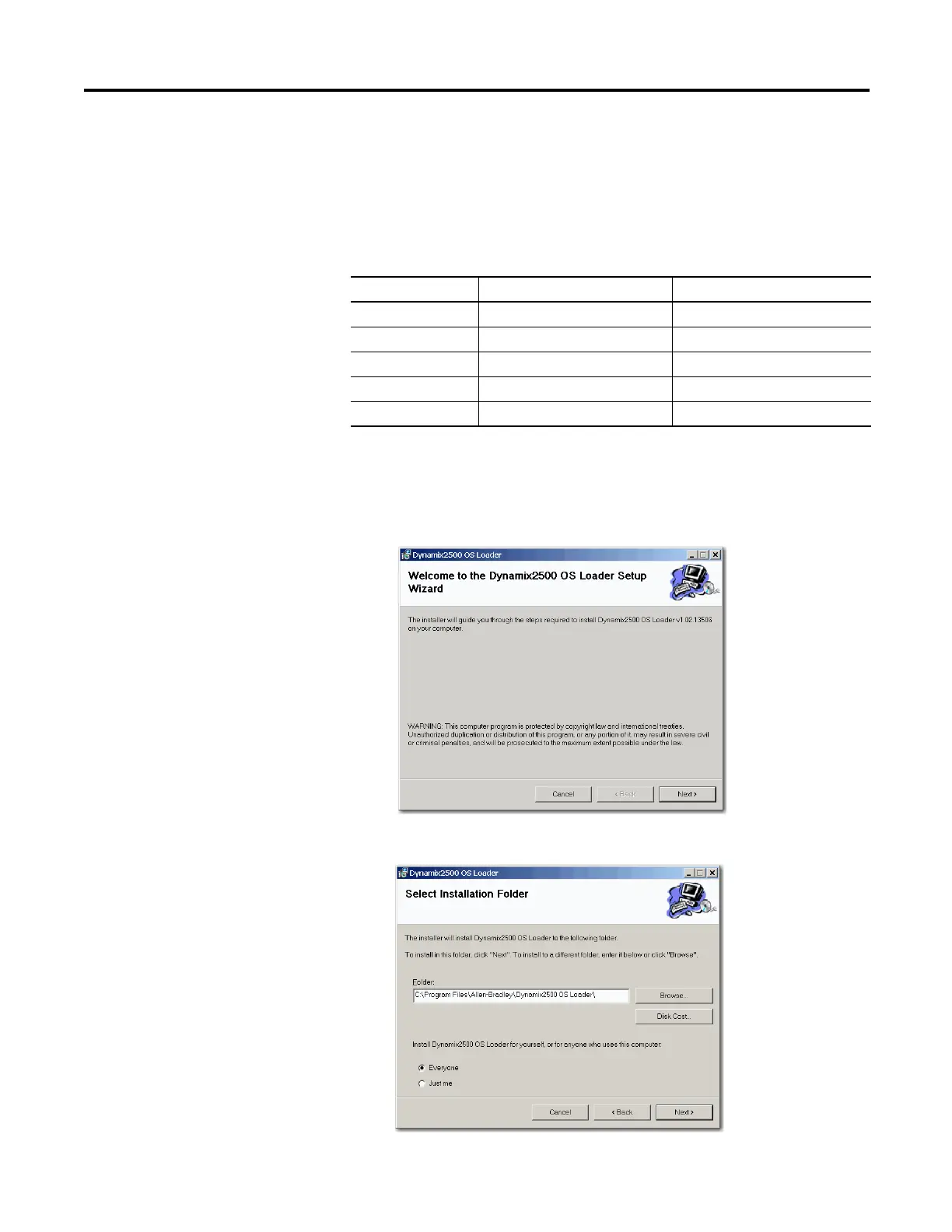
Install the Dynamix 2500 OS Loader Application
1. Double-click the Dynamix 2500
Dynamix2500_OS_Loader_v1.02.13506.msi file on your computer.
2. Click Next.
To confirm which modules are installed and the version, press F3 (About)
on the Main Menu.
Table 11 - Data Collector Modules
Cat. No. Module Version
1441-DYN25-MBAL Balancing Upgrade
1441-DYN25-MBMP Bump Test
1441-DYN25-MFRF FRF - Frequency Response Function
1441-DYN25-MREC RuCD - RunUp CoastDown
1441-DYN25-MRUC Recorder



 To Next Page
 Loading...