EasyManua.ls Logo

Alpitronic hypercharger HYC50 - Diagnosis and Parameterisation

Alpitronic hypercharger HYC50
102 pages
Print Icon
To Next Page IconTo Next Page
To Previous Page IconTo Previous Page
Loading...
HYC50 - Operation and Installation Guide
Version 2-2
5 Diagnosis and parameterisation
Page 71 of 102
All rights reserved. Reproduction of this document, even in part, is only permitted with the approval of alpitronic Srl.
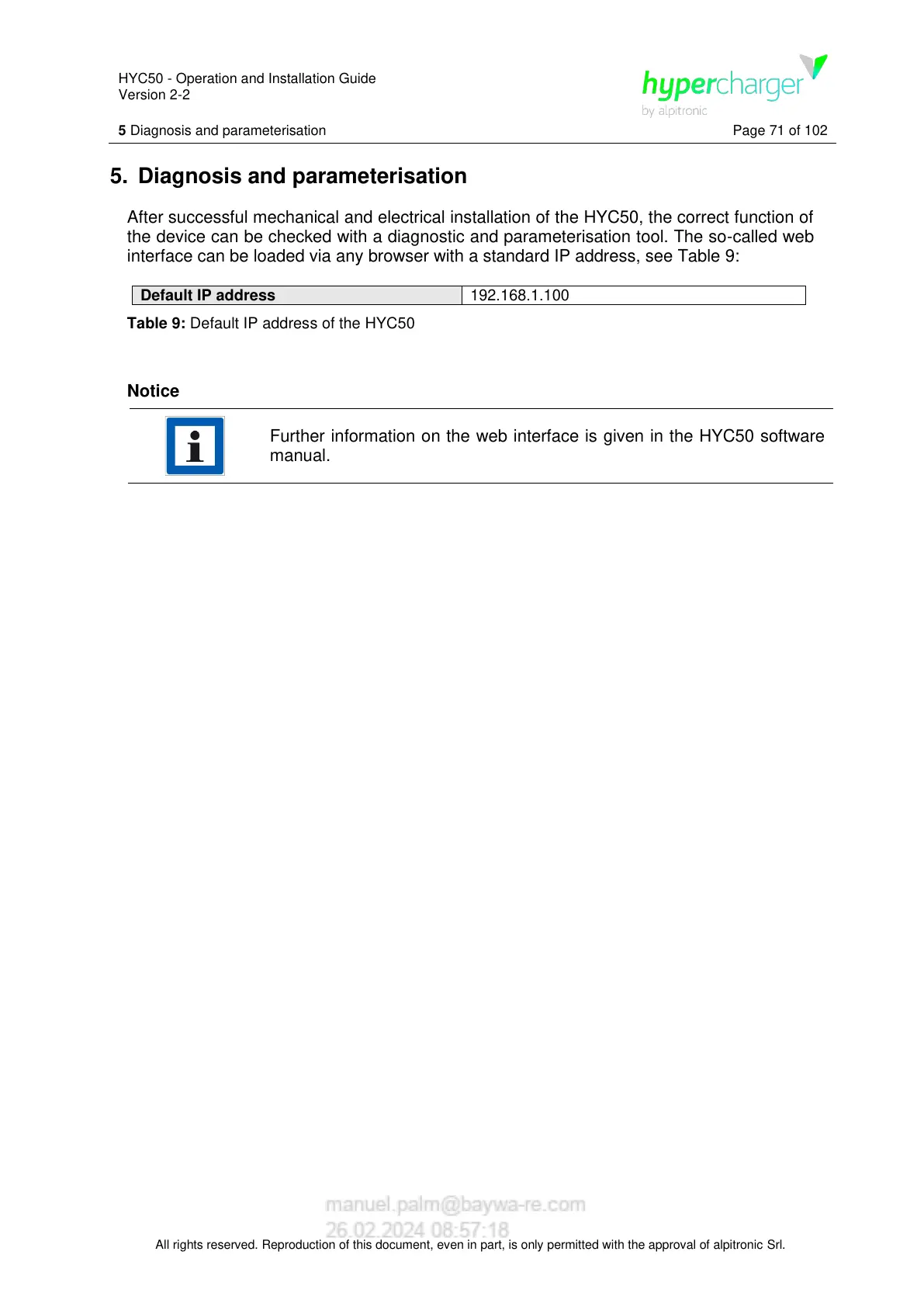
5. Diagnosis and parameterisation
After successful mechanical and electrical installation of the HYC50, the correct function of
the device can be checked with a diagnostic and parameterisation tool. The so-called web
interface can be loaded via any browser with a standard IP address, see Table 9:

Default IP address
192.168.1.100
Table 9: Default IP address of the HYC50
Notice
Further information on the web interface is given in the HYC50 software
manual.

Table of Contents