HYC50 - Operation and Installation Guide
Version 2-2
All rights reserved. Reproduction of this document, even in part, is only permitted with the approval of alpitronic Srl.
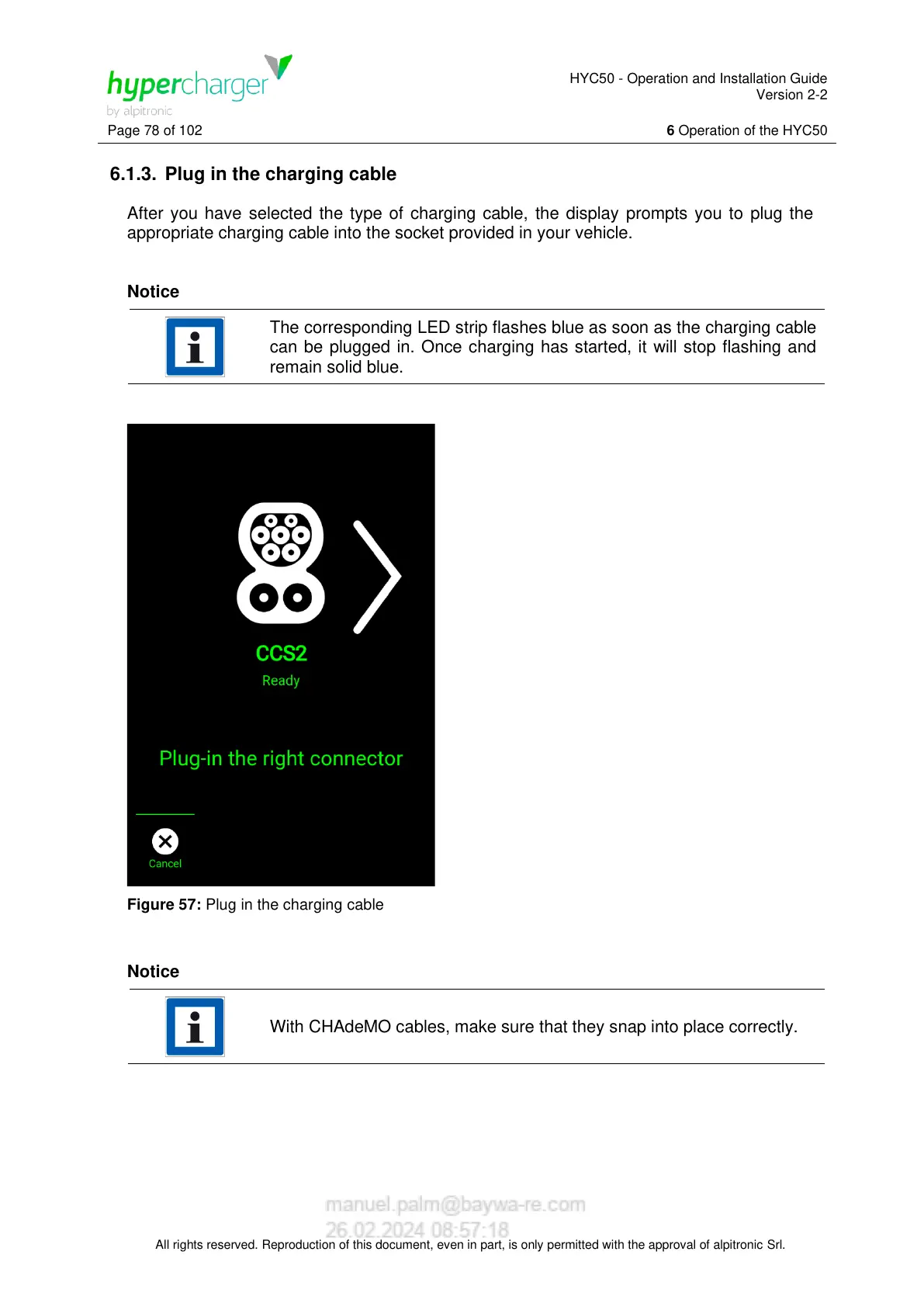
6.1.3. Plug in the charging cable
After you have selected the type of charging cable, the display prompts you to plug the
appropriate charging cable into the socket provided in your vehicle.
Notice
The corresponding LED strip flashes blue as soon as the charging cable
can be plugged in. Once charging has started, it will stop flashing and
remain solid blue.
Figure 57: Plug in the charging cable
Notice
With CHAdeMO cables, make sure that they snap into place correctly.


 To Next Page