All rights reserved. Reproduction of this document, even in part, is only permitted with the approval of alpitronic Srl.
There are various ways to authenticate yourself at the charging station:
Directly at the charging station:
• NFC
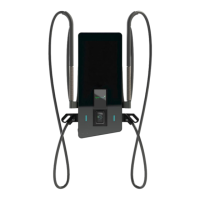
-Map: Hold your user card up to the RFID reader, which is located to the left of
the screen ("contactless" symbol). If the charging station has a credit card terminal, the
RFID reader is placed to the left of the screen (see Figure 6).
• Giro-e: If the operator supports this option, you can authenticate yourself by holding
your giro e-card to the RFID reader.
• Credit card: If a credit card terminal is available, you can authenticate yourself via
credit card by holding it up to the credit card terminal below the screen.
Via the backend system:
• Backend: With the so-called "Remote Start Transaction", which is regulated by the
OCPP protocol, the backend system interacts with the connected charging station. This
can be used to start and stop charging processes, among other things.
• App: If provided by the operator, start the operator app, which is connected to the
charging station via the backend system, and follow the instructions on your smart
device.
Via the vehicle:
• Auto charge: If the operator offers this option, authentication can also be carried out
directly via the vehicle in the form of the "Auto charge". The vehicle is identified via the
(VID
) as soon as the connection via the charging cable has been
established.
• Plug & Charge: Plug the charging plug into the vehicle. As soon as the vehicle is
connected, it automatically authenticates itself on behalf of the driver at the charging
station (e.g. using EMAID


 To Next Page