Appears on the remote control application screen only.
Displays the folder of the Network Master.
Sets the current folder to the home folder.
Moves to the home folder.
Creates a new folder.
Edits the file name or the folder name.
Deletes the selected file(s) or folder(s).
Copies the selected file(s) or folder(s).
Pastes the file(s) or folder(s).
Selects a file or a folder.
Selects multiple files or folders.
Switches the GUI layout.
Adds the selected files (.cfg) to "Favorites".
Shows contents of a text file.
HelpHelp
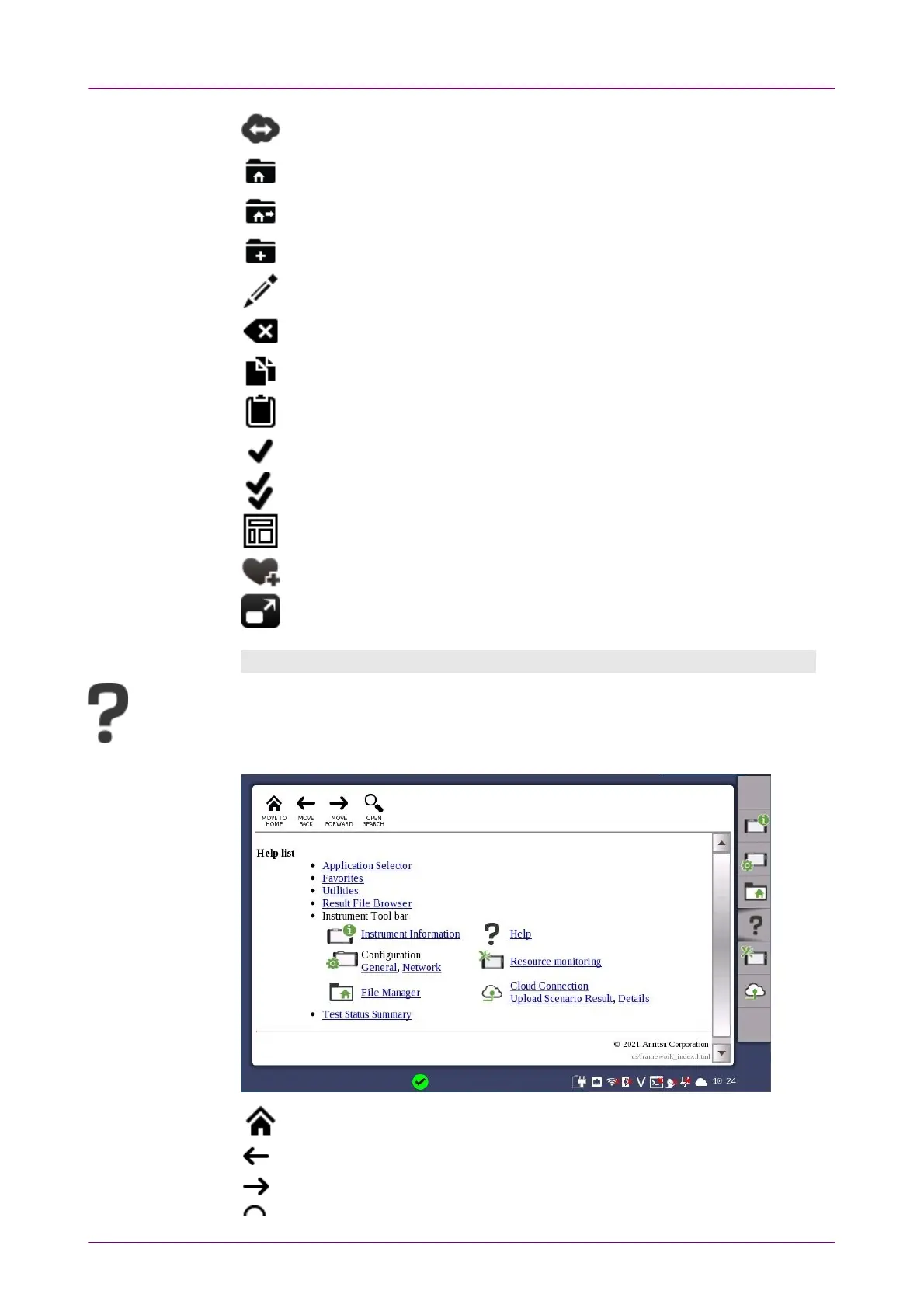
The
Help
icon launches the help screen with context-related help. You can search for
specific words or phrases in the help and also step through previously displayed help
topics.
Moves to the Help list topic.
Back
Forward



 To Next Page