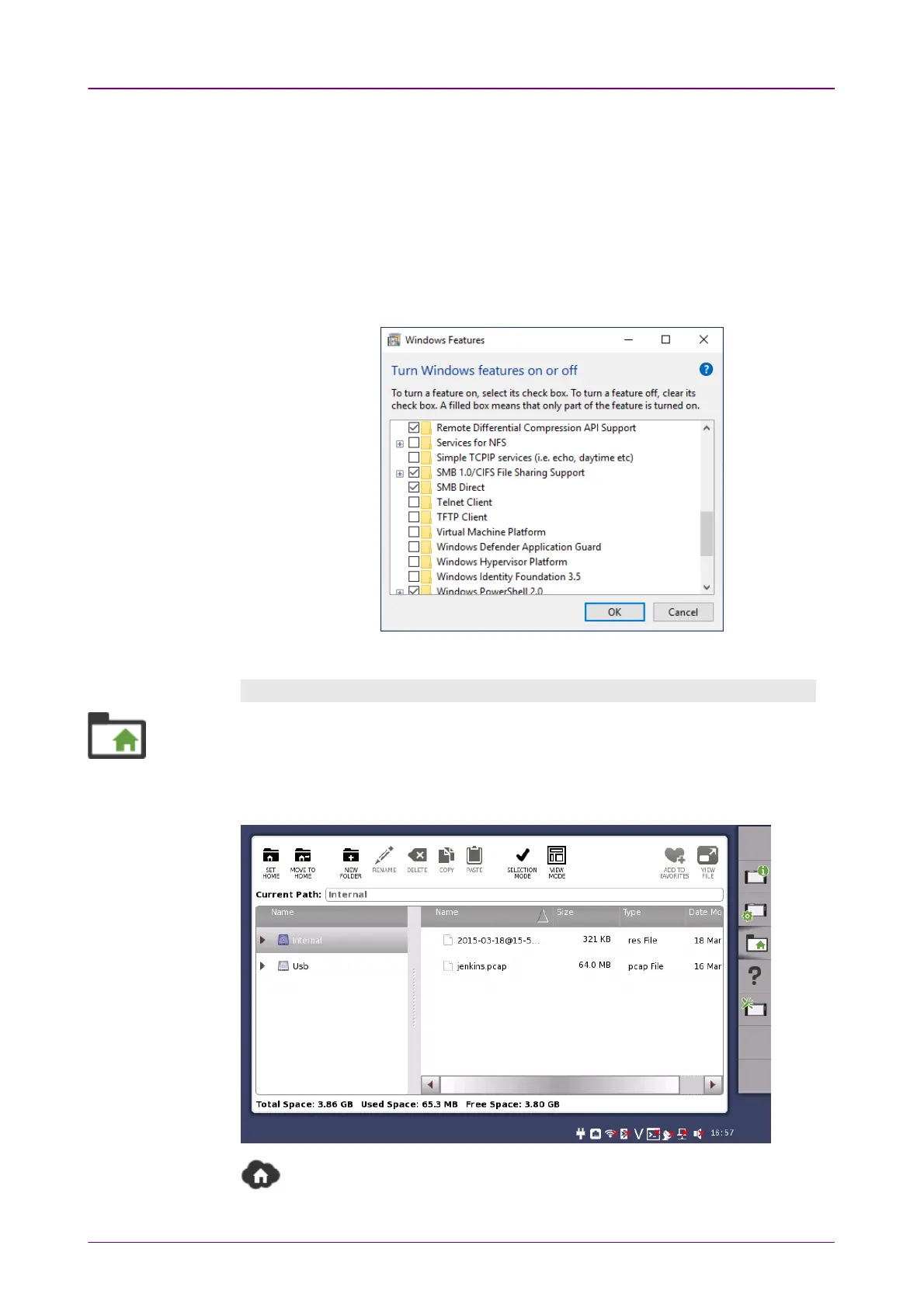
For example, in case of Windows 10 Fall Creators Update (version 1709), the
Mount Remote FolderMount Remote Folder check box is not available for security reasons.
Though there is an increased security risk, you will be able to use the MountMount
Remote FolderRemote Folder feature according to the following procedure:
1. On the Windows Start menu, click Control PanelControl Panel.
2. Click Programs and FeaturesPrograms and Features.
3. Click Turn Windows features on or offTurn Windows features on or off.
4. Select the SMB 1.0/CIFS File Sharing SupportSMB 1.0/CIFS File Sharing Support check box, and then click OKOK.
5. Restart Windows.
File ManagerFile Manager
The
File Manager
icon launches the file manager screen. From this screen it is
possible to configure the instrument's internal file storage facility as well as to
perform all kinds of file transactions, both internally and from/to any external file
storage source (USB flash drive etc.).
Appears on the remote control application screen only.
Displays the local folder of the control PC.



 To Next Page