Upload Scenario Upload Scenario
ResultResult
DetailsDetails
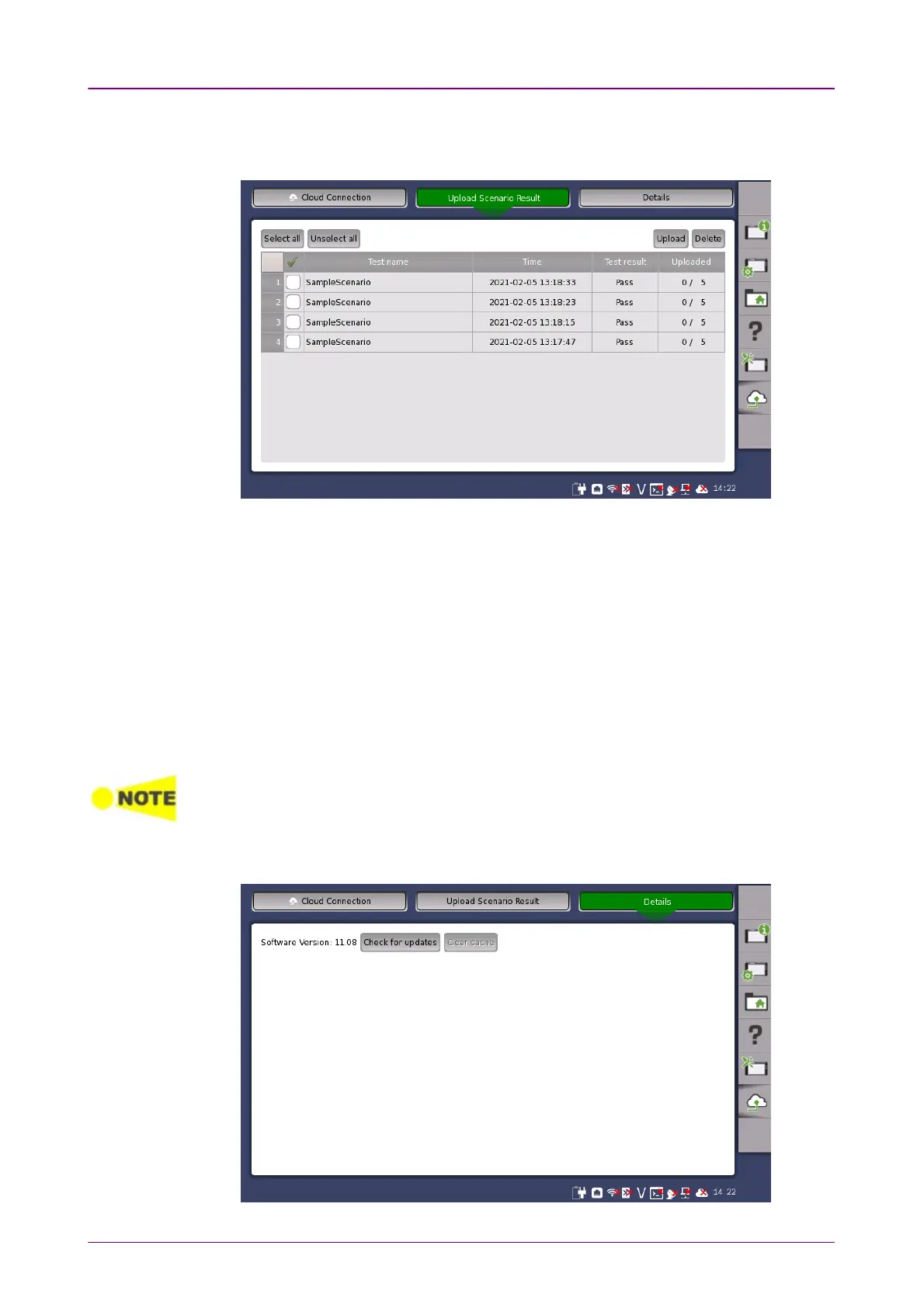
In Upload Scenario ResultUpload Scenario Result screen, you can upload scenario result files of Utilities to
a storage service or a user-specified HTTP server.
Each of the tests is displayed in a list if its all of its result files have not been
uploaded. In Uploaded column, the number of uploaded files and the total
number of files to be uploaded are displayed.
Select all
Selects all the check boxes.
Unselect all
Clears all the check boxes.
Upload
Uploads the result files of the tests selected.
Delete
Deletes only the selected tests from the list, not their result files.
Result files are sent from the Network Master to the cloud server, which uploads them to
a storage service or user-specified HTTP server. For authentication to the storage
service, configure settings in the MX109020A Site Over Remote Access Basic License.
In DetailsDetails screen, you can download the latest software from the server.



 To Next Page