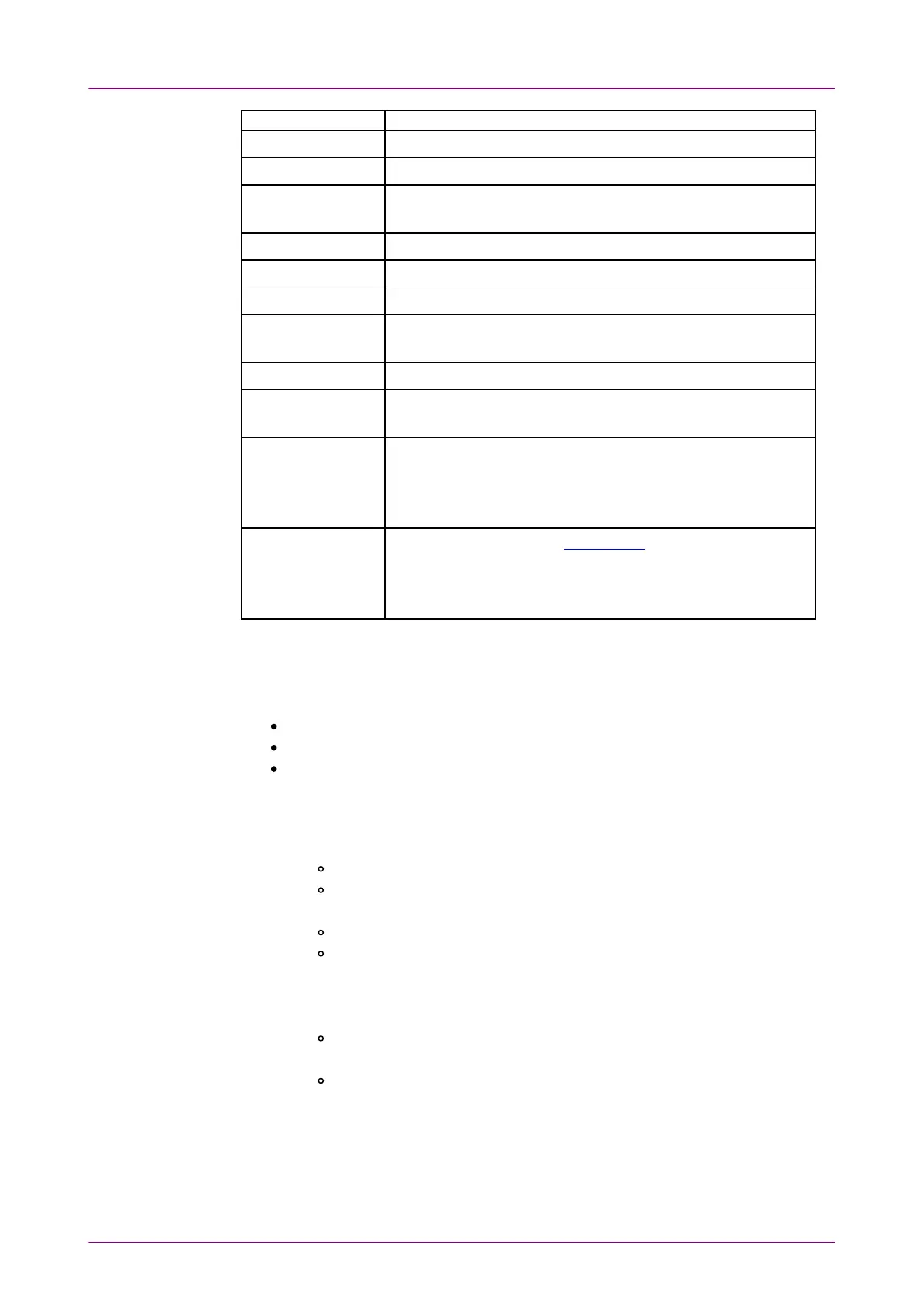
DestinationDestination DescriptionDescription
IFG Sends an Ethernet frame which has the small infer frame gap.
FCS Sends an Ethernet frame which has FCS error.
Preamble
When the interface bit rate is 10 Gbps or lower, sends a
preamble in which pattern is different from the normal pattern.
PAUSE frames. Sends PAUSE frames.
Wrong IP checksum Sends data which IPv4 Header checksum is wrong.
Fragmented IP Sends IPv4 data which is fragmented.
Wrong Layer4
checksum
Sends data which checksum in TCP header or UDP header is
wrong.
BERT pattern error Inserts an error into the payload pattern.
BERT Seq. error
Inserts an error into the sequence number which is used to
check the pattern sequence in BERT.
Error symbol/block
When the interface bit rate is 10 Gbps, sends data that 64/66B
block format in PCS is set to incorrect pattern.
When 1 Gbps or less, inserts TX_ER of MII Media Independent
Interface).
FEC symbol error
This option appears when FEC enable on Setup screen is
selected.
Inserts a symbol error into the FEC of 25G and 100G Ethernet
frame.
66..11..44..22 Ethernet PCS alarms/errorsEthernet PCS alarms/errors
The PCS alarms/errors is available in following applications.
BERT
Mon.Gen.
Ch Stat
1. Select AlarmsAlarms or ErrorsErrors using the radio button.
2. Select the DestinationDestination inserting the alarm or the error.
3. Select the InsertionInsertion in case of Errors.
OffOff: Turns off inserting errors.
ManualManual: Inserts errors in the specified counts if you touch the ErrorError
InsertInsert icon.
BurstBurst: Inserts errors or alarms in counts you have specified.
RateRate: Inserts errors in the specified rate continuously.
For FEC symbol error (CW), inserts symbol error(s) in a codeword at a
specified rate. Symbol errors are inserted in a codeword by the number
specified in Error CountError Count.
AlternateAlternate: Repeats error/alarm insertion per specified number of
frames.
AllAll: Inserts errors to all Ethernet frames.
4. If PCS error lanePCS error lane appears, touch the buttons. Touch the buttons in the dialog
box to select/clear lanes. The errors will be inserted to selected (orange)
lanes.



 To Next Page